Canonical released Ubuntu 26.04 LTS, codenamed Resolute Raccoon, now available for download as a new long-term support version with five years of standard support until April 2031 and up to ten years with Ubuntu Pro.
On the desktop side, the biggest change is GNOME 50. Ubuntu 26.04 includes user-facing improvements from recent GNOME releases, such as grouped notifications, HDR support on compatible displays, better accessibility, lower CPU and memory use in core components, smoother rendering on slower systems, and improved support for remote desktop, touch input, and multi-timezone calendar use.
The default app lineup has also changed noticeably. Papers replaces Evince as the PDF viewer, Loupe replaces Eye of GNOME for images, Ptyxis replaces GNOME Terminal, Resources replaces both System Monitor and Power Statistics, and Showtime becomes the default video player, giving the distro a more modern GTK4 and libadwaita-based software stack.
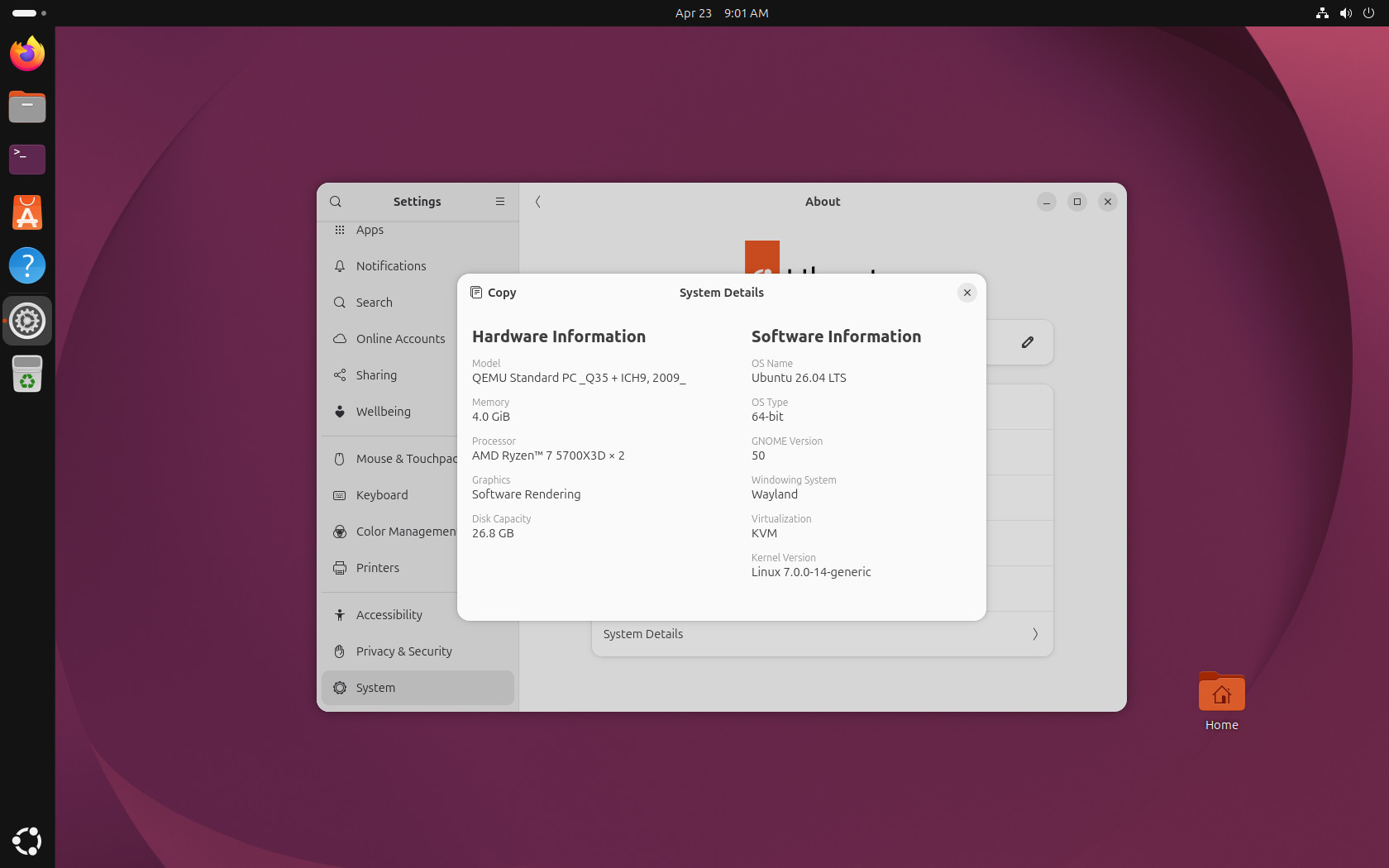
Another important platform change is that Ubuntu Desktop now runs only on Wayland. Canonical says the GNOME desktop session can no longer run as an X.org session, though X11 applications still work through XWayland. So, whether you like it or not, the old GNOME on Xorg session is no longer part of the default desktop experience in this release.
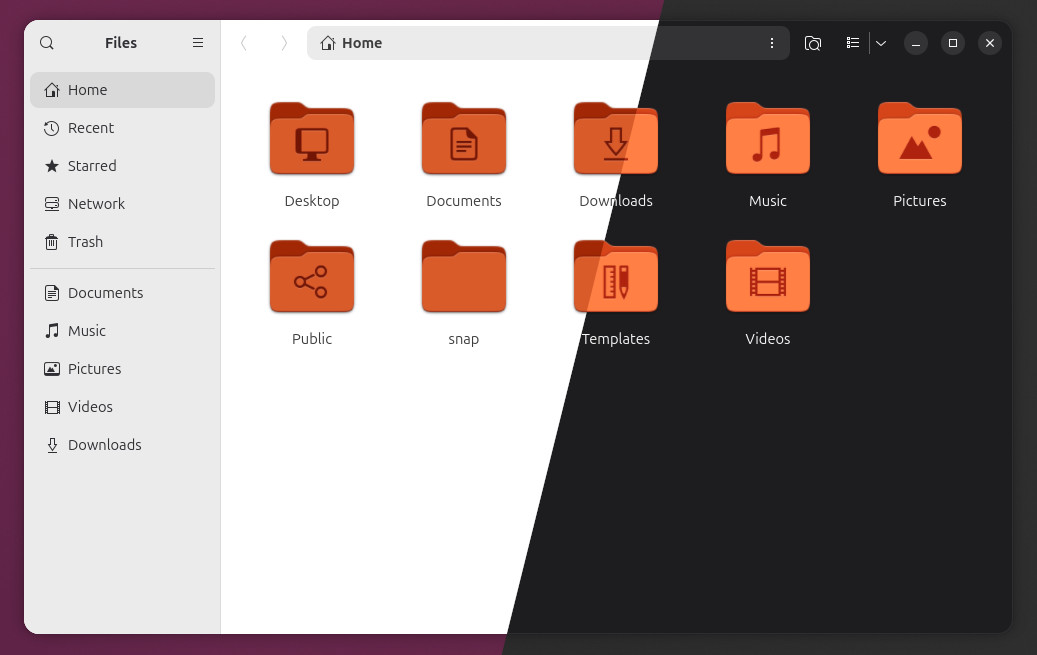
For users who care about the desktop’s visual polish, Ubuntu 26.04 LTS updates Yaru with redesigned folder icons and new app icons for several of the release’s newer default applications, giving the desktop a more modern and more consistent look. Are they better than the previous ones? Well, as always, it comes down to personal preference.
Ubuntu 26.04 also brings many improvements since the previous 24.04 LTS. Among the most important of these are better dual-boot handling on BitLocker systems, JPEG XL support out of the box, VA-API hardware video acceleration enabled by default on AMD and Intel systems, improved power optimization, installer accessibility fixes for screen reader users, and the NTSYNC driver for better Windows game performance under Wine and Proton.
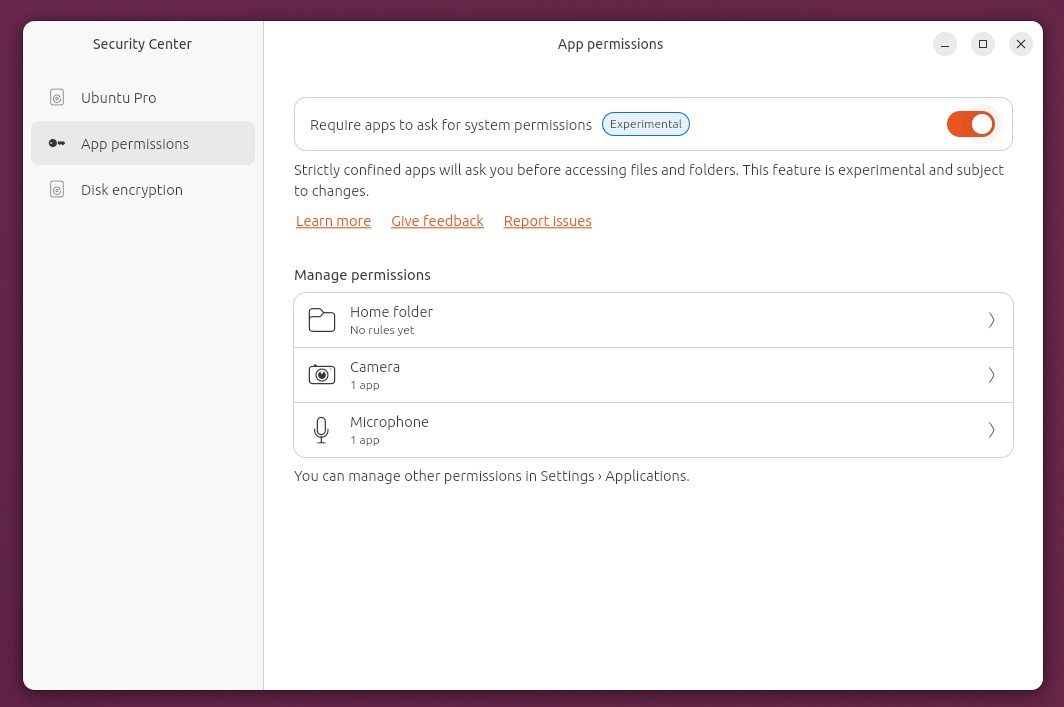
On the security side, Ubuntu 26.04 LTS adds Security Center to the desktop and includes TPM-backed full-disk encryption for desktop installs, allowing the TPM to store disk-unlock secrets and release them automatically at boot when integrity checks pass. It also adds post-quantum cryptography support in OpenSSL.
Under the hood, Resolute Raccoon ships with Linux kernel 7.0, systemd 259, and the APT 3.2 package manager. Canonical also notes that cgroup v1 support has been removed in systemd. On the server and virtualization side, the release includes OpenSSH 10.2, AMD SEV-SNP support in the virtualization stack, Intel TDX host support, and the real-time kernel in the main archive rather than only through Ubuntu Pro.
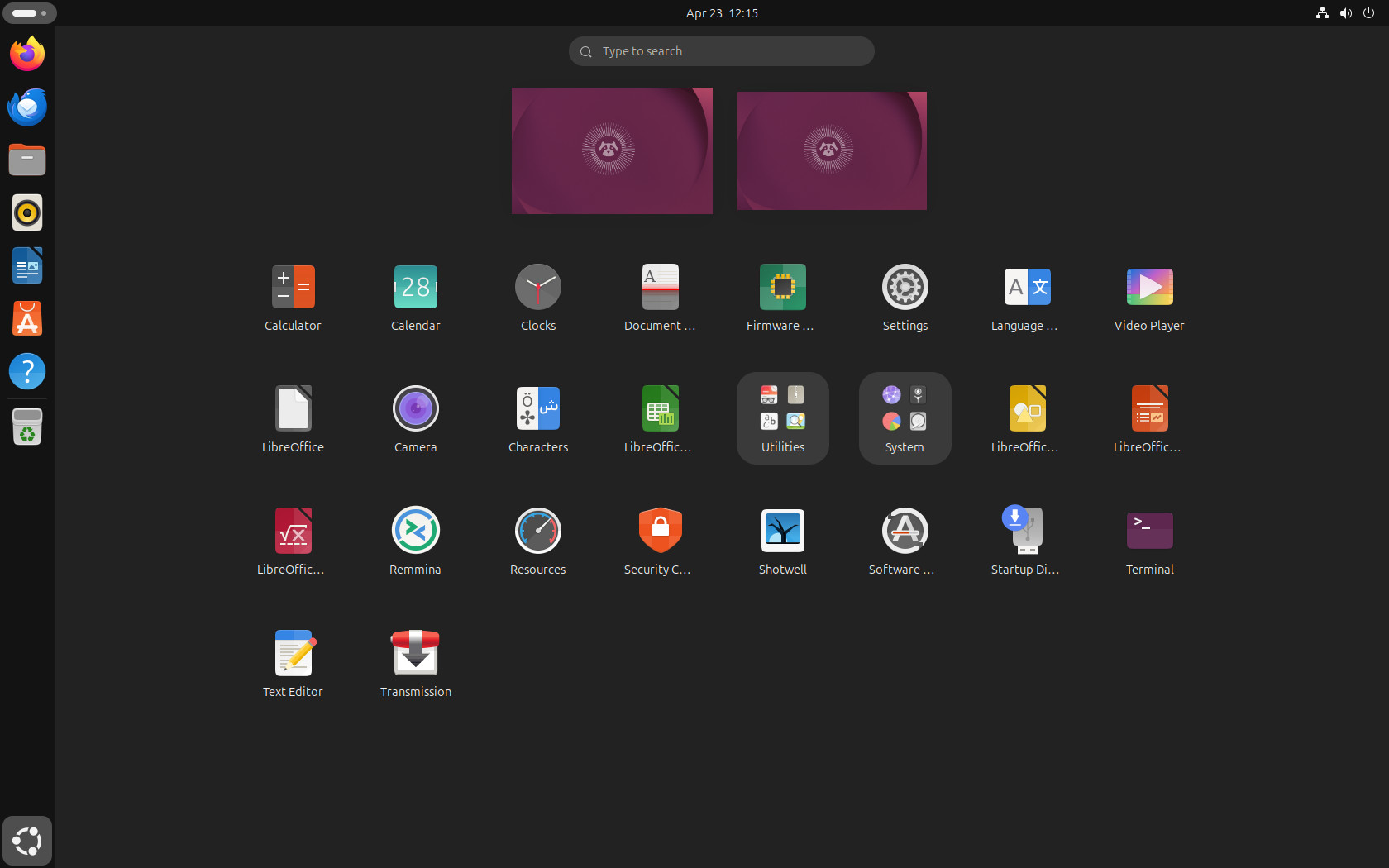
As for preinstalled software, this release keeps things minimal by default (which is a good thing). This means you’ll end up with just Firefox 150 as your web browser, plus the essential system tools.
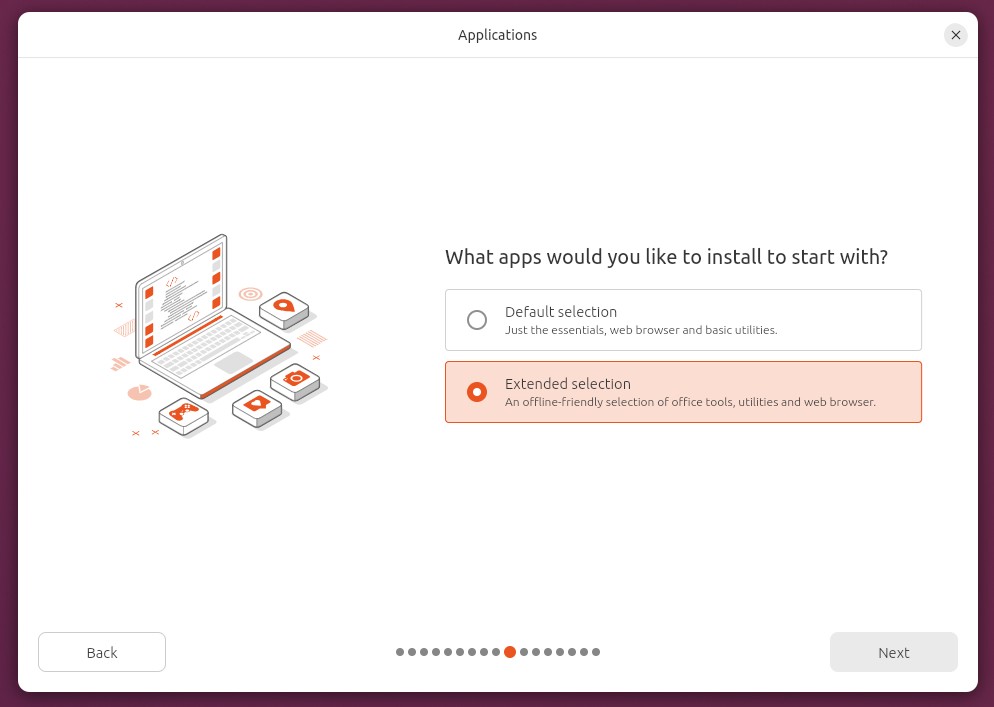
For those who like to have apps like LibreOffice, Thunderbird, Transmission, and others ready to use from the start, the installer still offers an “Expanded Selection” option that installs all the software you need for your daily tasks.
Developers get a broad toolchain refresh, including GCC 15.2, glibc 2.43, Python 3.14, PHP 8.5, LLVM 21, Rust 1.93, Go 1.25, and OpenJDK 25, PostgreSQL 18, MariaDB 11.8, MySQL 8.4, and more.
There are also lower-level changes that many users may not notice directly. For example, new installs now use dracut to generate the initramfs, and Canonical’s release notes highlight cloud-image changes such as the move to AMD64v3 builds, which drop support for some older CPU platforms in certain environments.
For more details, visit the release notes. Resolute Raccoon’s ISO images are available from the project website’s download section.
The wider Ubuntu 26.04 LTS release also includes the official flavors. Kubuntu ships with KDE Plasma 6.6, Xubuntu with Xfce 4.20, Lubuntu with LXQt 2.3, Ubuntu Budgie with Budgie 10.10, Ubuntu Cinnamon with Cinnamon 6.4, and Edubuntu with GNOME 50. Ubuntu Studio also follows the KDE Plasma 6.6 stack, while Ubuntu Unity continues with Unity 7.7.
Finally, keep in mind that Canonical now lists Ubuntu 26.04 LTS as requiring at least 6 GB of RAM for a comfortable desktop experience, up from 4 GB in the previous LTS release. That does not affect Ubuntu Server. I’d emphasize again that this is only a recommendation. The distro can still be installed and run without issues on systems with less powerful hardware.