
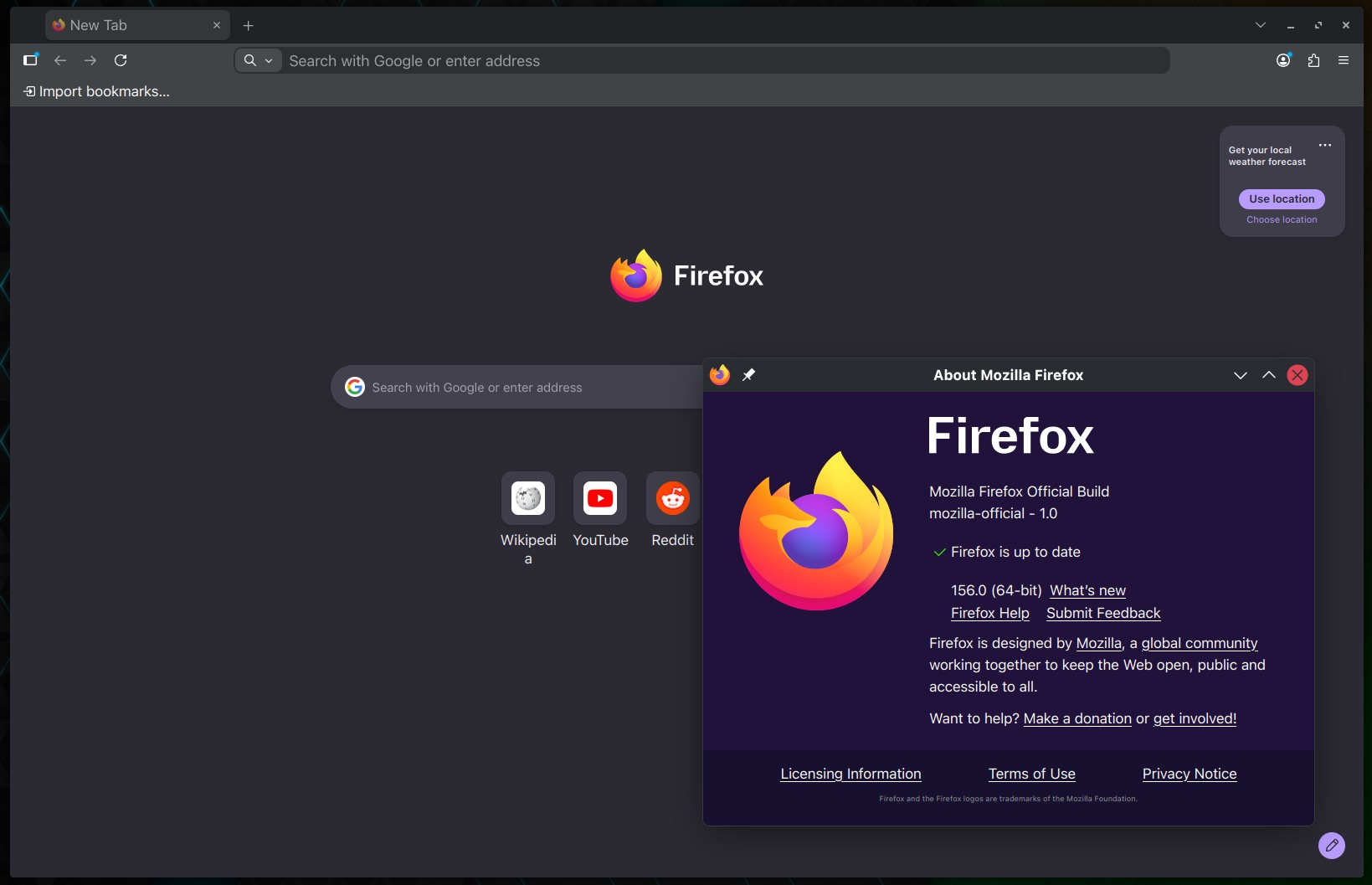
Mozilla has released Firefox 156, now available for download from the company’s servers for Linux, macOS, and Windows. The release comes two weeks after Firefox 155 as Mozilla moves the browser to a two-week release cycle.
One notable change in Firefox 156 is a performance improvement to the built-in PDF viewer. According to Mozilla, it can start up to 45% faster, making opening PDF documents in the browser noticeably more responsive.
Firefox 156 also improves resource usage when displaying large JPEG images scaled down to fit a webpage. Mozilla says the browser now uses less memory and CPU, which is useful for pages with very large photos or high-resolution images.
On macOS, Firefox can now be set to launch automatically when the computer starts. The option is in the Startup section of Firefox Settings. Mozilla has also extended enterprise policy support to macOS.
Android users get several changes. Media notifications now include previous and next buttons plus a timeline for seeking through audio and video. On Android 14 and later, Firefox switches to the native share sheet while still offering Firefox-specific actions like Send tab to device and Scan QR code.
Firefox 156 also fixes several bugs across desktop platforms. On Windows ARM64 systems, WebRTC video calls now use hardware H.264 decoding instead of software decoding.
Media playback also improves, with Mozilla fixing an issue that prevented high-sample-rate FLAC audio in MP4 containers from playing correctly on sites like Bilibili. Picture-in-Picture subtitles now appear correctly when captions are enabled after opening the PiP window.
Moreover, Mozilla fixed a problem where dragging an inline image in a rich-text editor replaced it with a long string of text instead of moving it. Another fix resolves the Find bar becoming permanently unavailable in a tab after reversing panes in Split View.
Bookmark handling is corrected so dragging a folder with its contents in the Bookmarks sidebar no longer moves items outside the folder.
On Windows, Firefox 156 fixes an issue that could prevent an auto-hiding taskbar from appearing. Mozilla also resolved a networking problem causing some websites to fail to load when DNS over HTTPS was enabled, and the destination site did not support HTTPS.
Android-specific fixes include a crash occurring when selecting files through certain Android file providers and a correction for the date picker allowing dates earlier than the specified minimum in some configurations.
For enterprise environments, Firefox 156 expands the FirefoxHome policy with a Widgets option, letting administrators control productivity widgets on the New Tab page. The SitePolicies policy also adds a DisableServiceWorkers option to prevent selected websites from registering or using service workers.
Firefox 156 binaries are available from Mozilla’s download servers. Windows and macOS users will get an over-the-air update in the next few days. Linux users should see Firefox 156 in their distro repositories soon, too.