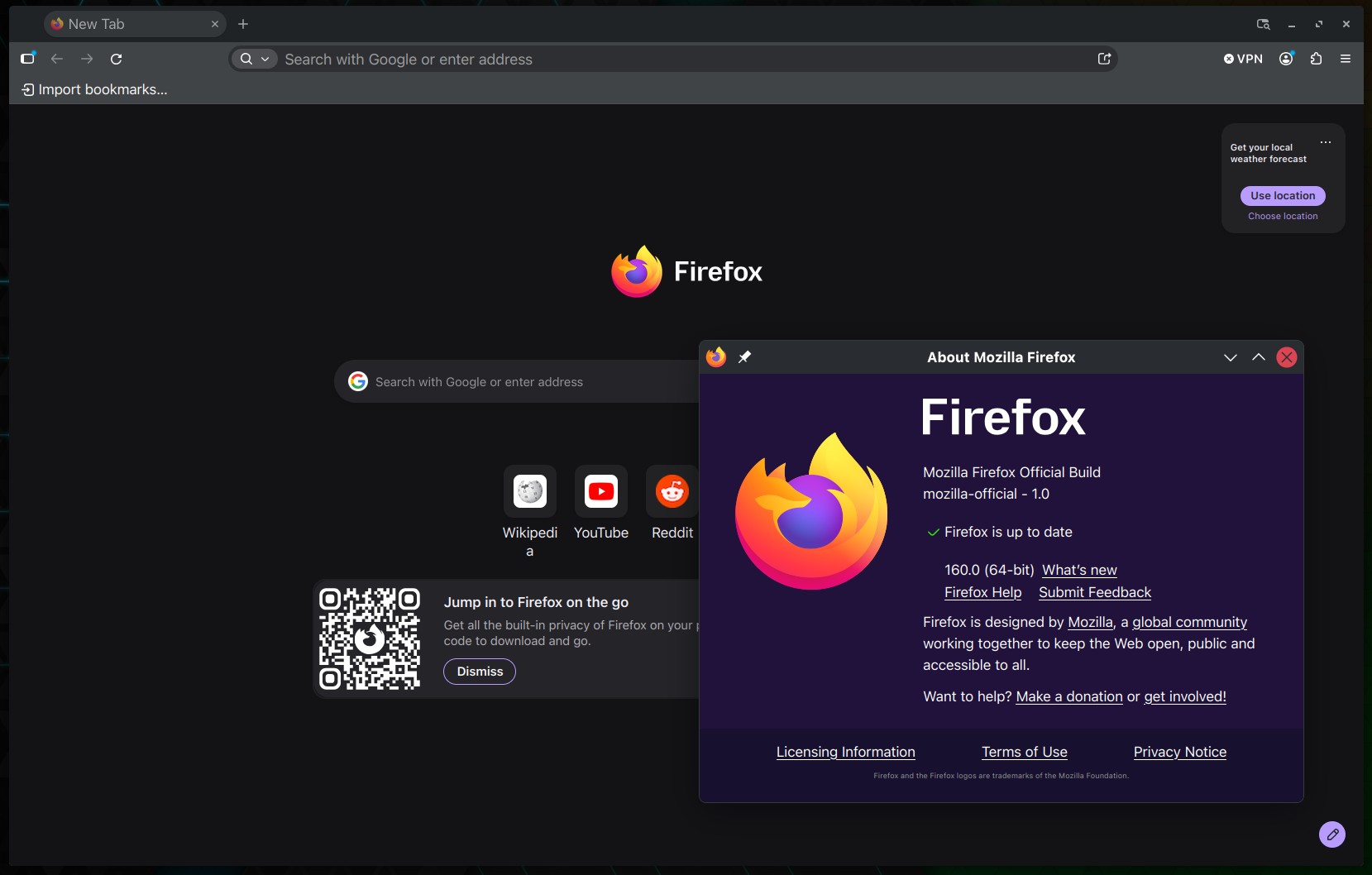
Mozilla has released Firefox 160, the latest version of the open-source web browser, with the main addition being Mini Window, which lets users move a browser tab or a selected section of a webpage into a separate, always-on-top window, keeping content visible while working in other tabs or applications.
Moreover, Firefox’s Picture-in-Picture player now includes playback speed controls, letting users adjust video playback from 0.25x to 2.0x. The setting is available when the floating player window is medium-sized or larger.
Another notable addition is support for on-device speech recognition through the Web Speech API. Firefox 160 can now perform real-time speech-to-text recognition in 40 languages, allowing websites to use this functionality without sending audio to a remote recognition service.
On top of that, the browser can now play MKV files containing FLAC, MP3, or PCM audio. On macOS, Mozilla has switched WebGL rendering to Apple’s Metal graphics API, which should improve performance on some websites.
For day-to-day use, Firefox 160 lets users drag entries from the History sidebar directly onto the tab strip to open them in new tabs. The address bar also provides stronger visual contrast between the domain name and the rest of the URL, making it easier to identify the website being visited.
Additionally, the address bar’s context menu now shows “Paste and Search” instead of “Paste and Go” when the clipboard contains a search term rather than a web address.
PDF accessibility has been improved, too. Documents created using Firefox’s Save to PDF feature now include MathML content that assistive technologies, including screen readers, can interpret.
On the privacy and permissions side, Firefox now offers a “Never allow” option for websites that repeatedly request permission to open external applications, such as email clients through mailto: links, and blocked websites can be managed through the browser’s settings.
Firefox for Android also enables Local Network Access restrictions by default. Websites must request permission before connecting to devices on the local network or accessing applications and services running on the device.
Regarding bug fixes, Firefox 160 addresses an issue where the first character typed into the address or search bar could be lost when typing immediately after clicking the field. It also fixes several-second freezes when signing in to intranet websites using NTLM or Kerberos authentication.
On macOS, fixes address downloaded files opening in the wrong application, links from external applications unexpectedly bringing Firefox to the foreground, and problems with save dialogs when multiple downloads start simultaneously.
Android users receive fixes for displaying URLs containing non-Latin characters, handling web addresses with spaces, and selecting or positioning text using touch gestures.
Firefox 160 binaries are available from Mozilla’s download servers. Windows and macOS users will get an over-the-air update in the next few days. Linux users should see Firefox 160 in their distro repositories soon, too.