
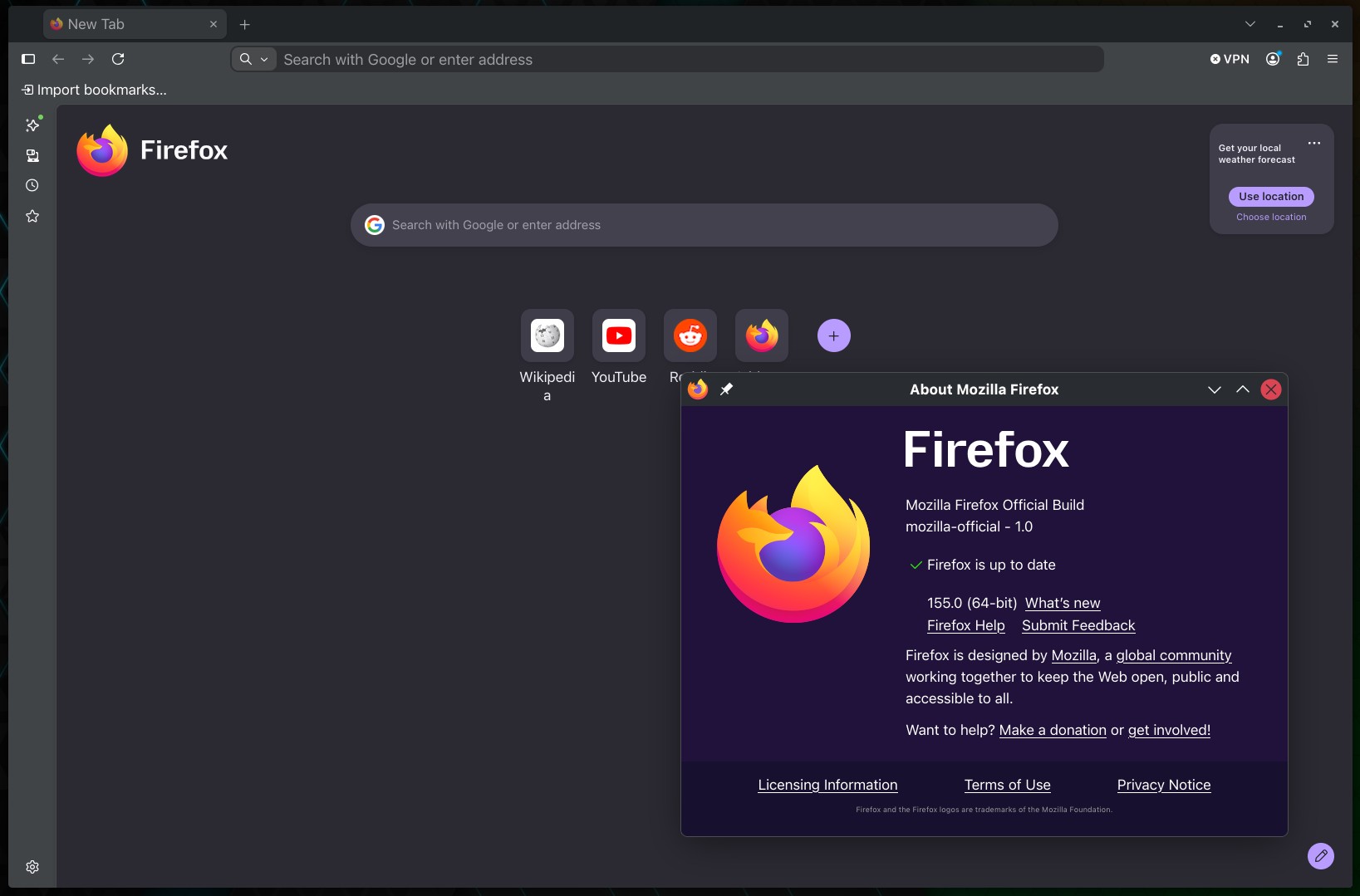
Mozilla has released Firefox 155, bringing improvements focused on faster page loading, clearer privacy feedback, better container management, and fixes for several long-standing annoyances across desktop and mobile platforms.
One noticeable change is the introduction of Happy Eyeballs v3. Firefox can try multiple connection paths to a website in parallel and use whichever succeeds first. This should reduce delays when connecting to sites, especially on networks where IPv4 or IPv6 connectivity is slow or unreliable.
Firefox 155 also makes its built-in tracking protection more visible. The browser shows the number of blocked trackers directly in the address bar, giving users a quick indication of how much tracking Firefox has stopped on the current page. Users who prefer a cleaner interface can hide the counter without disabling tracker protection.
Mozilla has also improved Firefox Containers. You can now reorder them in Settings, and that order is reflected everywhere in the browser.
For Linux users, this update resolves an issue that could prevent a Linux system from entering sleep after the browser runs for a long time. It also fixes disappearing text in Microsoft 365 Word Online and some other web applications when using certain keyboard layouts.
Another fix addresses live audio streams, such as internet radio, unexpectedly stopping when Firefox runs in the background. Mozilla also fixed cases where the browser toolbar and tab strip remained unresponsive after the operating system failed to finish a tab-dragging operation properly.
On Windows, Nintendo Switch Pro controllers and compatible third-party controllers now work properly in browser-based games, including correct mapping for directional pads and analog sticks.
Printing gets a small useful improvement as well. PDFs smaller than the selected paper size can now be enlarged to fill more of the page by setting the print scale above 100%.
Moreover, Mozilla has tightened handling of mailto: links. Websites can now open the system’s default email application only after an explicit user action, preventing pages from unexpectedly launching a mail client.
There are additional platform-specific fixes. On macOS, fullscreen content is no longer letterboxed incorrectly on MacBooks with a camera notch. Firefox for Android now dismisses autofill prompts when focus moves elsewhere. Tabs opened by extensions during private browsing now load correctly inside private browsing rather than regular browsing.
Finally, Mozilla’s Smart Window feature is meanwhile becoming available to more users in the United States, Canada, and France as part of a progressive rollout. Improvements include personalized conversation starters for returning to previous topics, faster assistant responses when using web search, and better automatic grouping and naming of related tabs.
Those eager to download this update immediately can do so directly from Mozilla’s servers. Windows and macOS users will get an over-the-air update in the next few days. Linux users should see Firefox 155 in their distro repositories soon, too.