
Arch Linux has rolled out its updated installation ISO for April (2026.04.01), containing package updates pushed to the repos throughout March 2026. As with previous monthly snapshots, this release does not introduce distribution-specific changes but offers refreshed media for new installations.
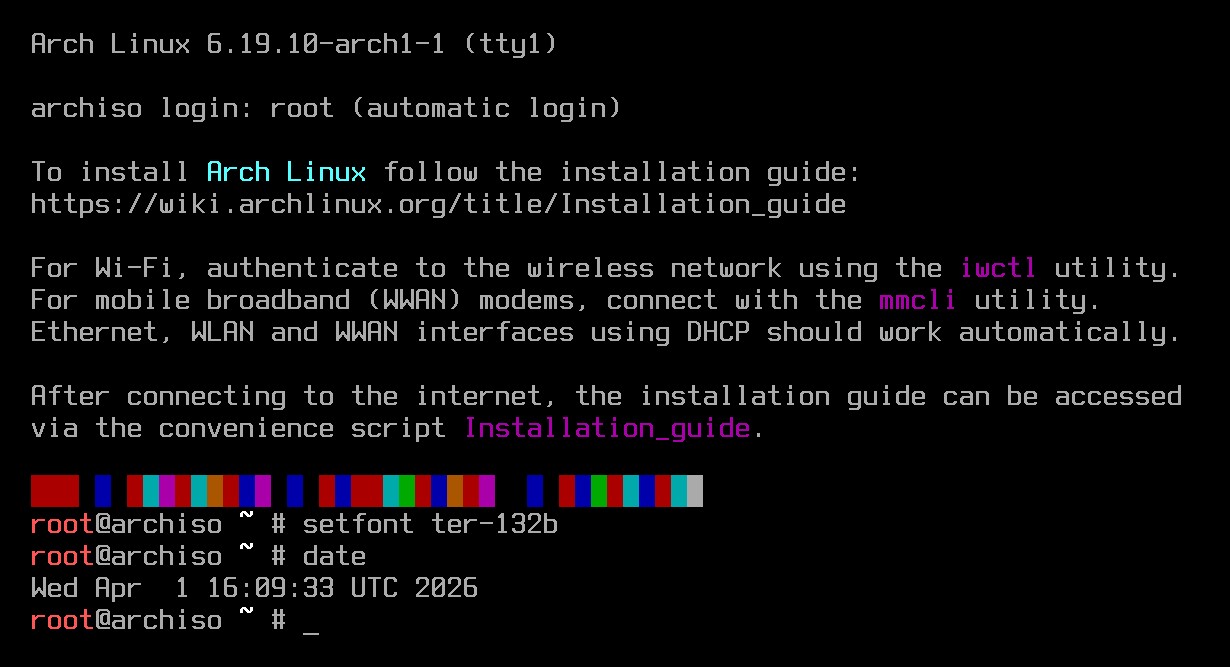
The image includes Linux kernel 6.19.10, while the long-term supported kernel remains available at version 6.18.20. Archinstall, a guided, text-based setup utility that streamlines Arch installations, has been bumped to version 4.1. The core system stack was also updated in March, including systemd 260.1 and related components.
Moreover, the March package set brings a broad desktop refresh across the Arch repositories. On the KDE side, Arch shipped Plasma 6.6.3, alongside KDE Frameworks 6.24 components. KDE Gear 25.12.3 is also present across applications and related packages.
GNOME has been updated to version 49.5, with GNOME 50 expected soon. Other desktop environments and compositors have also been refreshed, including Cinnamon 6.6, Budgie Desktop 10.10, and the newly released Hyprland 0.54.3.
Additional core updates in the ISO include Perl 5.42.1, iproute2 6.19, curl 8.19, nss 3.122, GNU Coreutils 9.10, and xz 5.8.3. Filesystem and storage tools have also been updated, including btrfs-progs 6.19.1, e2fsprogs 1.47.4, and xfsprogs 6.19.
For developers, the March package set also brings updated container and programming tools, including Docker 29.3.1, Podman 5.8.1, VSCodium 1.113, OpenJDK 26, Go 1.26.1, Rust 1.94.1, Clang 22.1.2, and CMake 4.3.1.
Finally, the snapshot ships with updated hardware support through linux-firmware 20260309. Many popular desktop applications have been updated, too, including Chromium 146 and Firefox 149 for web browsing, and LibreOffice 26.2.2 for office productivity.
You can download the updated Arch Linux 2026.04.01 ISO from any official Arch mirror right now. As always, this release is intended for new installations only. Existing users can update to the latest package versions by running sudo pacman -Syu.