Linux Mint 27 “Adrien” has reached beta, with ISO images for all three editions (Cinnamon, Xfce, and MATE) now publicly available for download, and the final stable release is expected around Christmas.
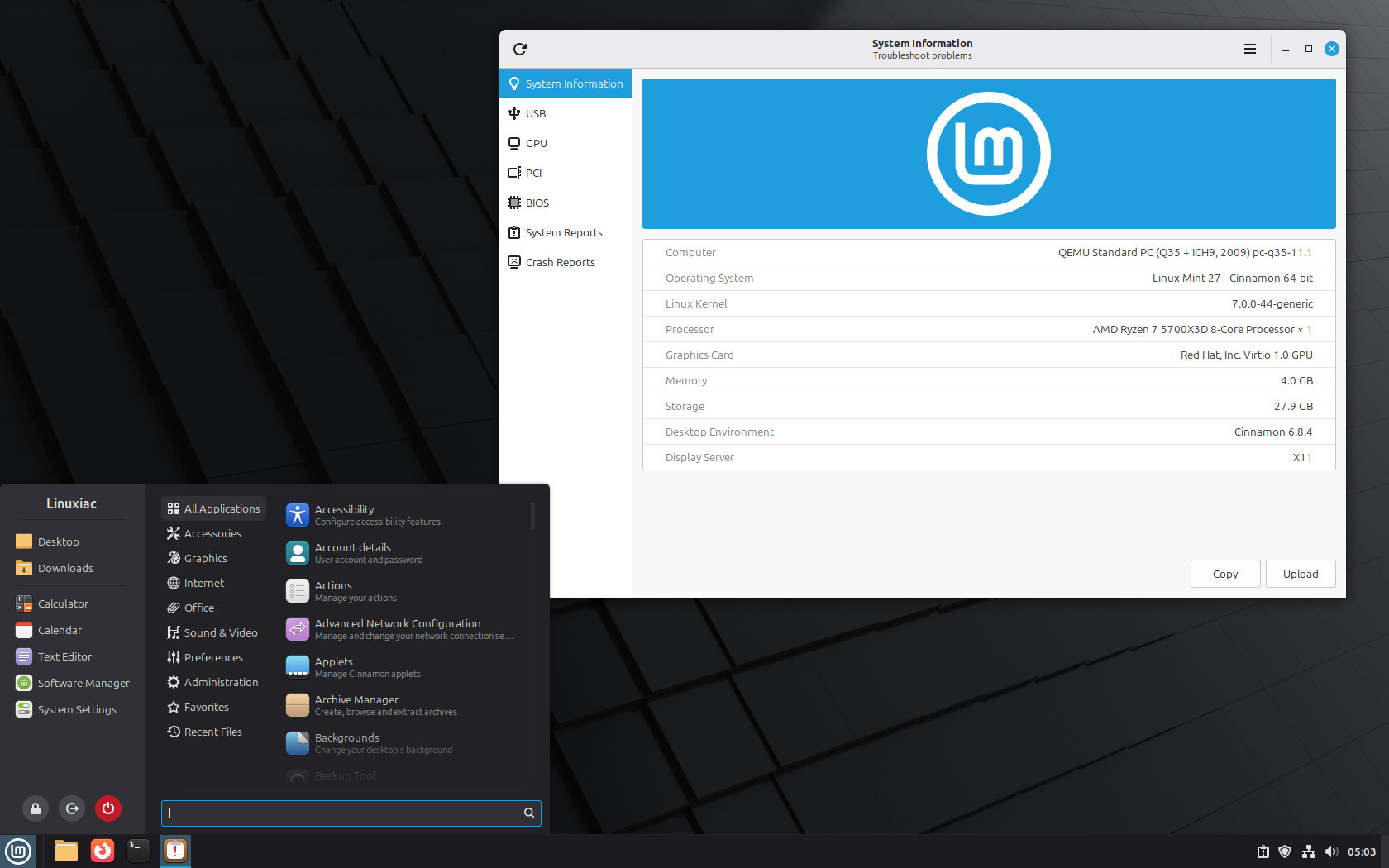
Based on Ubuntu 26.04 LTS and powered by Linux kernel 7.0, the release introduces Cinnamon 6.8, a new system installer, several homegrown desktop applications, and major system administration improvements.
On the desktop side, Cinnamon 6.8 introduces one-to-one touchpad gestures under both X11 and Wayland, allowing animations to follow finger movements directly. It also supports individual wallpapers on each monitor, improved application search, and better window focus management.
Importantly, Cinnamon’s Wayland session is no longer classified as experimental. Extensive work has gone into improving window positioning, multi-monitor configurations, HiDPI rendering, XWayland compatibility, and input handling. However, X11 remains the default session.
The Nemo file manager receives several improvements, including a new preview pane accessible via the F7 key, providing previews of images, audio, and video files alongside their metadata. Directory navigation is faster, and interactive search now filters the contents of the current folder as users type.
Cinnamon also gains its own screenshot utility, delivering improved Wayland compatibility, individual monitor selection, window captures with or without shadows, and cropping before saving.
Another major change in Linux Mint 27 is the introduction of several new applications developed within the XApp project. These include Superlight, a comprehensive system monitor; Velocitty, a terminal emulator; Unfold, an archive manager; Xepub, an electronic book reader; and Clockenstein, a calendar application with a dedicated alarm clock utility called Clocks.
Superlight provides detailed information on CPU, memory, GPU, network, and storage activity, while Velocitty offers tab previews, configurable color schemes, and saved SSH sessions. Clockenstein supports local calendars, Google Calendar, and CalDAV services, including Nextcloud.
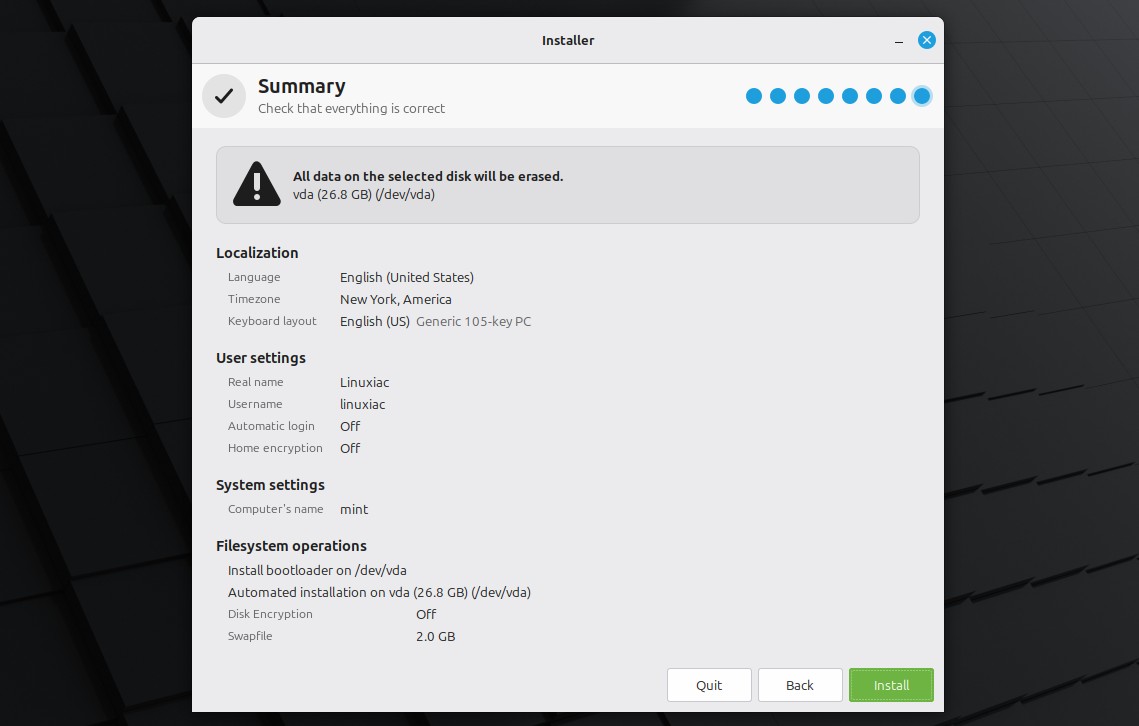
Under the hood, Linux Mint 27 replaces Ubuntu’s Ubiquity installer with its own Live Installer, previously used in Linux Mint Debian Edition. The current beta lacks an automatic installation option alongside an existing operating system and requires manual partitioning for dual-boot setups.
Hibernation also makes a comeback through a new Sleep Modes section in System Administration, letting users configure hibernation, hybrid sleep, and suspend-then-hibernate directly from the graphical interface.
Moreover, Linux kernel management has been moved from Update Manager to System Administration, introducing more flexible controls over kernel series, automatic cleanup, protection of selected kernels from removal, and support for managing alternative kernel series.
Finally, Linux Mint 27 marks the beginning of the distribution’s new annual release cycle, replacing the previous model of incremental point releases. The change also explains the jump in version numbering from Linux Mint 22.3 to 27, with future releases following a calendar-based naming scheme.
Those interested in testing Linux Mint 27 “Adrien” Beta can download the Cinnamon, Xfce, and MATE installation images from the project’s official testing server, where SHA256 checksums and GPG signatures are also available.
Keep in mind that this is a pre-release version intended for testing, not production use.