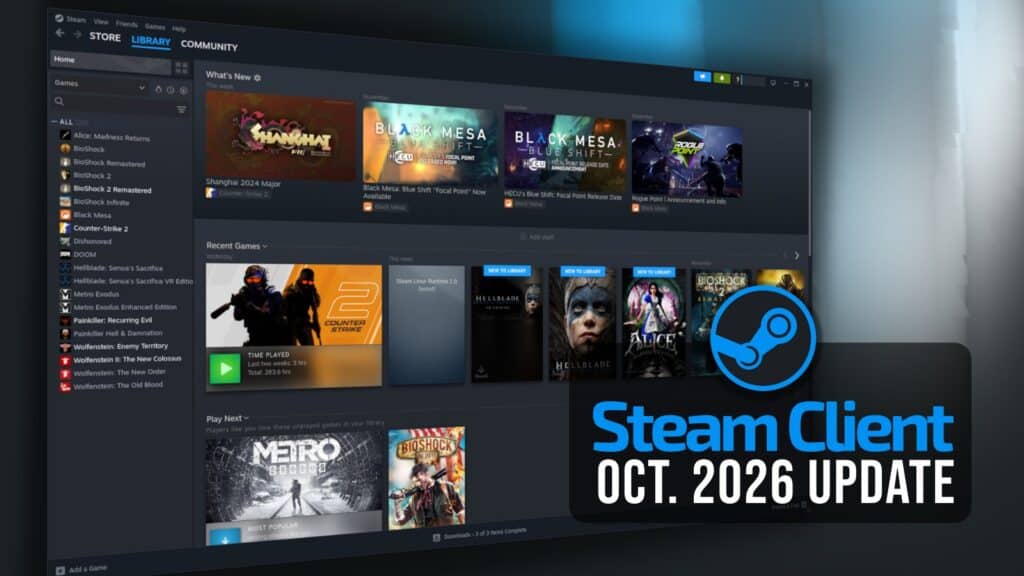
Valve has released a new stable Steam Client update, introducing several improvements for Linux gamers, including easier Proton configuration, fixes for Vulkan games, better controller handling, and faster downloads on high-latency connections. The update also adds new Big Picture features and improvements to Remote Play.
Starting with Linux, one change concerns Windows games added manually to Steam. Previously, users had to select Proton themselves to run these games. Now, Windows executables registered as non-Steam games automatically use Proton by default, removing that configuration step.
Valve has also made compatibility tool selection more straightforward. The dropdown is always visible, with the recommended tool at the top as the default choice. For native Linux games, this means the Steam runtime, while Windows titles get the appropriate tool. Users can also select aliases like Proton Stable directly from the menu.
The update fixes an issue where non-Steam games could fail to launch after changing their target executable via the Browse button. Another fix addresses cases where Steam’s Stop button failed to terminate games launched by external tools.
There are welcome improvements for Vulkan gaming. Valve fixed a crash that could occur when games recreated their Vulkan swapchain, along with problems affecting Steam Overlay in titles that create multiple windows. Plus, Linux users should see better download speeds on high-latency connections.
Another change concerns game compatibility warnings. Steam on desktop Linux now warns users when they try to install games known not to work with Proton, while SteamOS compatibility dialogs appear when installing games not verified for the hardware.
On the controller side, Valve fixed an issue where virtual gamepads could temporarily disappear when games called a specific Steam API, potentially causing controllers to stop responding in titles without hotplugging support. Controller handling was also adjusted to avoid problems when multiple applications run simultaneously.
Beyond the Linux-specific improvements, the update changes Steam’s Big Picture interface. There is a new Big Art Mode option for the home screen under Settings > Home, along with a Personal Calendar in the Recommended tab.
Steam Input receives attention as well. The controller configurator now offers a view showing game actions alongside their assigned bindings, plus a new interface for creating multi-button combinations.
Valve also improved CPU performance when loading and using controller configurations, fixed controller reordering problems on Linux, and addressed pairing issues affecting the original 2015 Steam Controller.
Remote Play gains an experimental video codec called Pyrowave, designed for high-bandwidth, low-latency game streaming. The update also improves Vulkan video capture performance, color accuracy, clarity, and brightness. Steam can now automatically fall back to H.264 when HEVC is unavailable.
Finally, Steam Controller firmware improvements include a second Bluetooth Low Energy pairing slot, configurable rumble intensity, faster connections, and fixes for Bluetooth disconnections, particularly those affecting Steam Deck users. There’s also a fix for thumbsticks that could not reach their full movement range.
For additional details, see the release notes. As usual, the Steam Client update will be downloaded automatically. Users can also install it manually by opening the Steam menu and selecting Check for Steam Client Updates.