Rescuezilla, a widely used disk imaging and recovery tool with a user-friendly graphical interface for backups, restores, and cloning, compatible with Clonezilla images, has released version 2.6.2. The main change is a new build based on Ubuntu 26.04 LTS to improve support for newer hardware.
That is the key difference from the previous Rescuezilla 2.6.1, which kept Ubuntu 24.10 as the default base. As a result, the default Rescuezilla image only provided hardware support up to around the October 2024 hardware generation, even though that release also introduced a separate Ubuntu 25.04-based image.
Rescuezilla 2.6.2 adds an Ubuntu 25.10 “Questing”-based image as a backfill release. Several older images have been temporarily disabled, including the 32-bit Intel i386 build based on Ubuntu 18.04 LTS and the 64-bit AMD64 builds based on Ubuntu 22.04 LTS, Ubuntu 24.04 LTS, and Ubuntu 25.04.
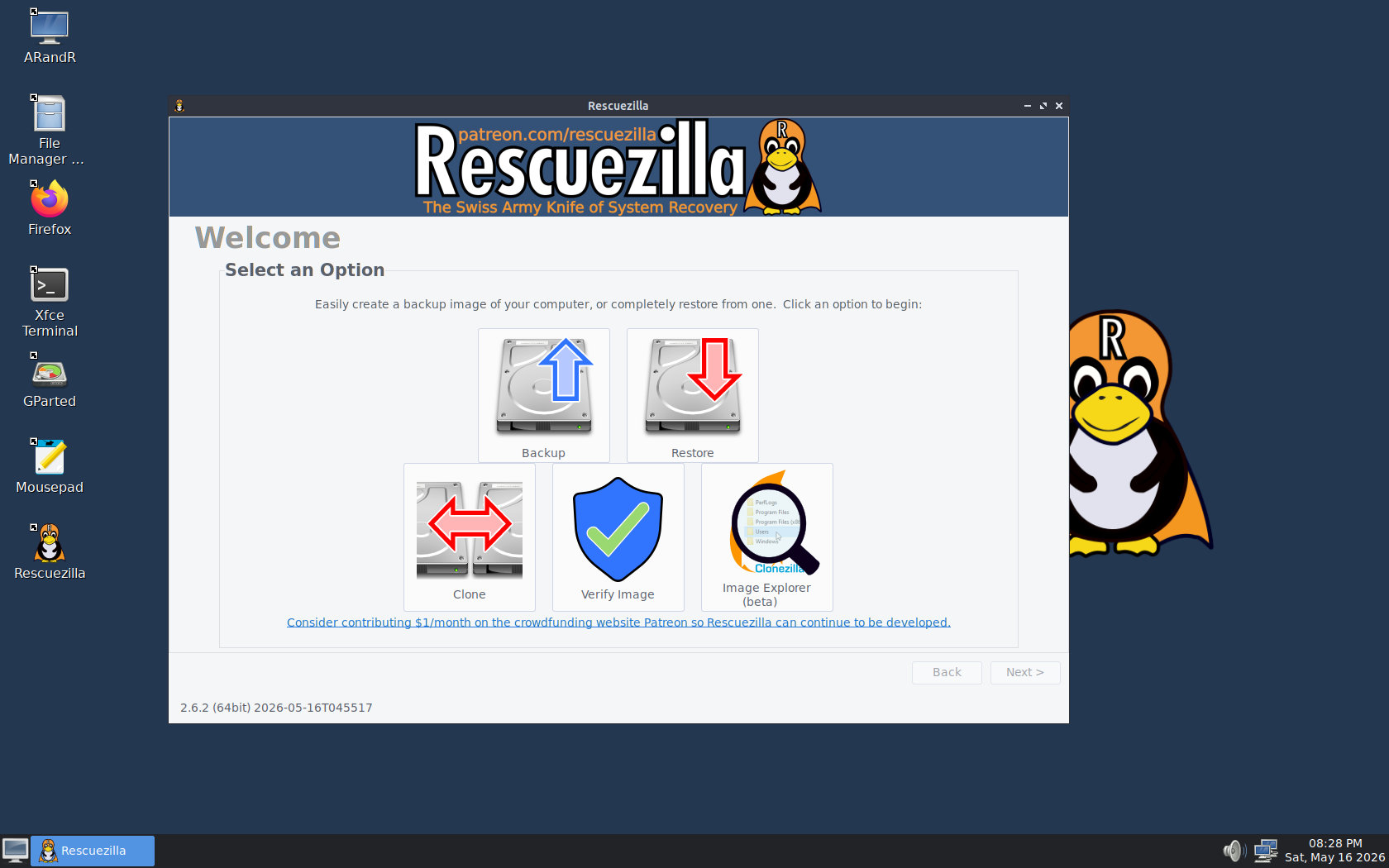
At the same time, Partclone, a core tool in Rescuezilla for partition imaging, has been updated to version 0.3.47, replacing the previous 0.3.37 release.
This release also includes two fixes. The first resolves a blank error message window that appeared after cloning, even when the operation was successful, and prevents the requested post-operation shutdown or restart. The second fix ensures the graphical shutdown menu opens correctly on the Plucky variant by updating the custom rules file for the polkit authentication manager.
For localization, Rescuezilla 2.6.2 adds an in-progress Galician translation submitted via Weblate. It also includes language selection entries for several empty translations in Weblate, such as Bengali, Hindi, Swahili, and Urdu.
It’s worth also noting that Rescuezilla 2.6.2 does not include the planned ARM64 build or the upcoming Image Explorer overhaul, which will use indexed-gzip and feature an improved interface. Both are scheduled for the next release.
You can download the ISO image from the project website, burn it to a USB drive, and use the included tools to back up or restore your data. For more details on all changes in the 2.6.2 release, see the changelog.