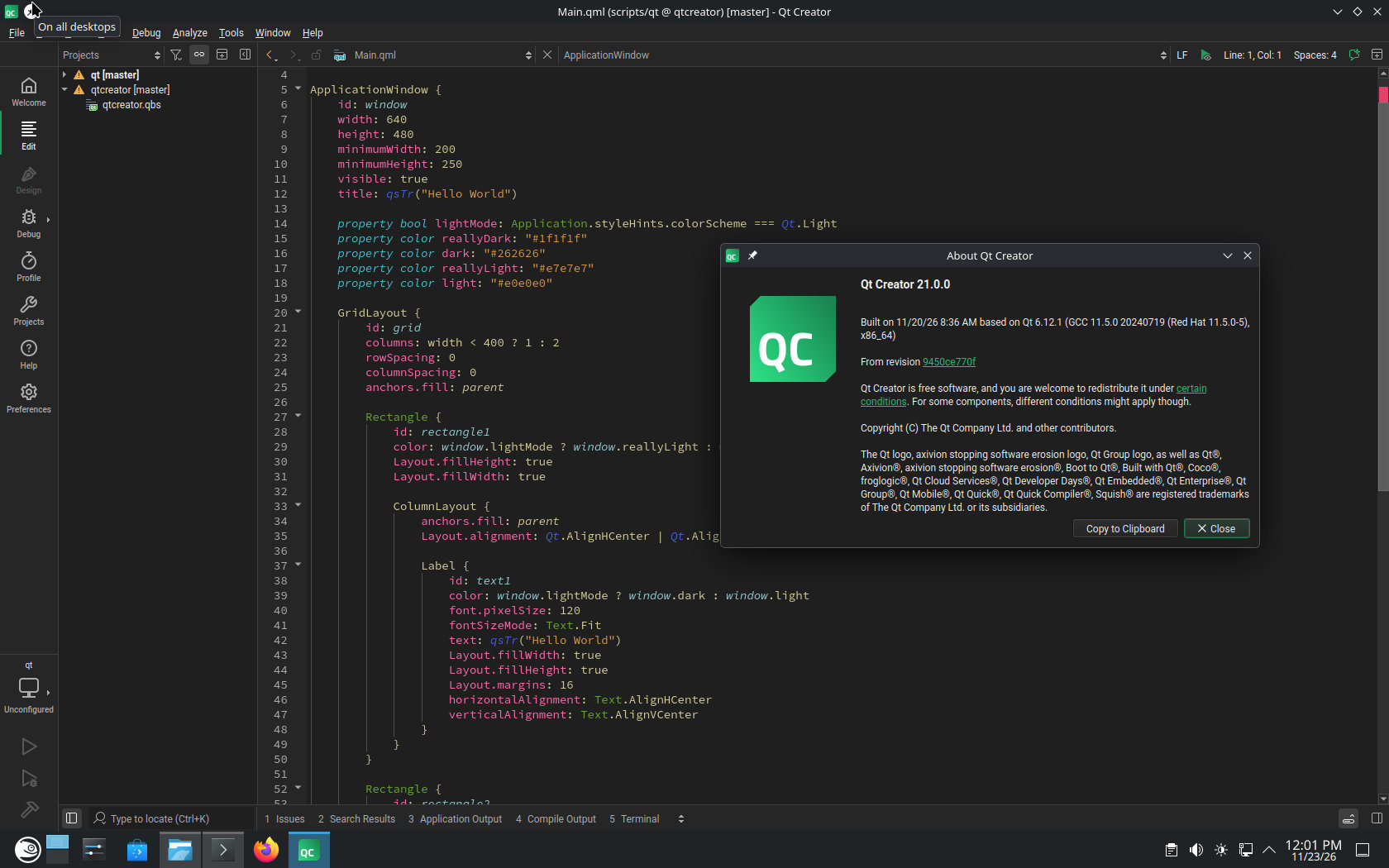
Qt Creator 21 has been released as the latest version of the cross-platform IDE for C++, QML, and Qt application development.
One of the biggest changes is that Agentic AI chat, based on the ACP, and the built-in MCP server are now enabled by default. This lets AI agents perform more development tasks directly within the IDE, including editing code, building projects, running applications, and debugging.
The MCP server now requires bearer-token authentication by default, adding protection against unauthorized connections. Developers can configure individual MCP tools through preferences, while the implementation has been updated to the MCP 2026-07-28 protocol version.
The AI chat interface has received several usability improvements. Agents installed through the registry can be updated automatically, sessions can be associated with previously used workspaces, and supported agents can display token consumption and associated costs. Model selection now includes filtering and favorites, making it easier to switch between available AI models.
Another addition is the new Profile mode, which introduces Qt Profiler as a replacement for the existing QML Profiler. Its dashboard evaluates application performance characteristics, highlights potential problems, and provides suggestions for addressing them.
Profiling traces can now be opened as separate documents. Call-stack sampling is supported on Windows and macOS. The new mode also supports Qt Tracepoints.
On the debugging side, Qt Creator 21 provides an experimental combined C++ and QML debugging engine that provides unified stack traces across both languages. Experimental modular debugger backends are available, designed to make them easier to test.
Git integration has received considerable improvements. A new Changes navigation view lists modified files and provides quick access to operations like viewing differences, staging changes, reverting modifications, and inspecting file history.
Individual file differences can now be edited directly in a live diff editor. The new Git Log view displays commit history as a graph, including file statistics and options for checking out or cherry-picking commits.
Moreover, merge conflicts are now easier to handle, with the editor displaying conflict markers and letting developers select the current version, incoming version, or both.
Qt Creator 21 also adds a dedicated QDoc editor with rendered previews and issue highlighting. Spell checking is available for code comments, text files, and commit messages. On Linux, this requires the enchant-2 library.
Finally, the release introduces experimental compatibility with HarmonyOS and remote Windows development over SSH. Developers can work with Podman-managed containers directly from Qt Creator.
For more details, see the announcement.