
Photoflare, a lightweight image editor for quick photo edits, simple graphics work, and basic image adjustments, has released version 1.7, marking the open-source app’s first release in years and its biggest update so far.
The new version arrives more than six years after Photoflare 1.6, released in September 2019. According to the project, development slowed due to real-life commitments, but the app has returned with a much larger update than a routine maintenance release.
The headline change is the move from Qt 5 to Qt 6. The migration removes deprecated APIs, updates the build system, and refreshes Linux, Snap, and Flatpak dependencies. It also improves HiDPI scaling, with additional work on scaling policy, tool cursors, and canvas selection behavior on high-density displays.
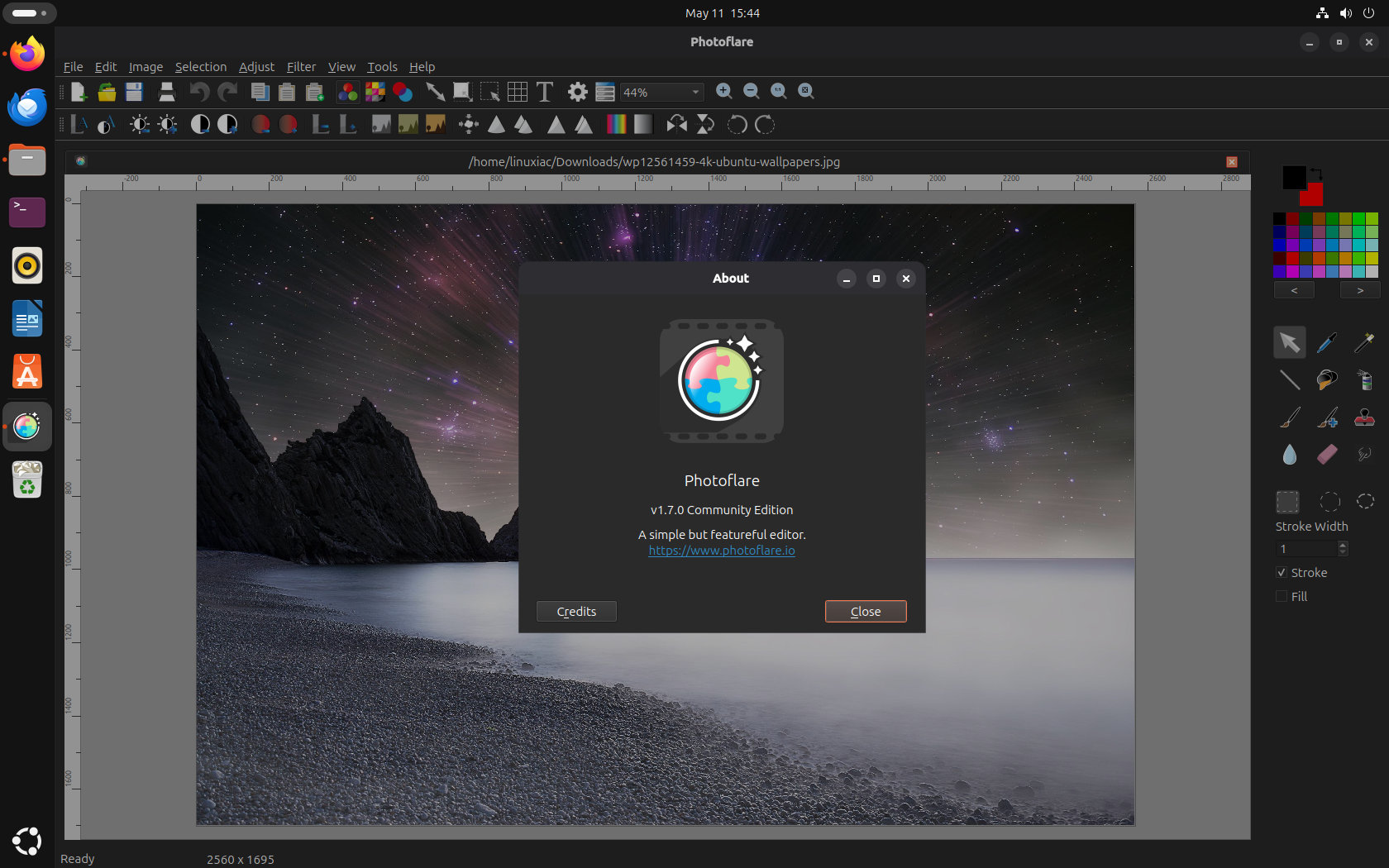
Photoflare 1.7 also introduces a rewritten canvas engine. The new rendering pipeline uses a dirty-zone editing model, repainting only changed areas instead of the whole canvas as a heavier per-frame operation. The project says this significantly improves painting and filter performance, especially on larger images, where the previous canvas could become sluggish or memory-heavy.
Another major addition is G’MIC integration. Photoflare now provides access to hundreds of advanced image-processing filters through a dedicated dialog, expanding the editor well beyond its built-in filter set.
Regarding selection handling, Photoflare 1.7 adds lasso and ellipse selection shapes, mouse and keyboard movement for selections, selection dimensions in the status bar, selection-aware editing for tools and filters, and support for rotating the selection area with canvas rotation.
Moreover, users can now hold Shift to draw straight lines, erase to transparency, use the eraser with the right mouse button, and get smoother paintbrush strokes. The release also adds new standard filters outside G’MIC, including Pixelate, Vignette, Pixel Scatter, and Sketch, with more options in the batch dialog.
The interface has been refreshed with dark-mode-ready icons, horizontal and vertical canvas rulers, toolbar zoom controls, a grid settings button, drag-and-drop file opening, and copy, paste, and paste-as-new-image buttons in the toolbar. Canvas resize now supports percentage values, and zoomed images can be panned with the middle mouse button.
Batch processing also gets improvements. Photoflare 1.7 adds file format validation, support for multiple input paths, more filter options, a fix for canceling batch jobs, and corrected metadata stripping across processed files.
On the file-handling side, EXIF metadata is now displayed and preserved correctly on save, with metadata viewable from the File Properties dialog. Pasted images can be scaled and rotated before being committed, and a new paste-as-new-image option has been added.
The update includes around 50 additional bug fixes covering undo behavior, grid updates after rotation, font preview refresh, magic wand tolerance mapping, PDF print cropping, the smudge tool, spray tool consistency, save-as behavior, animated GIF warnings, panel blinking on Windows, text alignment, cursor visibility outside the canvas, open-dialog previews, and crashes in the Hue dialog.
Finally, Photoflare 1.7 adds an initial plugin architecture for custom filters and file format handlers, with developer documentation and export examples available.
For more details, see the announcement.
The developer also used the release to clarify the project’s future. The free GPL version of Photoflare is not going away, while a separate commercial editor called PhotoFlare Studio is being developed alongside it. That new app is planned to include layers, blend modes, a libmypaint-based brush engine, non-destructive editing, RAW support, and local AI tools.
Photoflare 1.7 is available now from the project’s website and GitHub releases page.



Too bad their website *requires* Javascript.