
Inkscape 1.4.4 has been released as a maintenance update to the open-source vector graphics editor, fixing 24 crashes and freeze issues, many of which affect common editing workflows.
These include crashes when opening SVG and PDF files, working with the Connector Tool, using path effects like PowerStroke and Corners, creating and undoing pages, breaking apart complex paths, tracing raster images, and handling recent files on Windows.
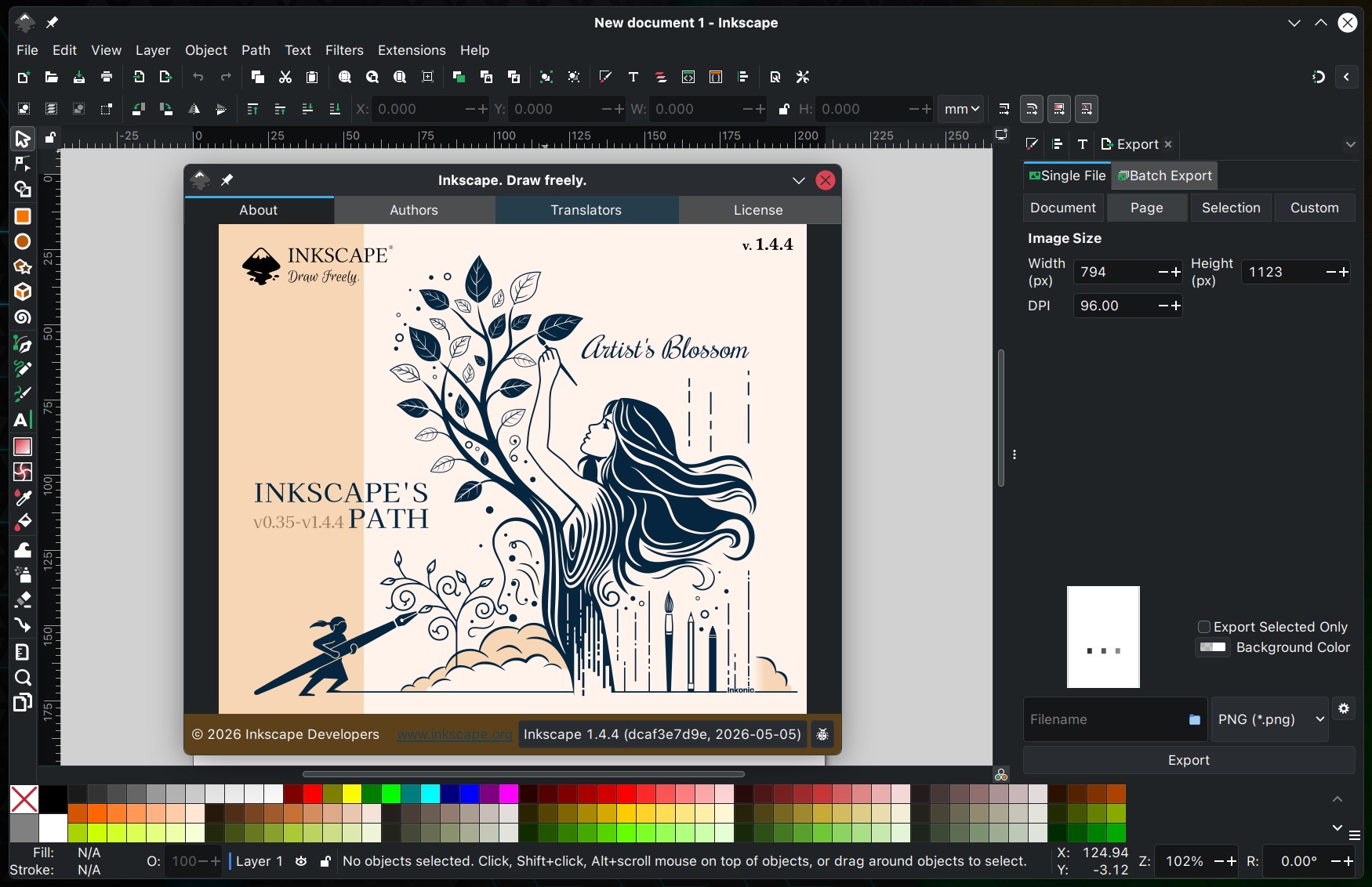
On the performance side, Inkscape 1.4.4 enhances zooming in documents with many paths, speeds up copying and pasting large numbers of objects with gradients, and makes the Layers and Objects dialog open faster when many items are selected. Plus, the Object Properties dialog now behaves better when selecting paths, and gradient editing is optimized for smoother use.
Inkscape 1.4.4 also adds a new color palette, providing users with another ready-made set of swatches directly in the editor. Moreover, the Star/Polygon tool now includes a new button to rotate selected stars and polygons to their neutral or upright positions. The release also includes 26 updated translations.
For more information, see the announcement or refer to the release notes. Inkscape 1.4.4 is available from Inkscape’s official download page, and the app now also provides Windows on Arm packages.




As long as they keep away from Gtk4, I will use be happy to use Inkscape.
Whenever they switch to Gtk4 by default, it will be time for me to look for alternatives.