
The Debian Project has announced Debian 13.5, the fifth point release in the Debian 13 “Trixie” series, consolidating corrections for security vulnerabilities and serious functional issues across a wide range of packages.
If you’ve been keeping your system updated through security.debian.org, there’s not much to do with this release, because most of the fixes were already included in earlier updates. 13.5 just brings them together in one place.
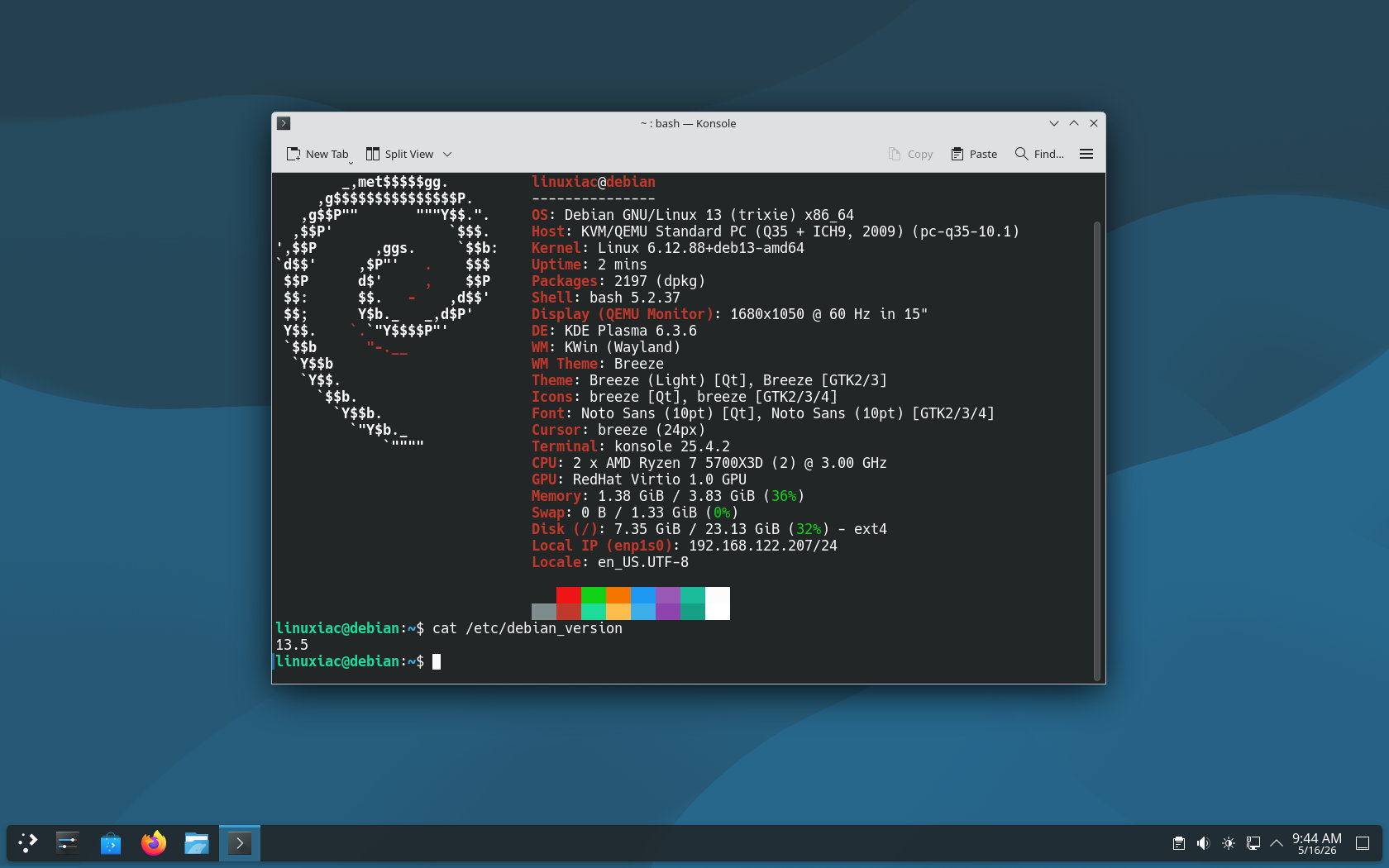
Debian 13.5 includes updates for Apache, OpenSSH, Nginx, glibc, systemd, sudo, Python 3.13, FreeRDP, Exim, jq, X.Org Server, Curl, rsync, Firewalld, bubblewrap, libarchive, libcap2, Nano, and additional packages.
The Apache update resolves several security issues, such as use-after-free, privilege escalation, authentication bypass, NULL pointer dereference, HTTP response splitting, and out-of-bounds read vulnerabilities. OpenSSH receives fixes for scp, command execution, key algorithm handling, ProxyJump, and authorized_keys principal handling.
This point release also updates systemd to a new upstream stable version (257.13), addressing code execution flaws and an nspawn escape-to-host vulnerability. The glibc update fixes DNS response handling, invalid DNS hostname returns, an assertion failure, and other library issues.
In addition to package fixes, Debian’s Security Team has also included numerous security advisories in this revision, covering packages such as Firefox ESR, Thunderbird, Chromium, OpenSSL, Linux, Node.js, WebKitGTK, ImageMagick, OpenJDK, LibreOffice, Exim, Apache, Wireshark, Tor, BIND9, and others.
Once again, Debian 13.5 doesn’t add any new features to the “Trixie” release. It’s all about fixing bugs and addressing security issues in certain packages. If you’re already using it, simply run the command below to update your system to the latest stable version.
sudo apt update && sudo apt upgradeCode language: Bash (bash)For more in-depth information on all the changes in Debian 13.5, see the release announcement. A comprehensive list of all packages that have received updates is available here.
Alongside Debian 13.5, the Debian Project also released Debian 12.14, the fourteenth point release for the oldstable Debian 12 “Bookworm” series. Like the Trixie update, it brings 145 security corrections and 99 fixes for serious bugs, with updated installation images expected through Debian’s regular download locations.
If you are planning a fresh install, Debian 13.5 netinst ISO images are available for download here. They offer a base system ideal for servers or users who want to customize the installation to their needs, with support for six architectures: amd64, arm64, armhf, ppc64el, riscv64, and s390x.
For a ready-to-use experience, the new release also provides Live images with pre-installed desktop environments: GNOME, KDE, LXDE, Xfce, Cinnamon, and MATE. These are available only for the AMD64 architecture.
Finally, consider enabling automatic security updates to receive future patches without delay if you haven’t already. If you’re unsure how, our guide will have you up and running in no time.



In this section
https://www.debian.org/CD/http-ftp/index.en.html#stable
the webpage states:
”
The following links point to image files *_which are up to 700 MB in size_*, making them suitable for writing to normal CD-R(W) media
”
but that is not true!
https://cdimage.debian.org/debian-cd/current/amd64/iso-cd/#indexlist
lists
debian-13.5.0-amd64-netinst.iso 2026-05-16 14:14 755M
while the filesize of (normal) writeable CDs is 700 MB.
There are some old computers that can not boot directly from an USB stick.
**Workaround**
For amd64, go to
https://deb.debian.org/debian/dists/trixie/main/installer-amd64/current/images/netboot/
and use the mini.iso
mini.iso 2026-05-11 12:23 64M
It broke my mediatek Bluetooth on my AMD P14s gen 6 thinkpad. MT 7925 IIRC. Sigh…
switch to ubuntu and it will be fixed
Try installing the firmware-mediatek package via apt. It’s probably not broken you might not have the “non-free” firmware installed. Non-free essentially means it’s closed source which can’t be included in the Linux kernel/Debain as it’s not compliant with the GNU/GPL licensing requirements that source code be provided alongside the complied binaries.