
System76 has released COSMIC 1.0.11, a small maintenance update for its Rust-based desktop environment.
One of the most notable changes in Files, COSMIC’s file manager, resolves MTP-related issues and improves performance for users managing phones and media devices via USB. Additionally, Files now selects the filename up to the extension in rename and save dialogs.
Settings receives several enhancements, including an option to swap Control and Caps Lock, a toggle for workspace wrapping, and revised panel and dock resizing. Plus, panels and docks now restart only after the size slider is released, rather than during adjustment.
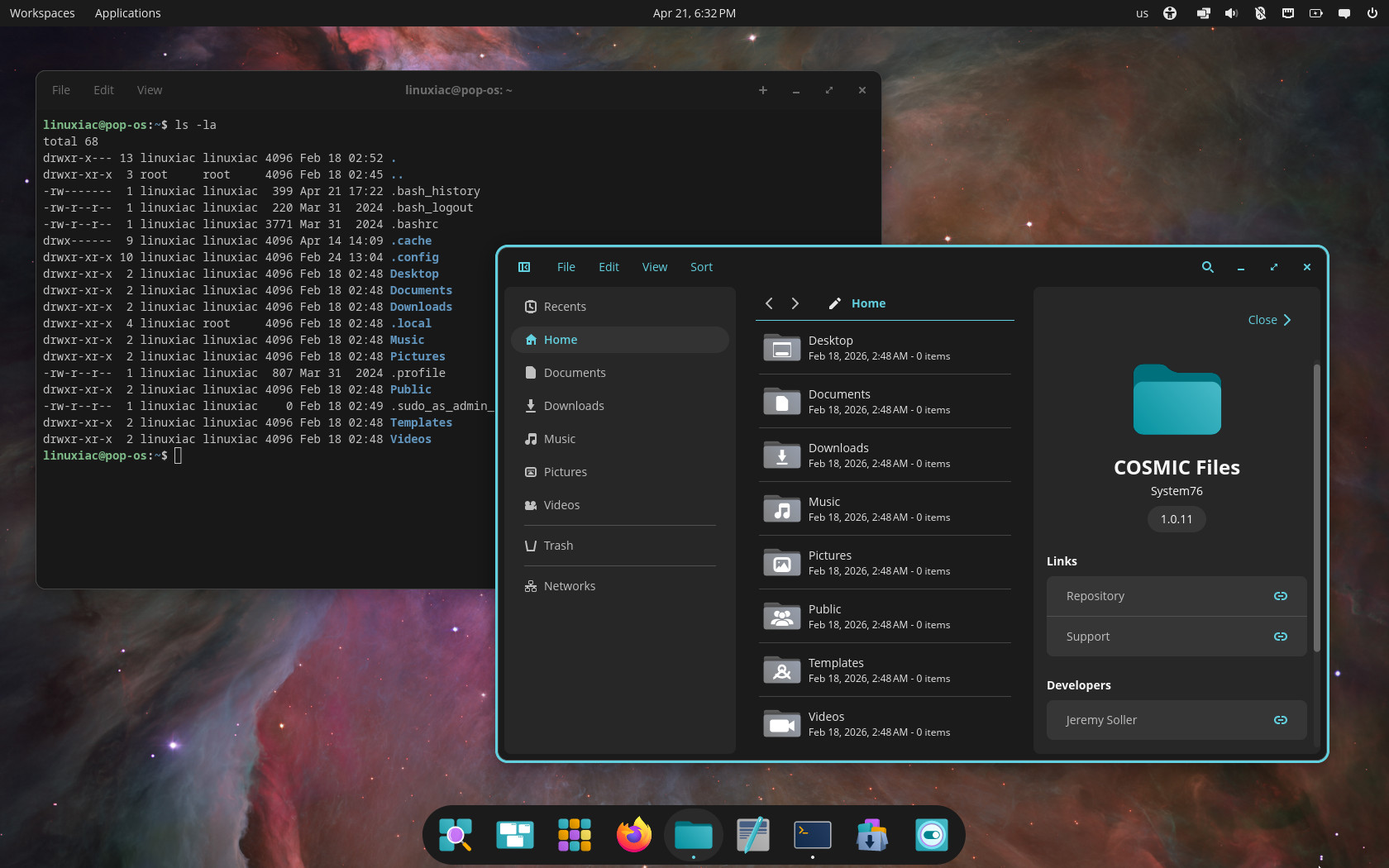
The Compositor receives multiple fixes, including resolving window shrinking after drag and drop and eliminating recursive keyboard input handling. There is also a Firefox 150-related compositor issue addressed.
Additional updates include a fix for the Terminal’s find panel close button, support for .ico and .xpm icons in the COSMIC app library, and wgpu enablement. Finally, the COSMIC desktop portal now correctly updates the accent color when switching between light and dark modes.
For more information, see the changelog.
COSMIC Desktop 1.0.11 packages are expected to arrive in the repositories of rolling-release distros such as Arch, openSUSE Tumbleweed, CachyOS, and others shortly. Pop!_OS 24.04 LTS users already have it available as an update.




Cosmic has replaced my beloved Fedora Silverblue of years. Running F44 Atomic Cosmic & it’s solid, snappy and really just elegant. No more Gnome extensions! 🙂
Love to see the pace they are addressing bugs & adding new features, nice work Cosmic team
Really solid indeed. I wanted to install Artix, and I gave up my uptime of 45 days in Manjaro. Cosmic is running so stable I would never had it installed if I had waited.
I finally installed Artix Linux 10 days ago, with Cosmic obviously, and I’m already on a 9 days uptime writing this.
Cosmic works so beautifully.
With Firefox 150 helped by the Cosmic team/users fixing the most annoying bug I had on Cosmic (not even remotely close to a showstopper though), where the pop-up and context menus would not render after some hours of Firefox being open, this is now even more of a great experience running Cosmic. A real joy to use.
Cosmic simply slaps Gnome in the face at (almost) every level.
This is still far from stable, sorry but full of bugs and not for daily driver. Looks promising though.
45 days of uptime (that I cut short) before I changed main distro, now already 14 days uptime. Don’t know what’s not stable about this.
It’s more stable than Gnome ever was for me.
As for bugs, there are some in niche cases, but for most people, there are not many. Or it just happens than I never run into any… Mmmhhh, I guess I’m really lucky somehow.
Stop the FUD, please.
cosmic comp 1.0.11 introduces a bug with steam where game windows cannot go full screen. pretty big bug for gamers, which, are most of the new users linux is getting these days.
Great little improvements. I believe some of them were blockers for some people who tested Cosmic, so it is time to reevaluate. 🙂