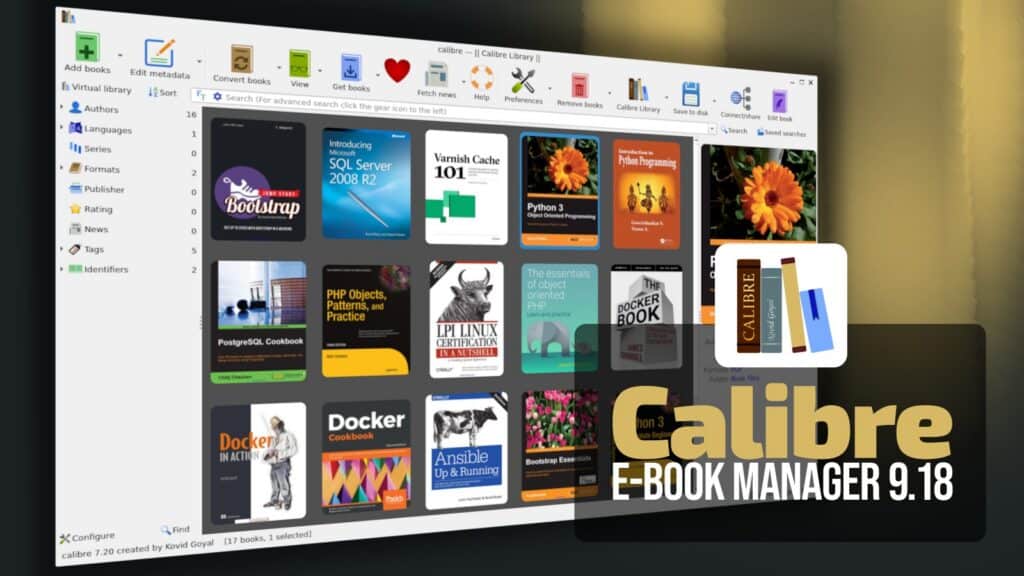
Calibre open-source e-book management software, has released version 9.18 with a new accessibility tool in Calibre’s e-book editor, available under Tools > Accessibility. It allows users to set the language of a book and its individual HTML files, edit alternative text for images (including inline SVG graphics), and manage EPUB accessibility metadata.
The editor’s Check Book feature has been expanded to detect accessibility issues, including missing image descriptions, HTML files without language information, skipped heading levels, missing ARIA roles, and incomplete accessibility metadata. Many of these problems can now be corrected automatically.
Another improvement is the integration with KOReader, the open-source e-book reader. Calibre’s Content Server can now act as a reading progress synchronization server, allowing users to share their reading positions across different copies and formats of the same book.
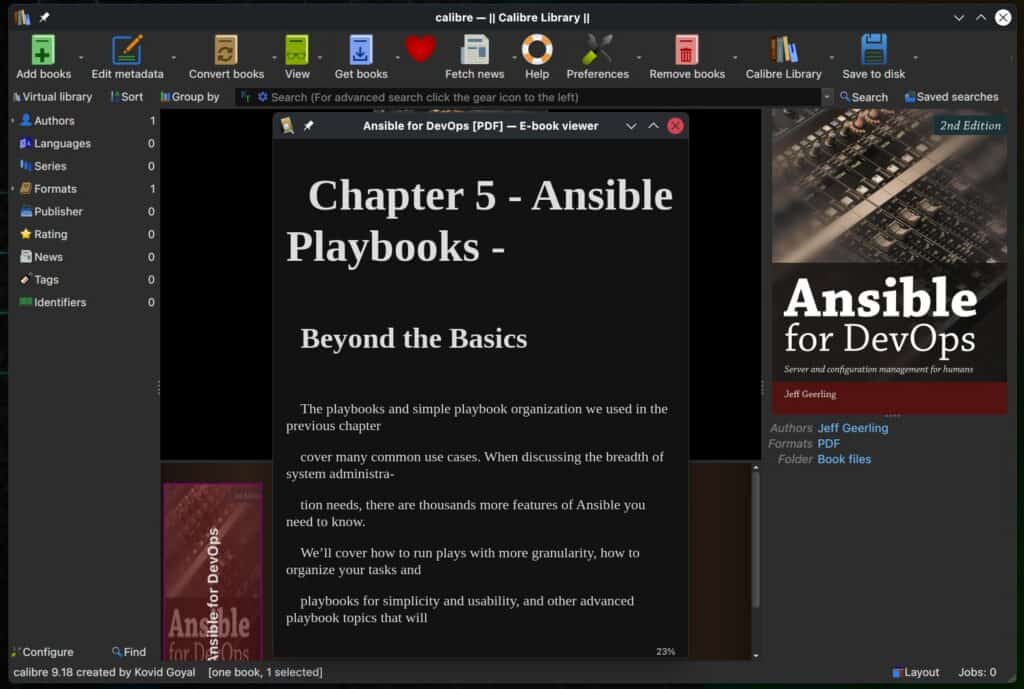
Moreover, the Content Server gains support for OPDS 2.0 feeds, including streaming CBZ comics, respecting manga reading direction, and searching book contents using Calibre’s full-text index. Several accessibility improvements also make the web interface easier to navigate with keyboards and screen readers.
For users working directly with e-books, the editor now displays color previews as underlines and allows colors to be changed through a color wheel using Ctrl-click. The built-in e-book viewer gains an option to restrict searches to the current chapter.
Command-line users receive expanded functionality through calibredb, which adds commands for managing notes, annotations, data files, virtual libraries, and the trash bin, as well as renaming and removing library items such as tags and series.
Other additions include new date-search expressions, improved EPUB output with language information in HTML files, and the inclusion of Standard Ebooks, DOAB, and DOAJ in the Get Books feature. Calibre adds a way to verify exported library data without restoring it.
Regarding bug fixes, Calibre 9.18 improves page number detection and handling of large images when importing PDFs. PDF export now reports an error instead of hanging indefinitely if the rendering process crashes or becomes unresponsive. The update also fixes a crash when converting very small PDF files.
Search functionality has also been corrected in several areas, including date comparisons involving month names, dots, or spaces, numeric searches returning truncated values, and errors occurring after closing the Quickview panel.
Finally, Windows-specific fixes address problems opening EPUB files when antivirus software temporarily locks them, along with unwanted private browsing shortcuts created by Camoufox.
For more information, see the release notes. Calibre 9.18 is available for Linux, Windows, and macOS from the project’s download page.