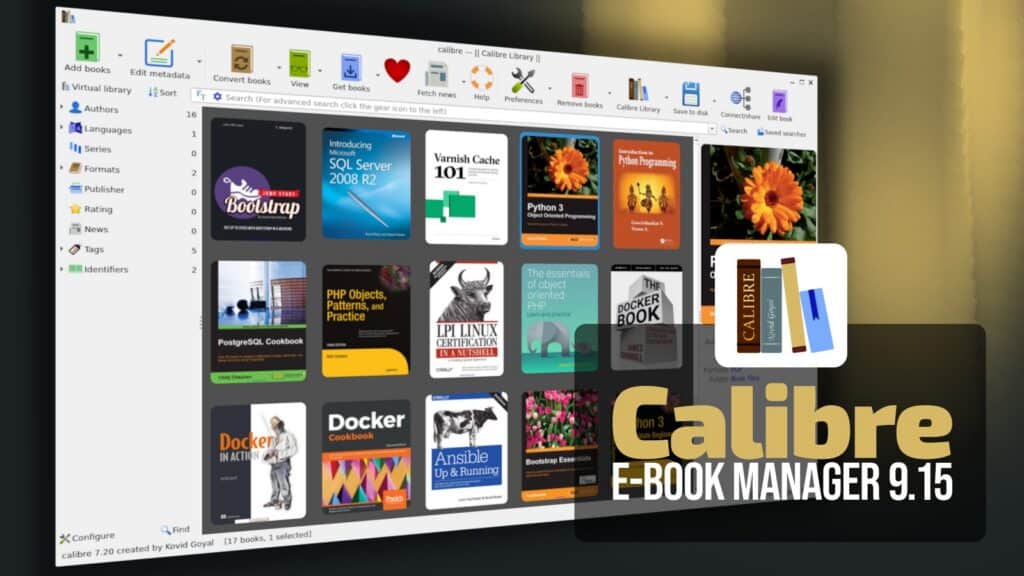
Calibre 9.15 has been released, with a bit of an unusual addition in this release: “Create your own Adventure,” an interactive writing game where AI manages the fictional world while the user drives the story forward.
According to Calibre developer Kovid Goyal, the feature started as a way to test the AI backends supported by Calibre but eventually became something usable on its own.
The feature is optional and not loaded unless the user explicitly launches it. To enable it, users open “Preferences -> Toolbars & menus” and add “Create your own Adventure” to the main toolbar.
Beyond that, Calibre 9.15 brings several improvements to the built-in e-book viewer. The Highlights panel now allows users to select multiple highlights at once and change their style through the context menu.
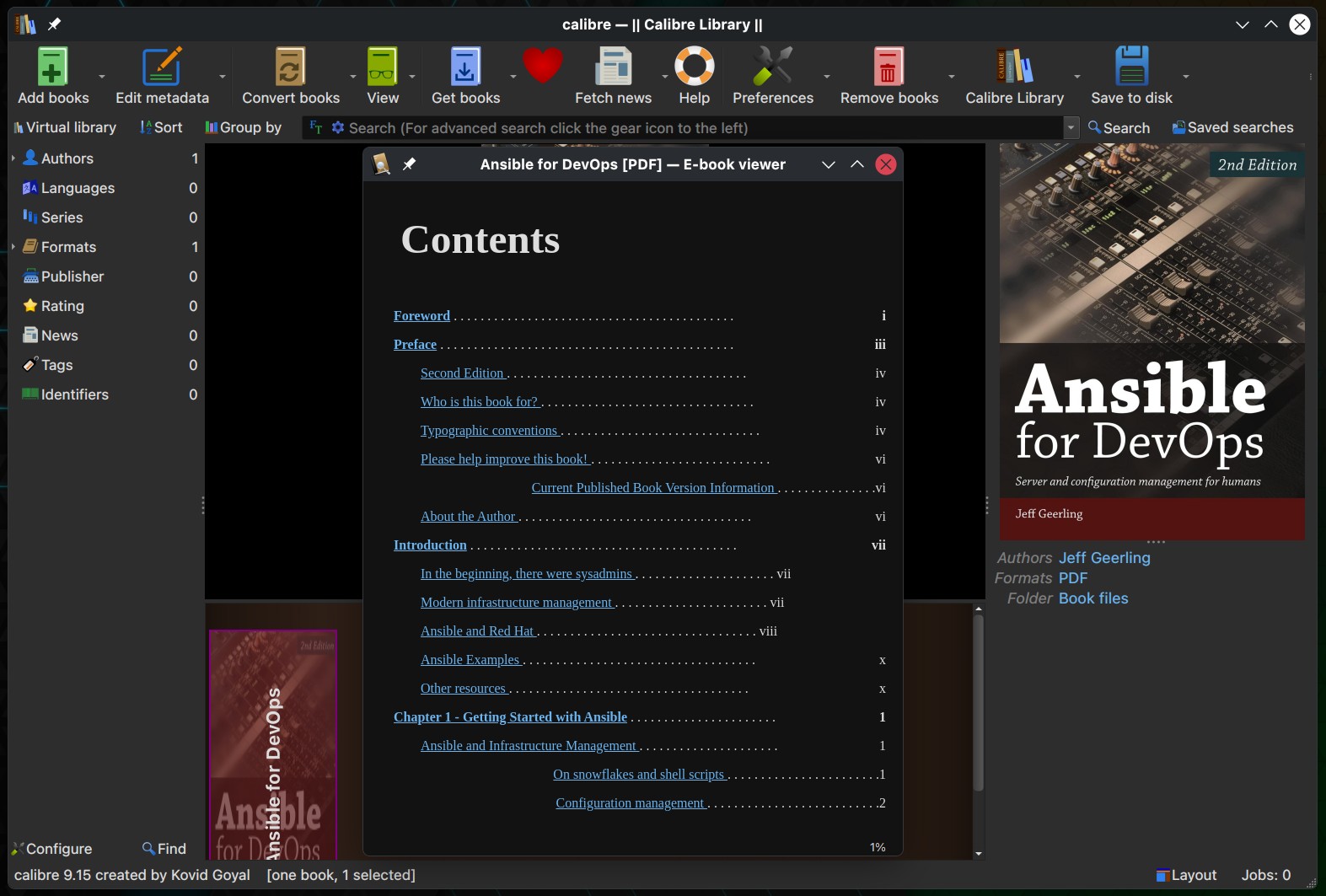
Users can add a new button to the viewer sidebar to quickly switch between saved window sizes. The button is enabled by right-clicking the sidebar and choosing the customization option.
Highlights containing notes now display those notes as tooltips when the mouse pointer is placed over them. This behavior follows the existing setting for mouse-over tooltips in the viewer preferences.
The cover grid has also gained a new customization option allowing users to choose which corner is used for cover emblems.
Calibre 9.15 includes several Read Aloud fixes. The feature no longer stops unexpectedly at certain full-screen images, and text selection visibility in flow mode is more reliable during playback.
Several EPUB and DOCX issues have been addressed. Upgrading a book to EPUB 3 no longer removes landmarks, and DOCX output preserves hyperlinks spanning differently styled text sections.
DOCX import has also been fixed for documents containing numbering definitions without associated styles.
Moreover, the Edit Book tool fixes an error affecting the test box in the snippets dialog, along with problems when moving or removing toolbar icons added by plugins.
Spell checking now correctly handles words containing typographic single apostrophes, and calibredb embed_metadata no longer skips books that do not have a cover.
On Windows, Calibre fixes a startup problem affecting users in Alberta, Canada, caused by a new timezone definition. The Windows cover grid also fixes background color changes that previously did not take effect.
The Content Server now sanitizes supplied conversion options, while OpenRouter integration has been adjusted so that models producing only images instead of text are no longer listed.
Finally, the release adds a new CLI option for adding and deleting a book from a specified path inside the system temporary directory when launching calibre.exe.
Calibre 9.15 also adds Briefing Service by Jordan Shelley as a new news source, while The Week, Bloomberg, and Global Times receive source improvements.
For additional details, see the announcement. Calibre 9.15 is available for Windows, macOS, and Linux.