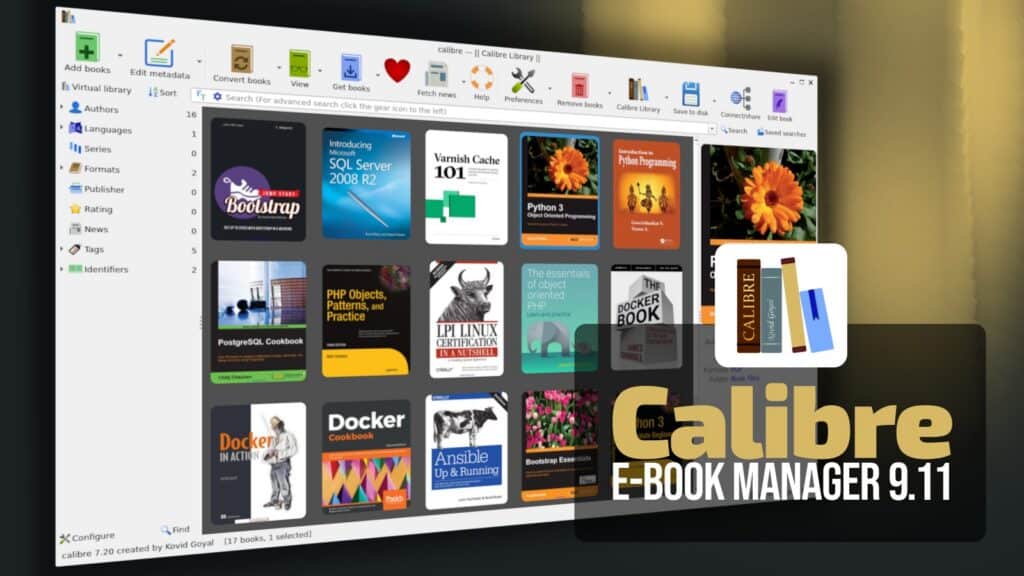
Calibre 9.11 has been released as the latest update to the popular open-source e-book management software, with the ability to export annotations in HTML format as a standalone web page.
According to the official changelog, the exported page can be opened in any browser and includes support for light and dark themes, search, and filtering by highlight style.
Calibre 9.11 also improves the e-book viewer’s Ask AI feature. More specifically, the {selected} placeholder can now be used when typing free-form queries to the AI, allowing users to insert the currently selected text directly into custom prompts.
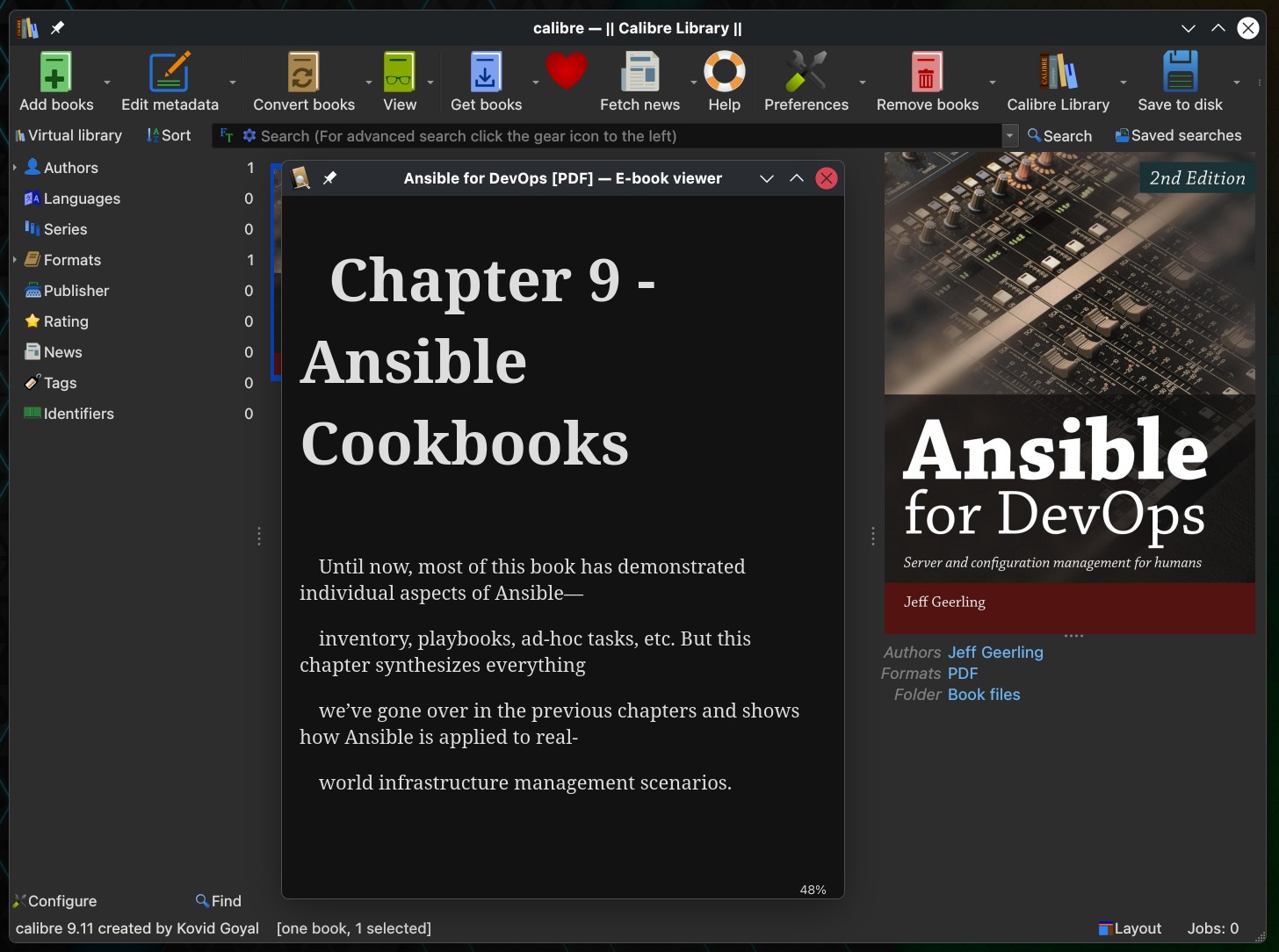
On the bug-fixing side, this release addresses an issue in the e-book viewer where the text area would not always resize correctly after resizing the window when the scrollbar was enabled.
It also fixes two regressions introduced in the previous release: one that broke Python templates in the book details panel, and another that prevented default values for custom columns from being used when adding new books.
As usual, Calibre’s built-in news download system also receives maintenance updates. In this release, the improved news sources are Scientific American and Phoronix.
For additional details, see the announcement. Calibre 9.11 is available for Windows, macOS, and Linux.