
Zorin OS 18.1 has been released as the first point update to the Zorin OS 18 series, arriving six months after Zorin OS 18 and following over 3.3 million downloads of the release line, according to the project.
A visible change is an updated built-in database for detecting Windows installer files. Zorin says support has grown by more than 40%, with the system now recognizing over 240 apps and suggesting native Linux versions or alternatives instead of just running Windows executables.
On the desktop side, Zorin 18.1 adds new options for Advanced Window Tiling, such as bringing tiled windows to the foreground together, reordering tiling layouts, and extending edge tiling to work with active custom layouts. As with the previous major release, this update also ships with Brave pre-installed as the default browser.
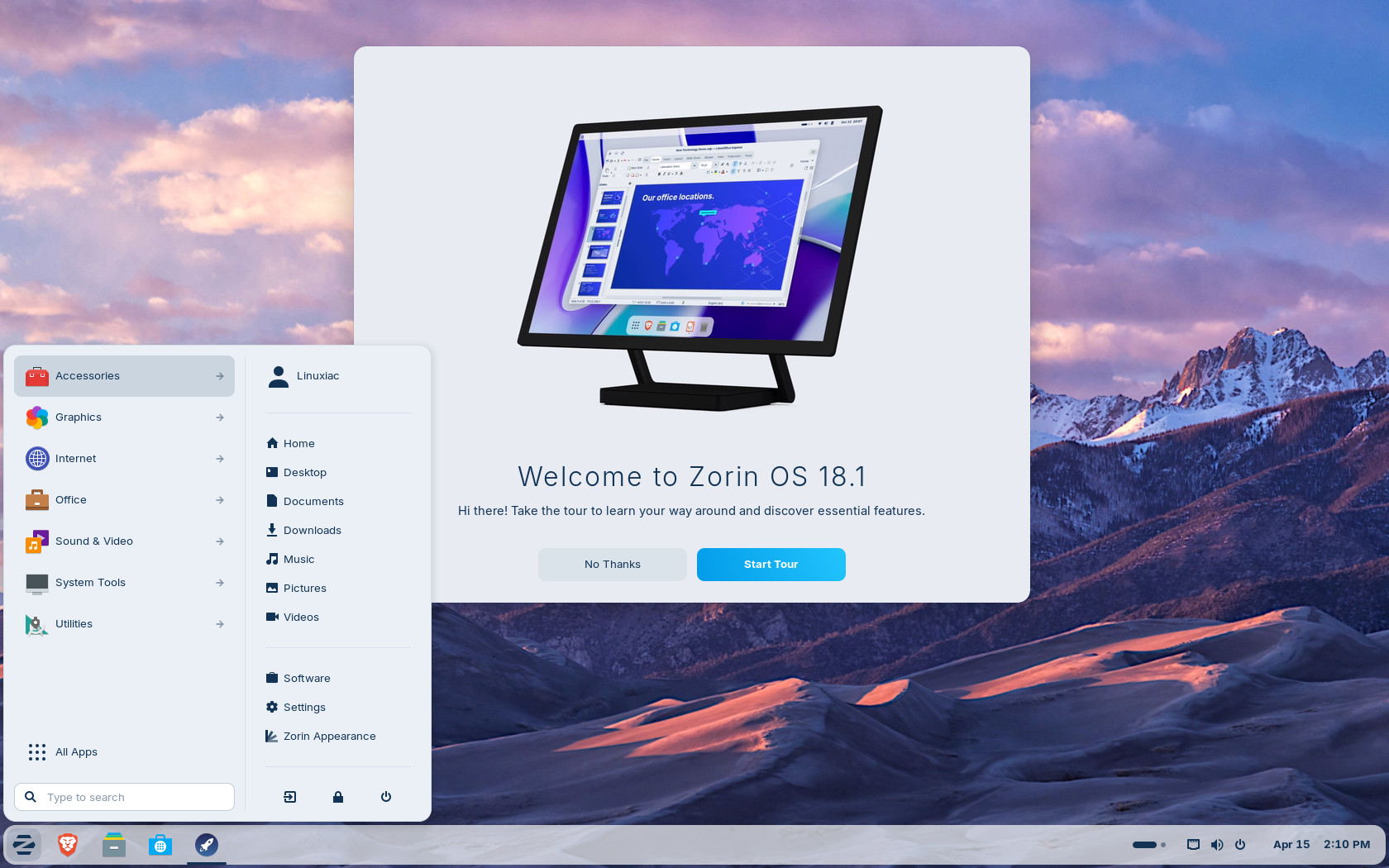
Moreover, the panel now supports right-to-left languages more cleanly, and users can control whether app tray icons appear through new interface settings. According to devs, Zorin 18.1 includes broader performance improvements and bug fixes across the desktop.
The release also updates core applications, including LibreOffice 26.2. Zorin highlights better Microsoft Office and Microsoft 365 document compatibility, Markdown support, connector shape objects in Calc and Writer, and performance improvements. Many other preinstalled applications have been refreshed, while built-in support for Flatpak, AppImage, and Snap remains.
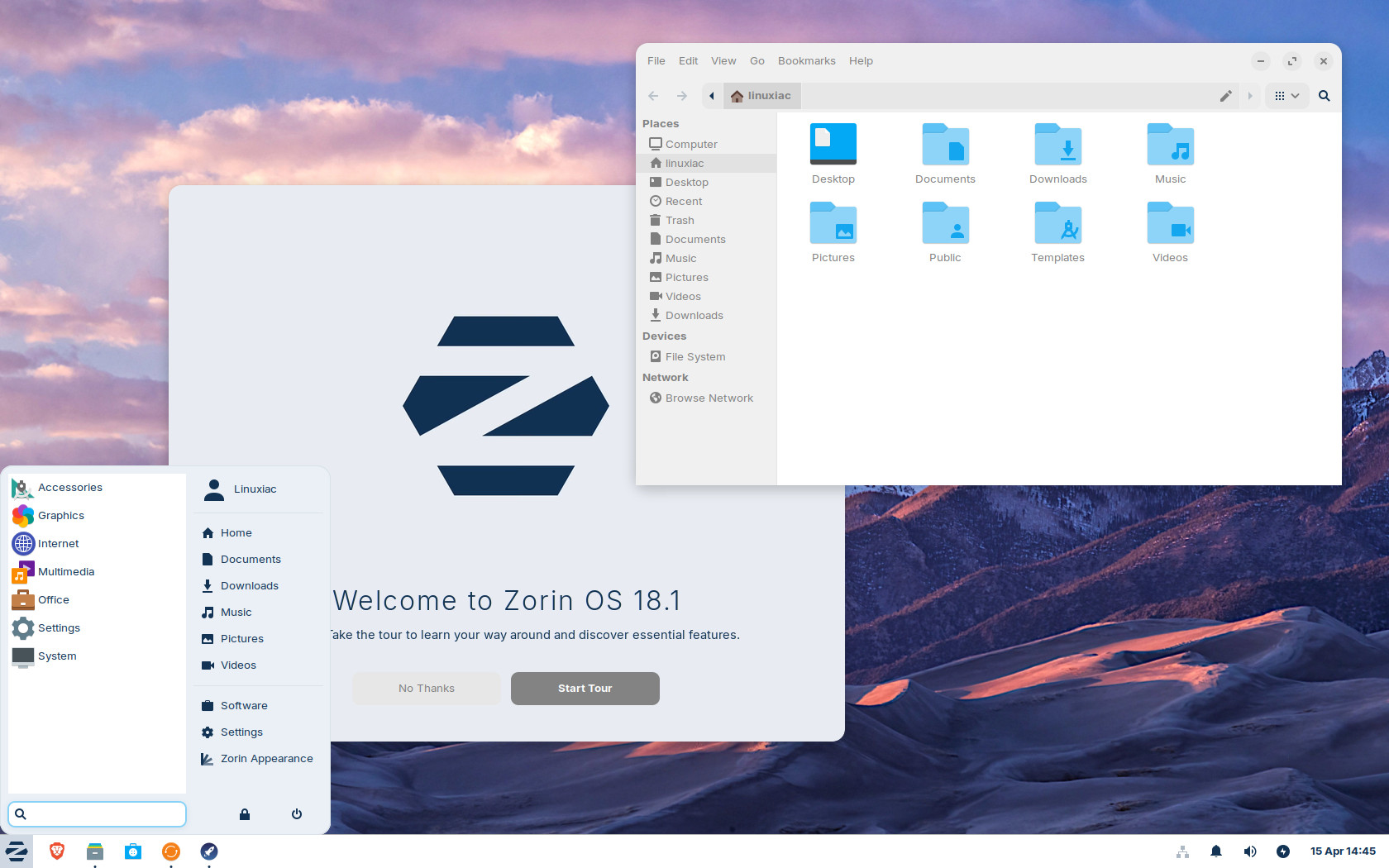
Alongside the main release, Zorin OS 18.1 Lite is available as the lightweight edition of the 18.x series, targeting older and lower-spec hardware. It is based on Xfce 4.20 and includes a redesigned file manager, support for fingerprint readers, updated themes, and tighter web app integration.
Under the hood, the distro moves to Linux kernel 6.17 and includes updated drivers. The project lists improved support for newer NVIDIA graphics cards, Intel Xe3 graphics, AMD hybrid laptop GPUs, selected Lenovo ThinkPad and Samsung Galaxy Book laptops, Apple input devices like the Magic Mouse 2 and the Touch Bar on Intel-based MacBook Pros, several game controllers, and handheld gaming systems, including the ASUS ROG Ally, Lenovo Legion Go, and OneXPlayer.
Finally, Zorin OS 18.1 also includes the latest security patches and will receive software and security updates through June 2029. Existing Zorin OS 18 users can upgrade to 18.1 via the Software Updater, while users on Zorin OS 17 can take a direct upgrade path without wiping files or data.
For more details, see the announcement.




Zorin OS is one of the Distros I recommend to Windows refugees who ask for a good Windows-replacement OS….when they have finally had enough of Microsuck.
The recommendation usually includes a mention about WINE and Bottles, in case they still need to use software that doesn’t have a good replacement in the Linux world.
The 3 Distros I recommend to them are Zorin OS, Linux Mint (Cinnamon DE), and maybe Elementary OS
I would recommend Mint only for slower and older machines, I think Tuxedo is a better option as it is more modern with KDE and Wayland, Mint is still stuck in the past with Cinnamon and X11 and can’t even use scaling properly.
Does ZorinOS still send a ping or other type of signal to their servers on each boot? I remember reading that somewhere and thought it sounded nasty.