The latest stable version of the free and open-source RAW image processing application, RawTherapee 5.13, has now been released, featuring new color and selective editing tools, sharper HiDPI rendering, better ARM performance, and an expanded range of camera support.
A particularly noticeable change is the shift from using ProPhoto to adopting Rec. 2020 as the default working color profile. The developers state that ProPhoto’s very wide gamut can encompass colors which do not actually exist in the real world, whereas Rec. 2020 also provides a large gamut but is restricted to colors that are physically realizable.
ProPhoto is still available, and there is no requirement for users to alter their current workflows. The RawTherapee team, however, cautions that switching the working profile may lead to different results when using tools such as Exposure, Channel Mixer, HSV Equalizer, RGB Curves, Soft Light, and Color Toning.
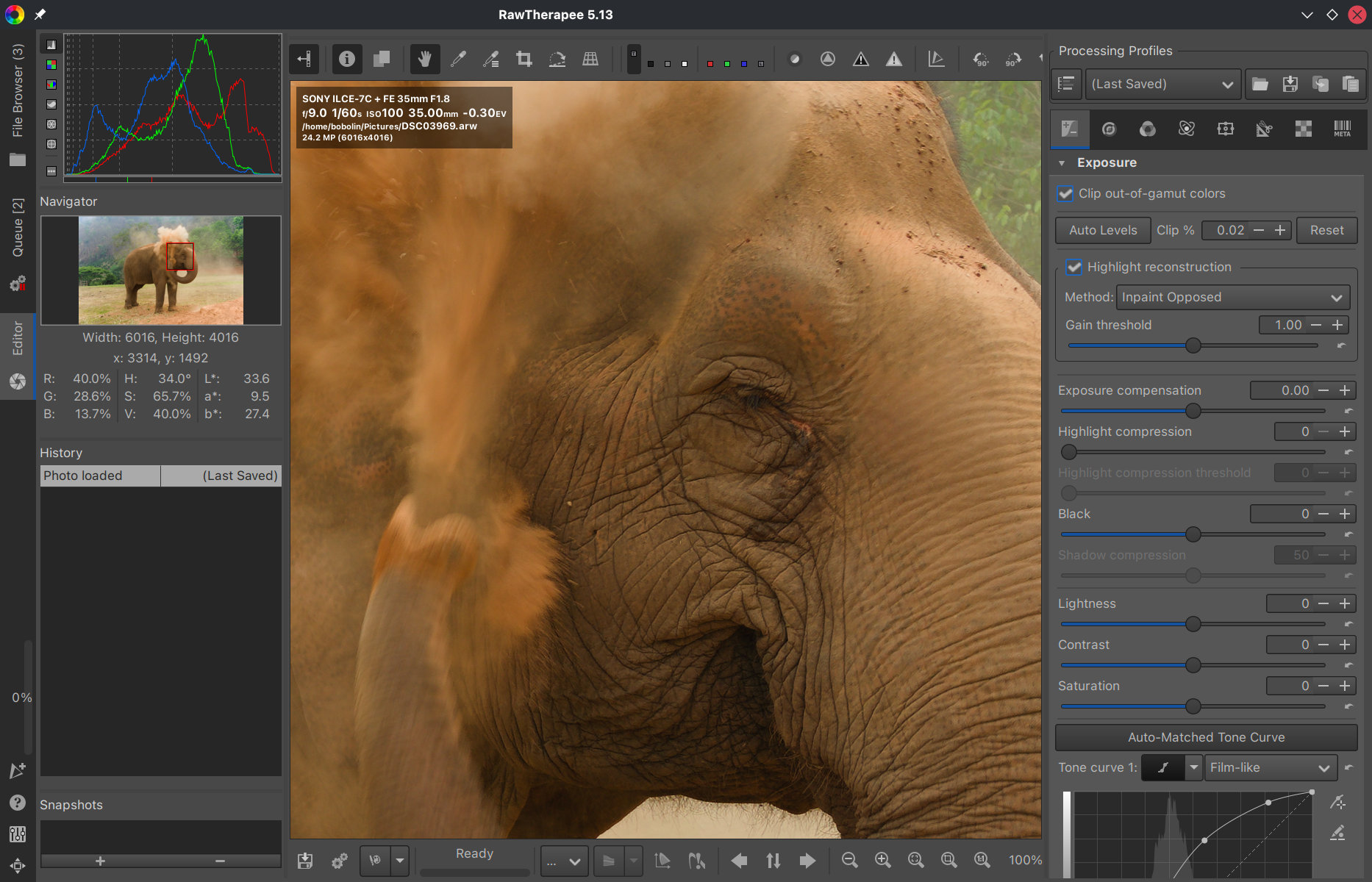
The latest version of the Gamut Compression tool includes several improvements, such as increased distance limits, automatic limit calculation, and more information on the maximum RGB and achromatic values. The Abstract Profile tool has been enhanced to apply adjustable highlight attenuation and to feature custom destination primaries controlled by hue and saturation.
RawTherapee 5.13 also includes further enhancements to its selective editing features. The Equalization and Pre-Tone Mapping tool acquires a new Michaelis–Menten tone mapper, and the Generalized Hyperbolic Stretch method is now able to automatically calculate the black and white points, show dynamic-range information, and suggest a symmetry-point value.
The Color Appearance tool features a tone mapper derived from tone response curves, along with individual adjustments for each channel and the option to invert colors; at the same time, the Blur/Grain and Denoise tool includes luminance-mask-based recovery and new controls intended to preserve more image detail when reducing noise.
Selective Sharpening now includes Capture Deconvolution, which enables RawTherapee’s capture-sharpening method to be applied to selected areas of both RAW and non-RAW images. The standard Capture Sharpening tool also gains a presharpening denoise feature to produce a better contrast mask when dealing with noisy images.
The Crop tool has been redesigned to show multiple guides simultaneously, support custom guide colors, display different aspect ratios, and allow a bleed area to be defined. The Lens/Geometry tool now permits images to be scaled independently along either the horizontal or vertical axis.
Further improvements for desktop systems include sharper editor previews and thumbnails on HiDPI displays, the ability to show embedded XMP color labels in the file browser, and a simpler method of resetting all application preferences. This release also enhances Olympus lens-name detection and includes translations in Hebrew and Korean.
Performance on ARM systems has improved since SIMDe enables ARM64 builds to use many of RawTherapee’s existing architecture-specific optimizations. Official Linux AppImages are now available for both x86_64 and ARM64 systems.
Finally, camera and RAW format support has also been expanded or improved for models including the Canon EOS R5 Mark II, Canon EOS R6 Mark III, Fujifilm X-M5, Fujifilm GFX 100 II, Nikon Z50 II, Olympus OM-3, Panasonic Lumix S9, Sony Alpha 1 II, and Sony Alpha 7 V.
Refer to the release announcement for detailed information (and downloads) about all changes in RawTherapee 5.13.