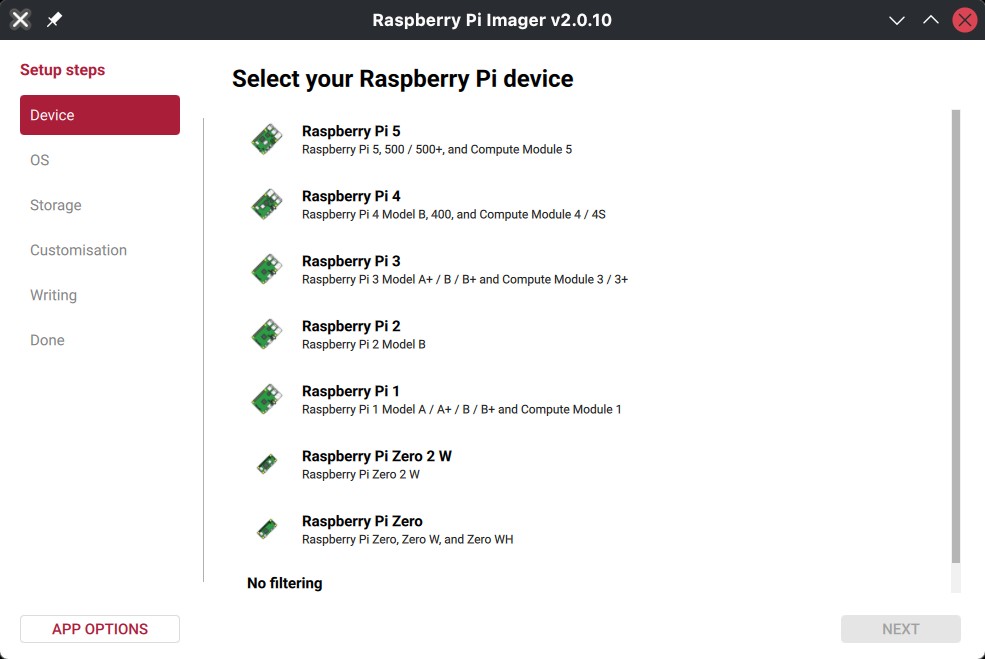
Raspberry Pi Imager 2.0.10 has been released as the latest version of Raspberry Pi’s official tool for writing operating system images to SD cards and other storage devices.
The biggest new feature is support for Pi Connect for Organizations. Raspberry Pi Imager now has a new setup wizard for enrolling devices, can register devices over HTTPS with on-device signing, keeps track of organization registration and provisioning tokens, and can automatically register a device with Pi Connect after a fastboot flash.
The update also fixes Pi Connect sign-in on more Linux desktop systems, which should help users who had trouble logging in from their desktop before.
Another big update is that Raspberry Pi Imager 2.0.10 now lets you do in-place CM5 secure boot re-provisioning with a new SecureBootProvisioner, and includes a BootloaderImage TLV editor for pieeprom.bin. Additionally, it adds support for bootfile repacking, configuration signature generation, RSA public-key extraction, bootcode2712 signing, and AB-image support in BootloaderImage.
On top of that, Raspberry Pi Imager 2.0.10 adds reduced motion support, new focusable text and heading components, and fixes a VoiceOver crash on password fields.
There are also several updates for OS customization. Cloud-init now uses systemctl through runcmd instead of the old enable_ssh method, and user configuration now uses user instead of users. SSID handling is better with octet support and YAML escaping, and the app now includes capital city data locally instead of downloading it from the REST Countries API.
For writing images, Raspberry Pi Imager 2.0.10 no longer requires 512-byte alignment, avoids showing success after a failed extraction, sets extraction length when a manifest size is available, and hides percentage progress if the extracted size is unknown. Local .img.zst archives are also handled better with zstd header parsing for extraction size.
Fastboot and rpiboot handling have also been improved. The app now captures INFO and TEXT lines for OEM commands, splits file_server bulk transfers into chunks, resolves the cache before fastboot flashing, pauses drive scanning during auto-bootstrap, and tracks naked rpiboot devices separately in the drive list.
On Linux, Raspberry Pi Imager now prefers kreadconfig6, with kreadconfig5 as a backup, chosen by KDE_SESSION_VERSION. The AppImage now leaves out libsystemd, libdbus-1, and libcap for desktop builds.
On macOS, the minimum supported version is now macOS 13, and the update fixes .img.zst write issues by combining unaligned reads and writes to /dev/rdisk*. On Windows, the update improves write error handling, volume locking, system drive detection, long path support, DPI awareness, and secure erasing of WiFi credentials.
For additional details, see the changelog. You can download Raspberry Pi Imager 2.0.10 now from the project’s GitHub releases page.
Finally, it is also worth noting that Raspberry Pi OS received an update today, and you can learn more about it here.