
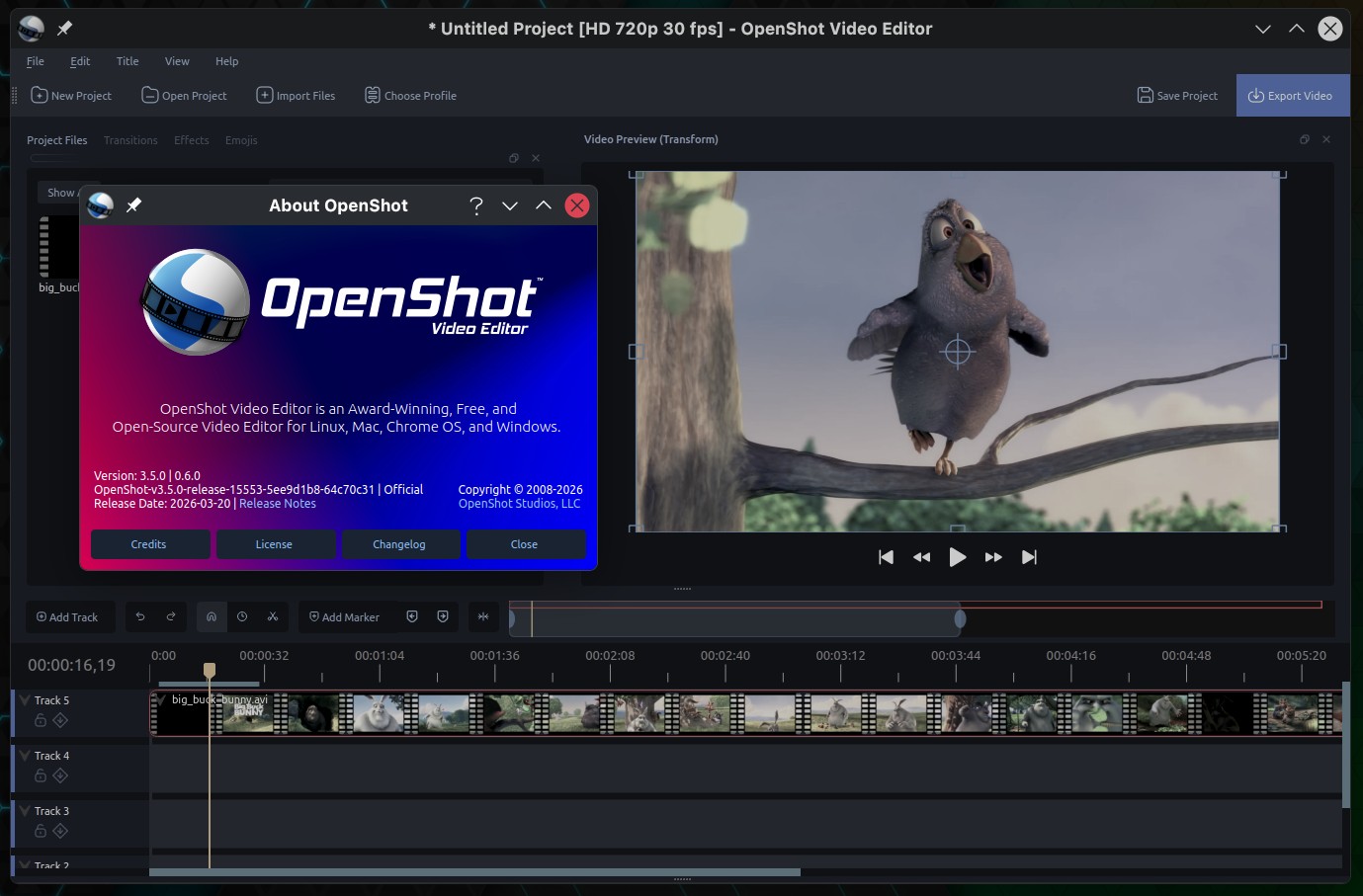
OpenShot 3.5, an open-source video editor, has been released with a redesigned default timeline, along with a range of workflow and stability enhancements.
The primary update is the new QWidget-based timeline, now enabled by default. It offers smoother zooming, scrolling, dragging, trimming, and snapping, especially in larger projects. Multi-clip editing is also more consistent and responsive.
Additionally, a new keyframe panel, now part of the default workflow, improves editing precision. It enables smoother keyframe manipulation, better selection, improved snapping, high-DPI thumbnails, and live trim feedback.
Export performance has also improved, with updated presets producing smaller files without quality loss thanks to refined encoding. Blender GPU rendering is now the default for animated titles, accelerating rendering. Hardware decoding checks are also more reliable and user-friendly.
OpenShot 3.5 introduces experimental ComfyUI integration, offering early support for AI-driven workflows such as content generation, object tracking, segmentation tools, and custom JSON pipelines. The update also improves remote server handling and progress reporting, though this feature is still in development.
On the performance side, developers report that OpenShot 3.5 achieves approximately 35% overall improvement, especially in effects processing and frame handling. Users can expect faster previews, greater editing responsiveness, and a smoother experience.
Audio features have also improved. Transitions now use equal-power crossfades by default, making fade-ins and fade-outs easier. Audio decoding is faster, and waveform generation is better, so working with audio-heavy projects is more efficient.
Effects now include better masking and updates to Chroma Key. The new default chroma key mode gives softer edges and handles halos better. Plus, expanded mask support and improved animated masks make compositing and selective effects more precise.
Finally, numerous bug fixes address timeline behavior, thumbnail generation, file handling, and playback. Additional updates improve cross-platform consistency, including better dependency management for libraries like libsndfile in AppImage builds.
For more details, see the changelog or refer to the announcement.