
LXQt 2.4 is now available as the latest release of the lightweight desktop environment built on Qt. Among the more noticeable changes is improved Wayland behavior.
In LibFM-Qt and PCManFM-Qt, desktop item visibility is now handled consistently on multi-monitor Wayland setups, allowing different “Hide Desktop Items” settings for each display. Moreover, LXQt Session now separates settings for X11 and Wayland sessions, with Wayland-specific options shown only when the lxqt-wayland-session package is installed.
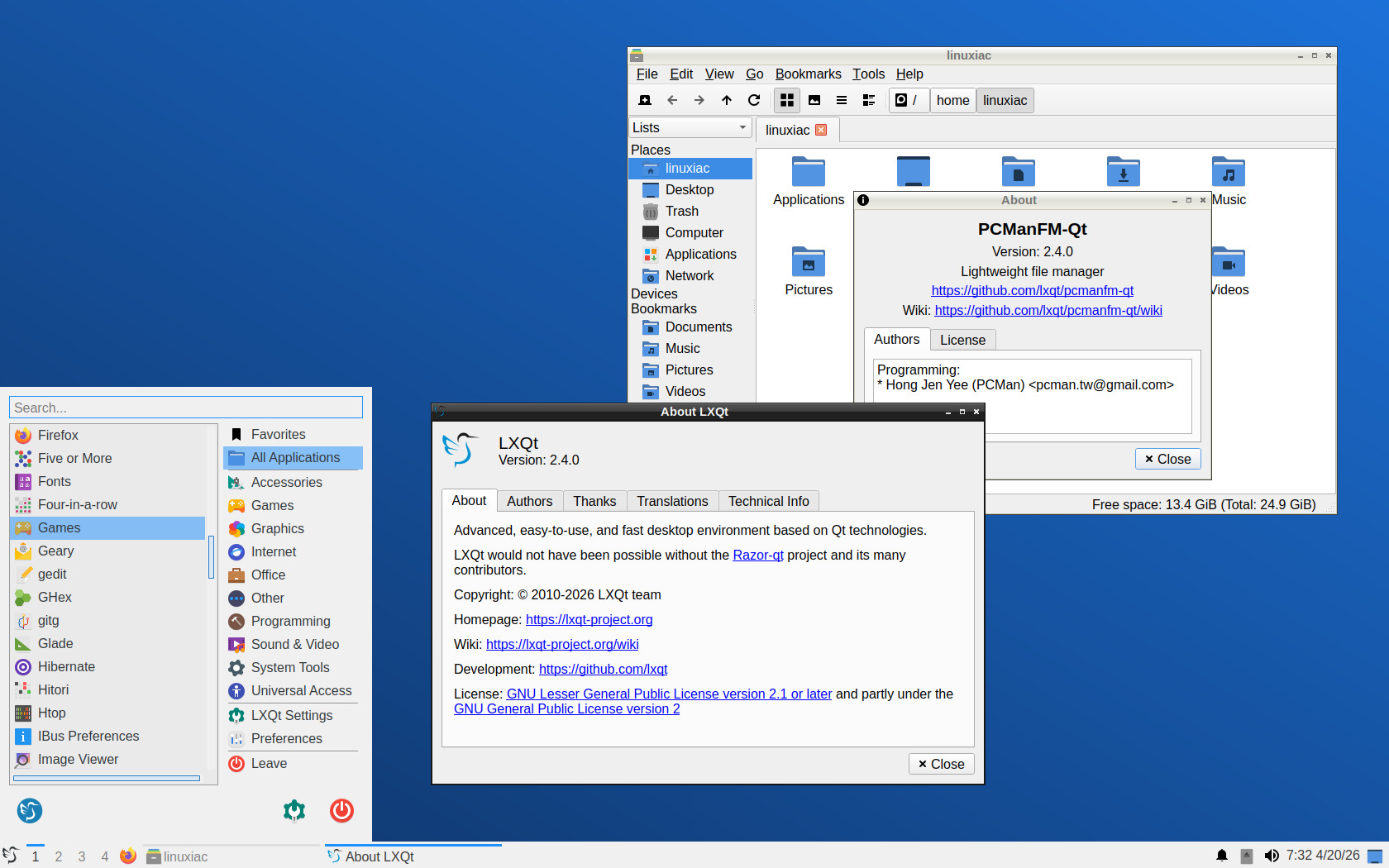
The session component also gains a Wayland improvement. The main menu can now be opened on Wayland by assigning a shortcut to lxqt-qdbus openmenu in the compositor settings, closing one of the remaining usability gaps in non-X11 setups.
On top of that, LXQt Power Management now includes separate monitor blanking timeouts for AC power and battery operation. The settings interface was cleaned up by removing unnecessary combo box options, and the overall layout was improved.
The panel receives one of the most user-facing updates in LXQt 2.4. Its volume plugin now uses a horizontal layout, shows all available audio sinks, and lets users adjust the default sink volume by scrolling over the panel icon with a mouse wheel or touchpad.
On the bug fixes side, there is less strict parsing of alternative icon themes with Qt 6.11, improved result ordering in the Fancy Menu search filter, and fixes for auto-hide behavior when dragging windows over Task Manager and Show Desktop. On Wayland, shortcut selectors in panel menus are disabled now, with a tooltip explaining how to configure them instead.
The notifications component changes its behavior in “Do not disturb” mode. Transient notifications, such as temporary song-title popups from media players, are no longer saved while that mode is active.
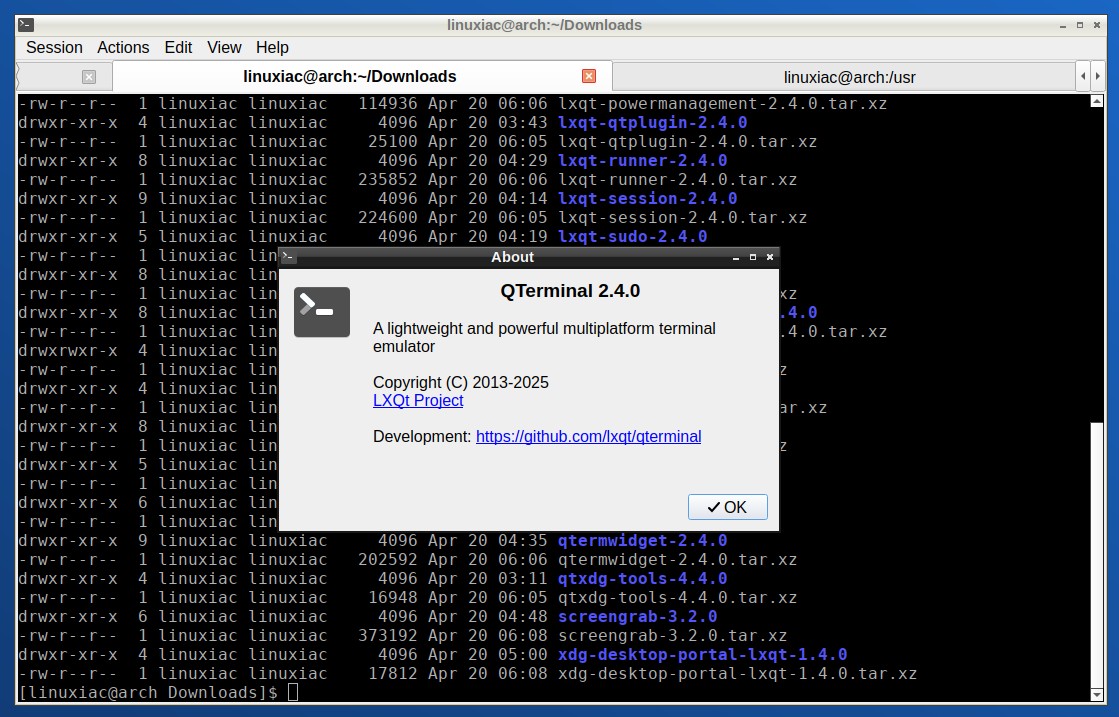
Finally, terminal-related components also receive several updates in this release. In QTerminal and QTermWidget, the changes include:
- Improved search highlighting, with all matches now highlighted
- Improved custom tab name behavior
- Support for assigning a shortcut to the dropdown mode’s lock button
- A fix for creating bookmark files with new profiles
- A new Nord theme
- Restored Open/Copy link actions in the context menu
- A corrected URL pattern for links ending with a closing bracket
Refer to the release announcement for more information about all changes in the new version.
If you are eager to try the new release, it’s currently available only as source code. However, as always, in the coming days and weeks, users of rolling-release distros, such as Arch, openSUSE Tumbleweed, Void, Gentoo, etc., are expected to be among the first to receive the new LXQt 2.4 desktop environment.