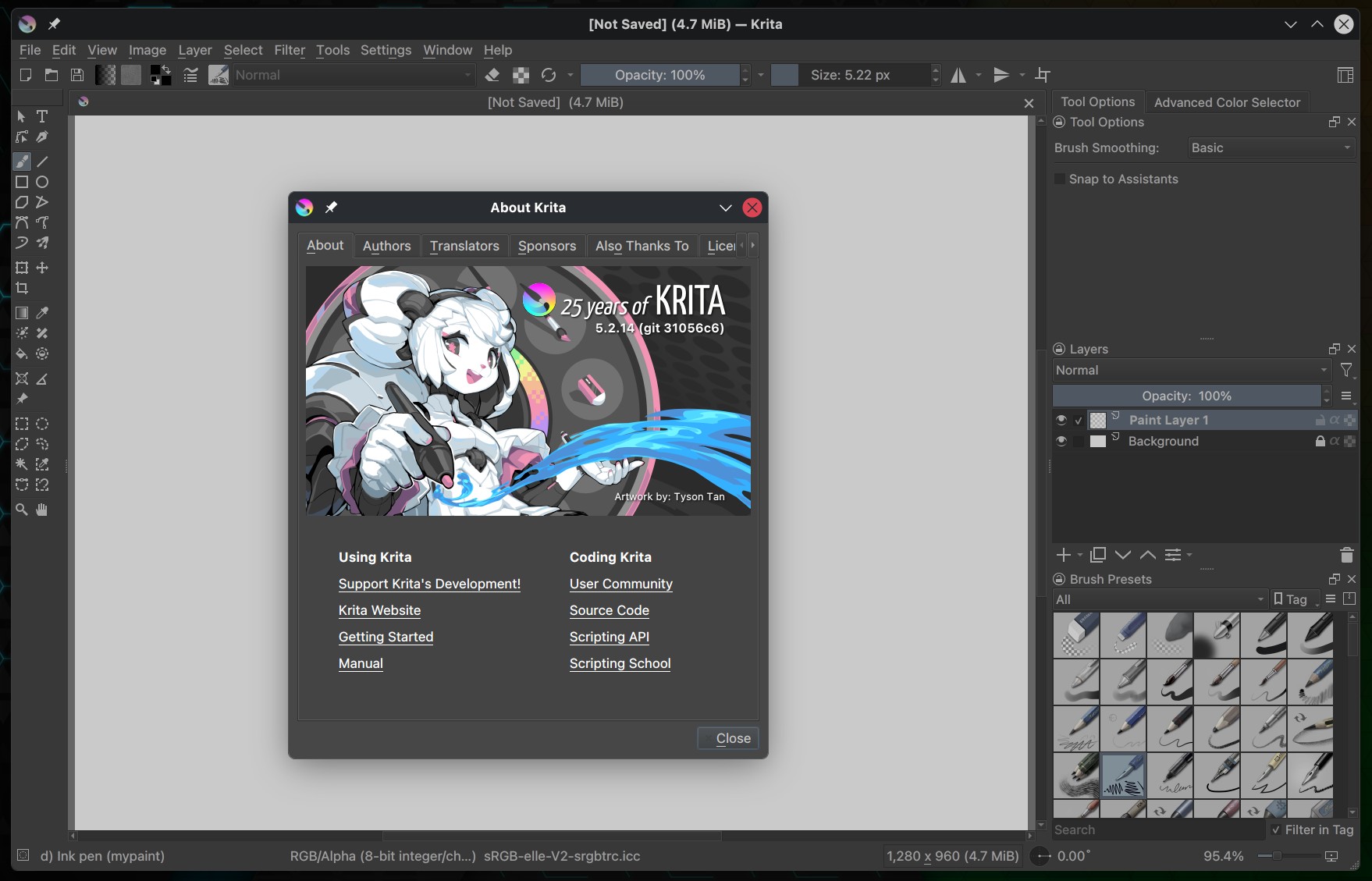
Nearly three months after the previous 5.2.13 update, Krita, a popular open-source, cross-platform digital painting app, has just released version 5.2.14, marking the final bugfix update in the 5.2 series.
The most visible improvement is the new one-finger touch-and-hold color picker. Users can now press and hold on the canvas to activate the picker, simplifying work on tablets and touchscreen devices.
The color preview has also been redesigned, replacing the previous rectangular layout with a circular display around the cursor for better visibility. This preview now stays correctly aligned regardless of canvas rotation, resolving a long-standing issue.
Beyond these interface changes, Krita 5.2.14 introduces many smaller usability adjustments. Touch gestures are more reliable, kinetic scrolling no longer interferes with long-press actions, and context menus now appear consistently at the touch position.
Multi-click actions, stylus double- and triple-clicks, and curve autosmoothing now work correctly across touch workflows.
Android receives a substantial series of fixes, including proper full-screen behavior, restored document display, improved error handling, corrected shortcut input, and fixes for in-app purchases and supporter badges.
Moreover, the application now avoids exiting full-screen when pressing back and removes interface elements that could interrupt tablet workflows. Touch interaction on Android has been systematically reviewed, covering sliders, menus, painting gestures, and layer handling.
Additional fixes address brush preview alignment, smudge brush crashes, histogram updates, shape editing on touch devices, and drag-and-drop behavior on the canvas. macOS users receive a refreshed application icon and improved thumbnail generation for Krita file formats.
Visit the release announcement for detailed information about all the changes. Krita 5.2.14 is now available for download on Windows (64-bit only), Linux (as AppImage, Flatpak, and Snap), and macOS (10.14 or later). Android remains in beta, while ChromeOS is considered ready for production use.