
Haruna, a Qt-based media player developed as part of the KDE ecosystem and built on top of MPV, has released version 1.7. The most visible changes center on playlists, as the player now supports advanced sorting and grouping, making larger music collections easier to navigate.
The application also remembers and restores the last active playlist on startup, reducing friction for users who rely on persistent playback queues. In addition, a new context menu entry opens files directly in Hana, KDE’s thumbnail generator when installed.
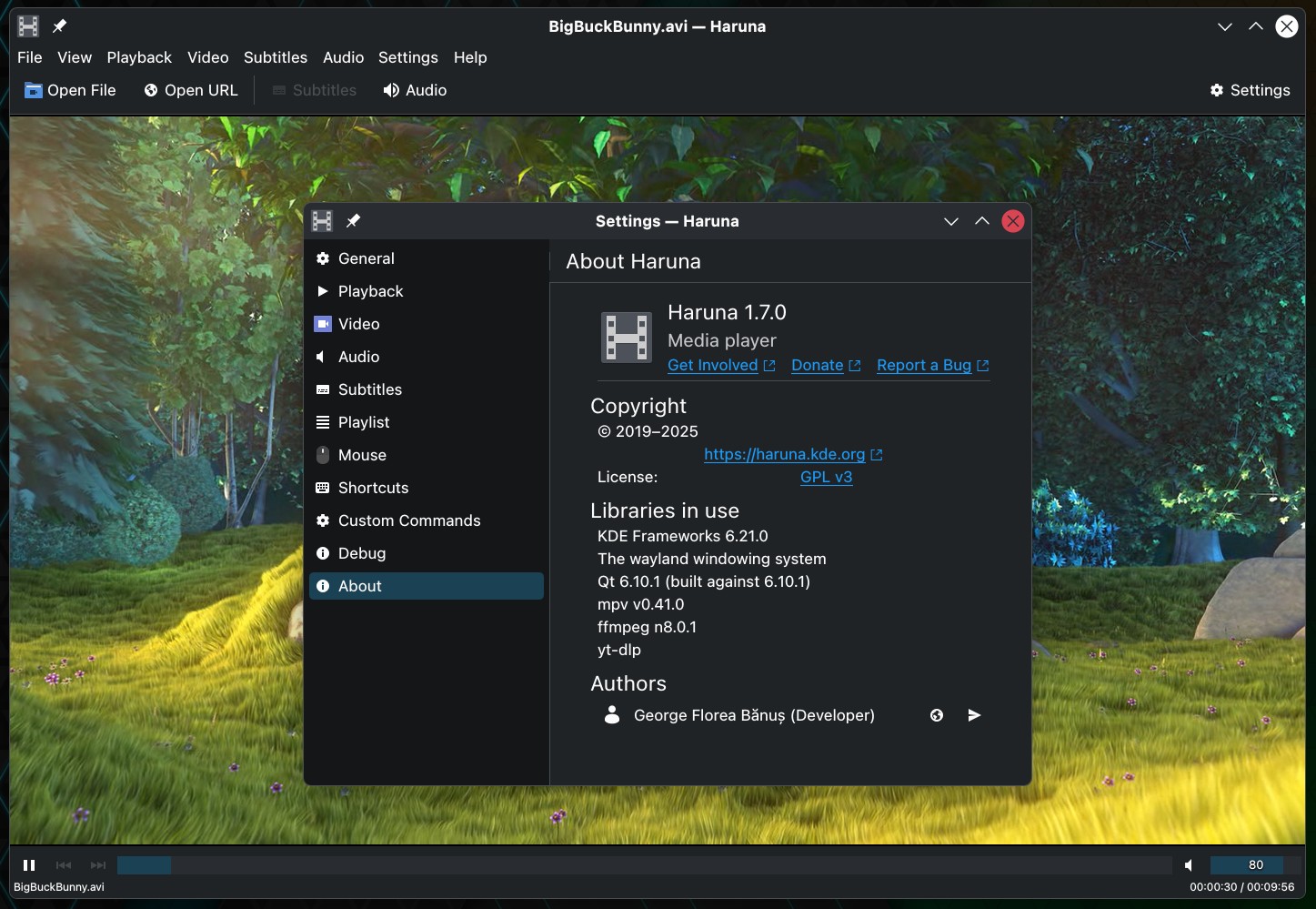
Regarding audio-related refinements, version 1.7 introduces replay gain settings, giving users more control over volume normalization across tracks. MPRIS behavior has also been adjusted so that thumbnails are set only for audio files, allowing desktop taskbars to display a live window preview instead of static artwork.
Another small UI tweak further reduces the size of the play icon in the compact playlist view.
Alongside these enhancements, the release resolves several bugs that affected everyday use. The database folder creation issue has been fixed, seekbar tooltips now update correctly when files change, deleting custom commands works as expected again, and the last opened URL is properly saved between sessions.
For more information, see the changelog.



It remembers and restores the last active playlist on startup, but it doesn’t do that for it’s window state (maximized or windowed) like all the other KDE programs can and even non-KDE programs like VLC and Firefox can!
The developer also refuses to implement Media info and output / decoding statistics, in the right-click context menu or through default shortcuts, like MPC-HC for Windows has!
You have no idea if frames are dropped or not and everything is OK!
A greeen playback progress overlay or a yellow or red overly over its icon is also missing!
Even though copying the green progress overlay at least, from Discover would not be so hard.
Haruna could be much better if the developer would be more caring and not dismiss absolutely every feature request!
Especially the ones that request features already present in other very good video players like MPC-Qt or MPC-HC or even MPV (which shows a lot of statistcs when you press SHIFT+I)!
And of course, the video, audio and subtitle tracks are shown like crap compared to MPC-QT and MPC-HC!
You cannot see the proper (user-friendly) language names, you cannot see the codecs used for those streams, you cannot see the bitrates and you cannot see the flags attacked to them (default, forced)!
I think the other KDE developers should take over the leadership / management of this project.