
Omarchy, a preconfigured Arch Linux setup packaged as a distro that ships with a Hyprland tiling window manager and a curated set of defaults and developer tools, has announced the release of version 3.5.
Named “The Panther Lake Edition,” Omarchy 3.5 offers full compatibility with Intel Panther Lake systems using a patched Linux kernel 6.19.10. This kernel will remain in use until version 7.0 provides upstream support.
The release notes state that the update adds the IPU7 camera driver for webcam support on Panther Lake devices and introduces additional Intel-focused optimizations. These include thermald for thermal management, LPMD for core selection, and intel-media-driver for enhanced video playback.
The project confirms that Panther Lake support has been tested on Dell XPS 2026 laptops. Omarchy 3.5 includes targeted fixes for these devices, including improvements to Wi-Fi 7 and haptic trackpad support on Dell XPS 2026+ systems.
On top of that, the release also resolves keyboard backlighting issues on Tuxedo and Slimbook laptops. Apple T2 Mac support is enhanced with updates to fan curves, Bluetooth, and keyboard backlight controls.
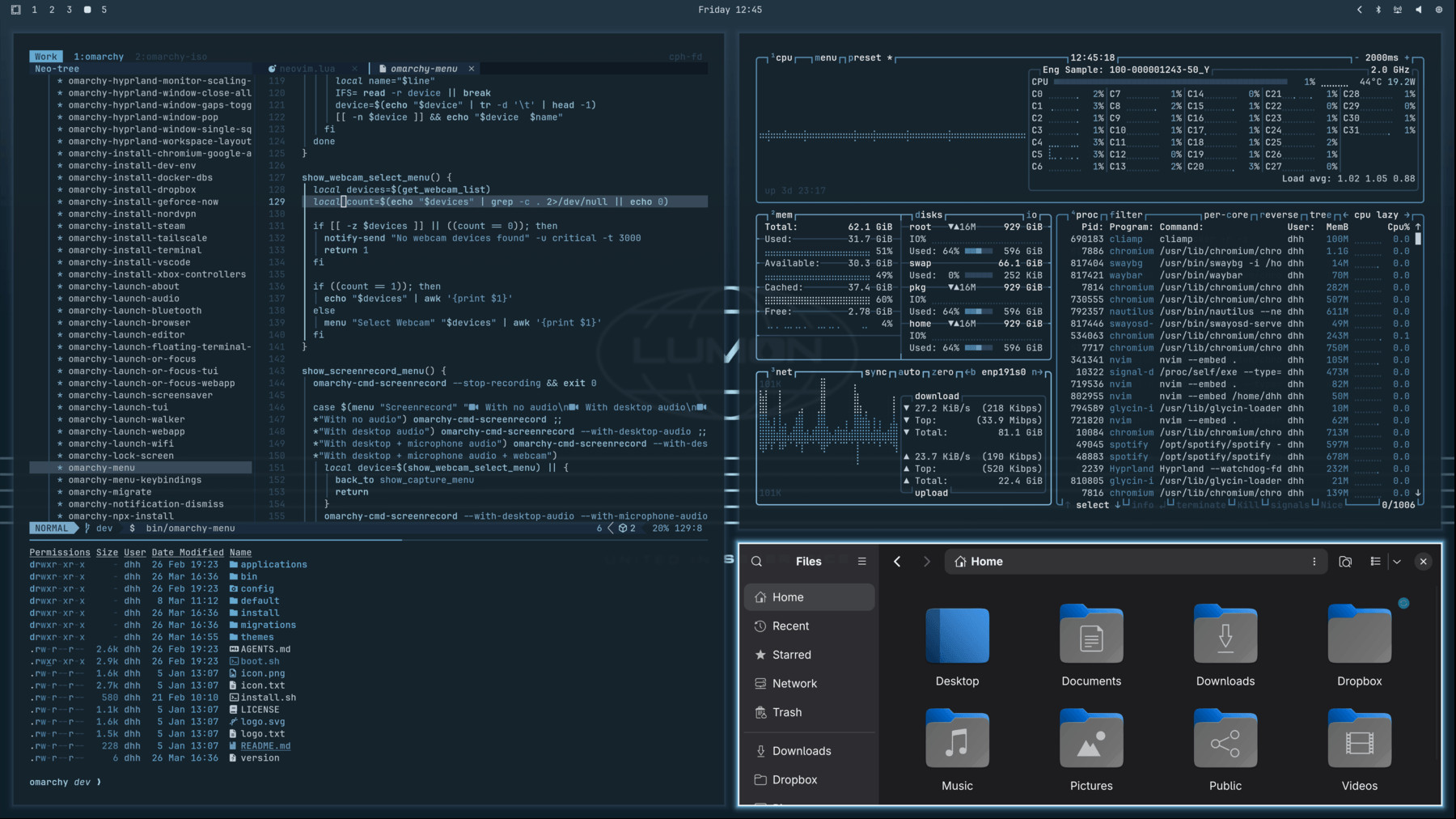
Beyond hardware support, Omarchy 3.5 also introduces several new features. Nautilus now includes a LocalSend send action, and a new sff function enables fuzzy file selection for SCP transfers. The ONCE installer, available under Install > Services, allows users to run Dockerized web apps locally or in the cloud. Additionally, omarchy-sudo-passwordless-toggle provides temporary passwordless sudo access for debugging.
The update expands Omarchy’s tools for developer and AI workflows. New lazy-install stubs for Opencode, Gemini, Codex, Copilot, and Playwright CLIs are now available through npx, which the project notes will better accommodate the rapid update cycles of these tools.
For the desktop, Omarchy 3.5 adds two new themes, Lumon Industries and Retro 82, along with additional Gruvbox backgrounds. The update also provides clearer theme previews and introduces a new COPY highlight in tmux copy mode.
Finally, this release also includes a long list of bug fixes across the system. To view all of them in detail, refer to the changelog.
Existing users can update to Omarchy 3.5 via Update > Omarchy in the Omarchy menu. New installations are available from the latest ISO image.
Image credits: Omarchy