System76 has released COSMIC Desktop 1.9, bringing two new applications to the Rust-based desktop environment, along with a redesigned COSMIC Store and a broad collection of usability fixes.
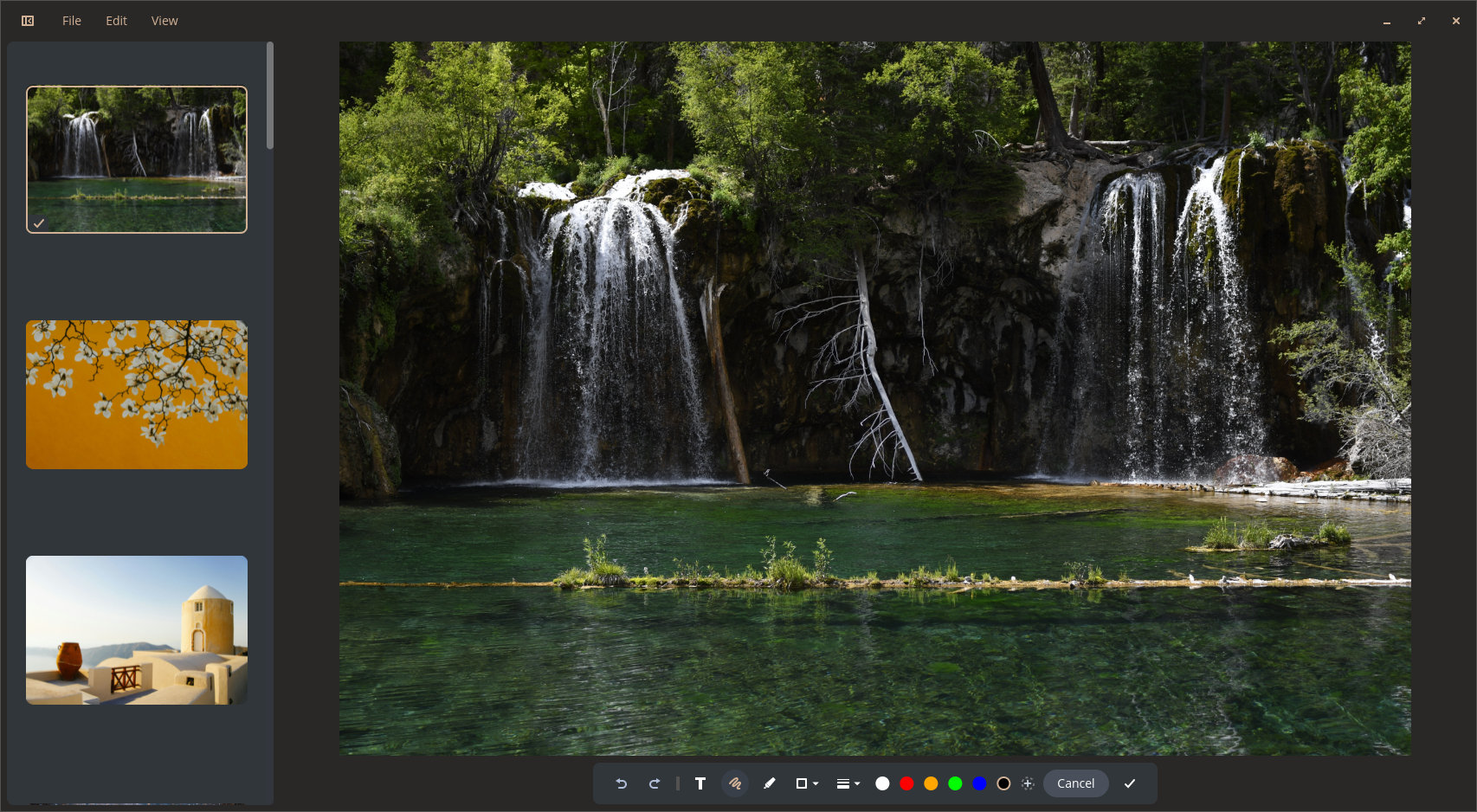
The biggest addition is COSMIC Viewer, a new image viewer supporting a wide range of formats and offering several built-in editing features. With this release, System76 recommends COSMIC Viewer as the desktop’s default image viewer.
Also debuting is COSMIC OSK, a new on-screen keyboard designed for touchscreens and gamepad input. It integrates directly into the desktop, with a dedicated panel applet for toggling it on demand, new settings controls, and support for displaying it on the lock screen.
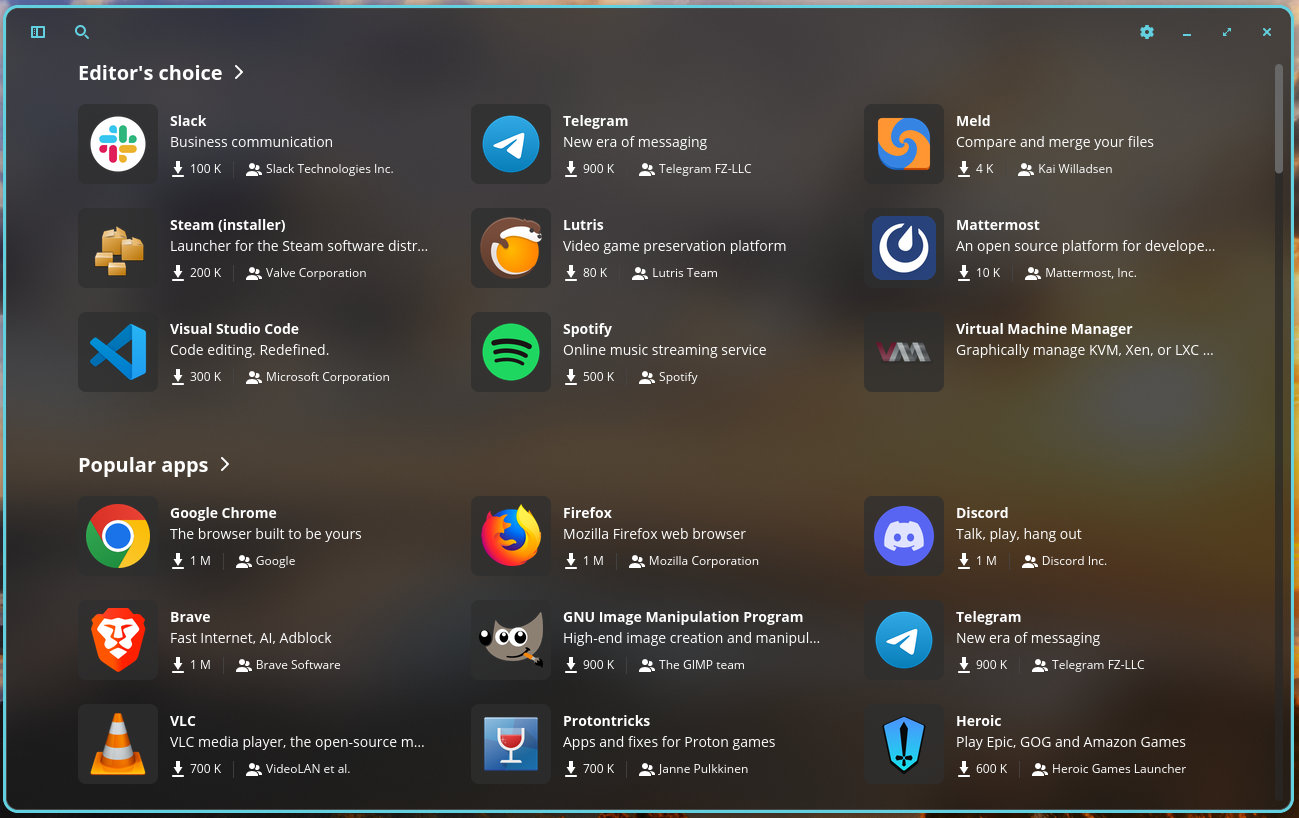
COSMIC Store has also received a visual overhaul, making application developers more visible, with developer names now displayed directly on app cards alongside other interface adjustments.
On top of that, COSMIC 1.9 ships with several smaller desktop improvements. The lock screen can now use COSMIC’s background component directly, and the compositor gained support for displaying layer-shell applications, including the on-screen keyboard, on top of the lock screen.
Several long-standing UI annoyances have been addressed, too. Context menus in the app library and launcher now behave correctly. The Super key no longer remains stuck in some applications after opening the launcher, and pressing Escape closes menus as expected across several COSMIC applications.
Moreover, COSMIC Files receives several refinements, including fixed drag-selection behavior, icons for Windows .exe files, persistent sorting preferences in file dialogs, and improved context menus when holding Shift.
The Settings app now displays the installed COSMIC version on its About page, adds configuration options for the new on-screen keyboard, fixes WireGuard-related issues, and introduces an option to show the day of the week. Font settings are now synchronized with GNOME applications for a more consistent appearance.
Other changes include configurable panel border thickness, improved notification handling when Do Not Disturb is enabled, fixes for pixelated icons in the launcher and app library, optional systemd-homed support in the greeter, and several session and compatibility improvements.
As usual, the release also brings translation updates and dependency updates across many COSMIC components.
For additional details, see the changelog.
COSMIC Desktop 1.9 packages are expected to arrive in the repositories of rolling-release distros such as Arch, openSUSE Tumbleweed, CachyOS, and others shortly. Pop!_OS 24.04 LTS users already have it available as an update.
Image credits: System76