The SparkyLinux team has released Sparky 8.4, the fourth quarterly update to the Debian 13 “Trixie”-based Sparky 8 “Seven Sisters” stable series.
While the release includes the expected package refreshes, its most interesting change is the return of official 32-bit installation images for older computers. About a year ago, Sparky stopped producing 32-bit Live/Install ISO images after Debian discontinued them.
According to the team, that decision was reconsidered after it became clear many users still have functional computers with 32-bit processors. As a result, SparkyLinux 8.4 again provides i686-pae Live/Install images alongside its existing 64-bit x86 and ARM64 editions.
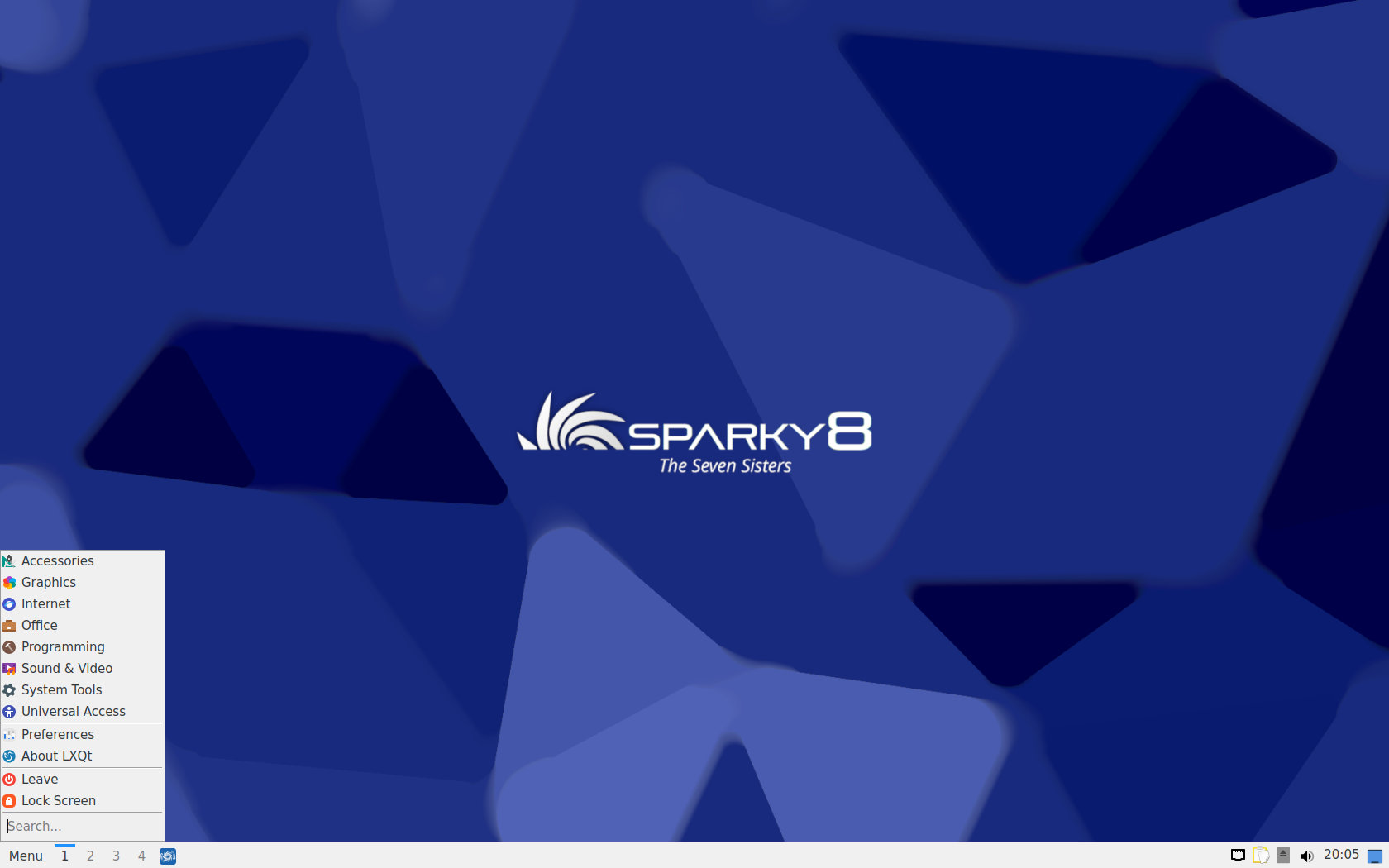
The restored 32-bit offering is deliberately lightweight. Sparky provides MinimalGUI images based on the Openbox window manager and MinimalCLI images for users who prefer to build their systems themselves. Both use Linux kernel 6.12 LTS.
One important difference from the regular 64-bit editions is that the 32-bit images do not include the Calamares graphical installer. Instead, installation is done in text mode by running sudo sparky-installer.
The standard 64-bit editions remain available with Xfce, LXQt, MATE, KDE Plasma, Openbox-based MinimalGUI, and text-mode MinimalCLI environments. These images support BIOS and UEFI systems as well as Secure Boot, while ARM64 users continue to have Openbox and CLI variants available.
In addition to the return of 32-bit support, SparkyLinux 8.4 refreshes all packages from the stable Debian and Sparky repositories as of August 9, 2026.
On 64-bit PCs, the new installation images come with Linux kernel 6.12 LTS by default. Users wanting a newer kernel can find Linux 7.1 in Sparky’s repositories, alongside Linux 6.18 LTS and Linux 6.12 LTS. The ARM64 images use Linux 6.18-rpi.
The desktop stack includes KDE Plasma 6.3.6, Xfce 4.20, LXQt 2.1, MATE 1.26, and Openbox 3.6.1. LibreOffice 25.2.3 is included, while LibreOffice 26.2.4 is available through Debian Backports.
Firefox 140.13 ESR and Thunderbird 140.13 ESR are also part of the refreshed package set. Sparky’s own repository additionally provides Firefox 153 for 64-bit x86 and ARM64 systems. The developers recommend having an active internet connection when installing SparkyLinux on UEFI systems.
Finally, existing Sparky 8 users do not need to reinstall. Fully updated installations receive the same package updates through the regular Debian and Sparky repositories, so running the regular system updates is enough to bring an existing installation in line with SparkyLinux 8.4.
For additional details, see the announcement.
For new installations, SparkyLinux 8.4 is available in several amd64 variants with BIOS/UEFI and Secure Boot support. Options include Xfce, LXQt, MATE, KDE Plasma, MinimalGUI with Openbox, and MinimalCLI in text mode. ARM64 images are also offered in Openbox and CLI editions.