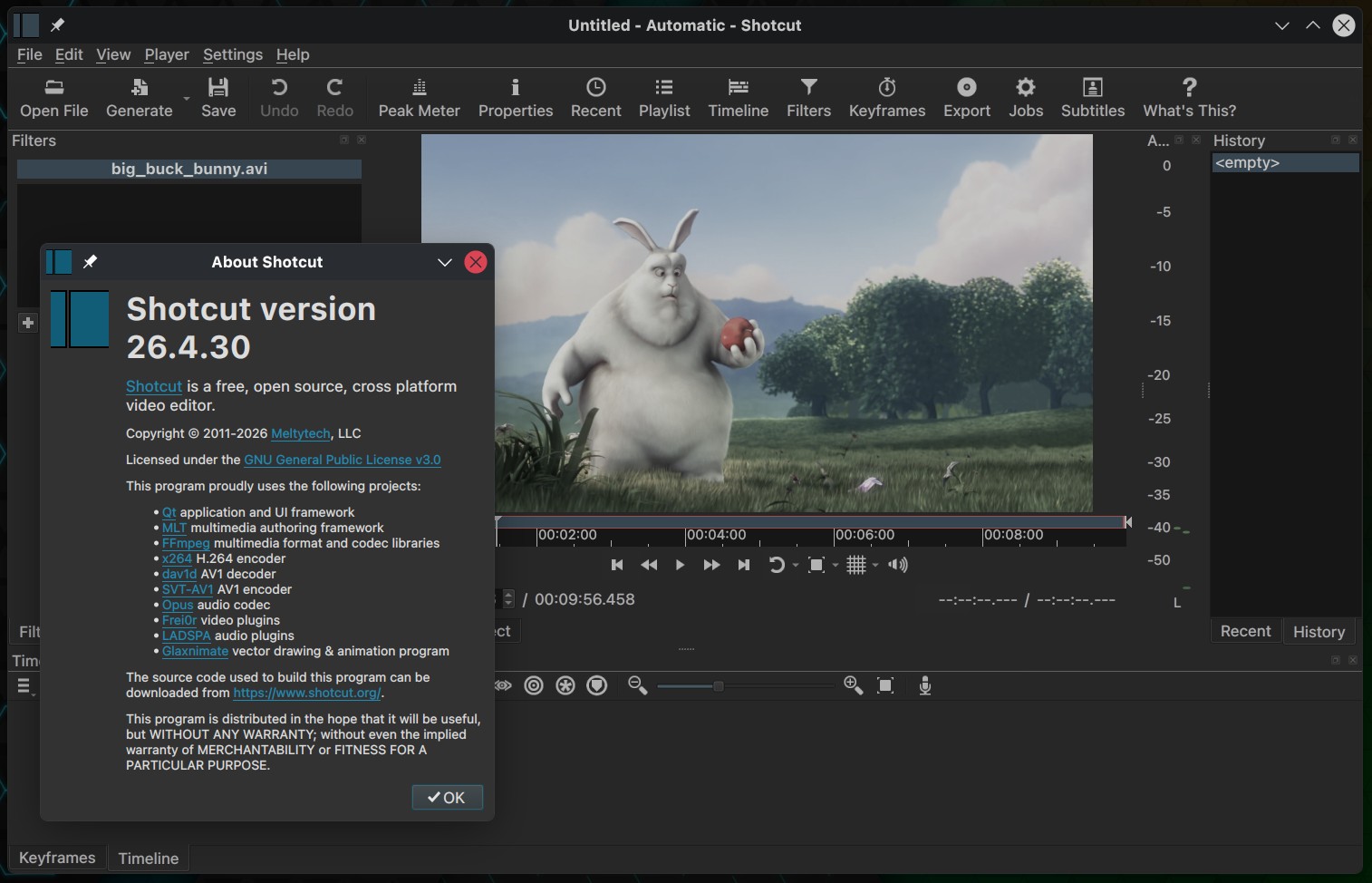
Shotcut 26.4 is the latest update to the free, open-source, cross-platform video editor, bringing many improvements to the timeline, export, subtitles, and speech-to-text, along with bug fixes.
One major addition is Vulkan GPU support for Speech-to-Text on Windows and Linux. The feature appears as a new “Use GPU” checkbox in the Speech-to-Text dialog, allowing users to enable GPU acceleration where supported.
The timeline also gets several workflow changes. Shotcut 26.4 adds symmetric resizing of timeline transitions via trim handles, drag-and-drop support from Recent to Timeline, and smoother zoom behavior in the Timeline and Keyframes panels. Timeline waveform memory usage is reduced, and the “Set Current Track Above” and “Set Current Track Below” actions now use the Up and Down keys.
Export changes include a new Metadata section supporting cover art, new 10-bit VP9 MP4 and WebM export presets, and 10-bit HEVC as the default export option when using 10-bit processing modes. Shotcut 26.4 also adds a LUT file property for video clips, mainly for the Linear 10-bit mode.
Subtitle editing gains new Typewriter options in the Burn In Subtitle filter. The player grid button now includes aspect-ratio frame options for 1:1, 16:9, 4:3, and 9:16, reflecting common formats across desktop video and social platforms. The Video Mode menu is reorganized with new Social Media, Other, and Legacy categories.
Several smaller workflow changes are included as well. Audio transitions now use a constant-power crossfade, subtitle multi-selection uses the Shift key, the Properties timeline duration field is editable, opening an image no longer starts playback, and Timeline audio recording uses FLAC instead of Opus for better quality and broader compatibility. Job progress and status can also appear on the taskbar or dock icon, where supported.
For Linux users, Shotcut 26.4 no longer bundles Glaxnimate, except in the Linux Flatpak package. It also fixes a Wayland-specific issue where button menus did not open reliably and updates the Linux build to Qt 6.10.3.
The bug-fix list is extensive. Shotcut 26.4 addresses intermittent audio waveform sync problems and blank waveforms introduced in version 26.2, fixes markers disappearing after undoing clip moves, restores hourly backups when saving frequently, and corrects cases where grouped clips could break after timeline copy, cut, paste, or overwrite operations.
Other fixes cover keyframes after undoing a trim-in operation, changing clip duration, dropping time filters, marker duration, and ripple marker off-by-one behavior, undo history for lock, mute, and hide track actions, and a possible crash during voice preview in the Text to Speech dialog. The release also fixes project playback starting on the second frame and keyboard seeking sometimes failing in the Timeline.
Under the hood, Shotcut 26.4 updates several major components. FFmpeg has been upgraded to version 8.1, x265 to version 4.1, whisper.cpp to version 1.8.3, MLT to version 7.38.0, and Qt to version 6.10.3 on Linux.
For more details, see the changelog.