
Kdenlive 26.04 has been released as part of the KDE Gear 26.04 app collection as the first major update of 2026 for KDE’s open-source non-linear video editor, with a notable addition being monitor mirroring in fullscreen mode, which enables a monitor to be mirrored during fullscreen editing.
Effects and transitions have been updated as well. Transitions now feature animated previews, allowing users to preview effects before applying them. Kdenlive introduces a dedicated tab for browsing luma files, enhances luma file compatibility with various project profiles, and automatically reloads previews of downloaded lumas.
Workflow is further improved with the ability to drag and drop transitions directly onto timeline clips. Kdenlive can automatically adjust transition duration to match the clips, minimizing manual adjustments. This release also introduces the Euclid Eraser transition and a new frei0r-based Heatmap effect.
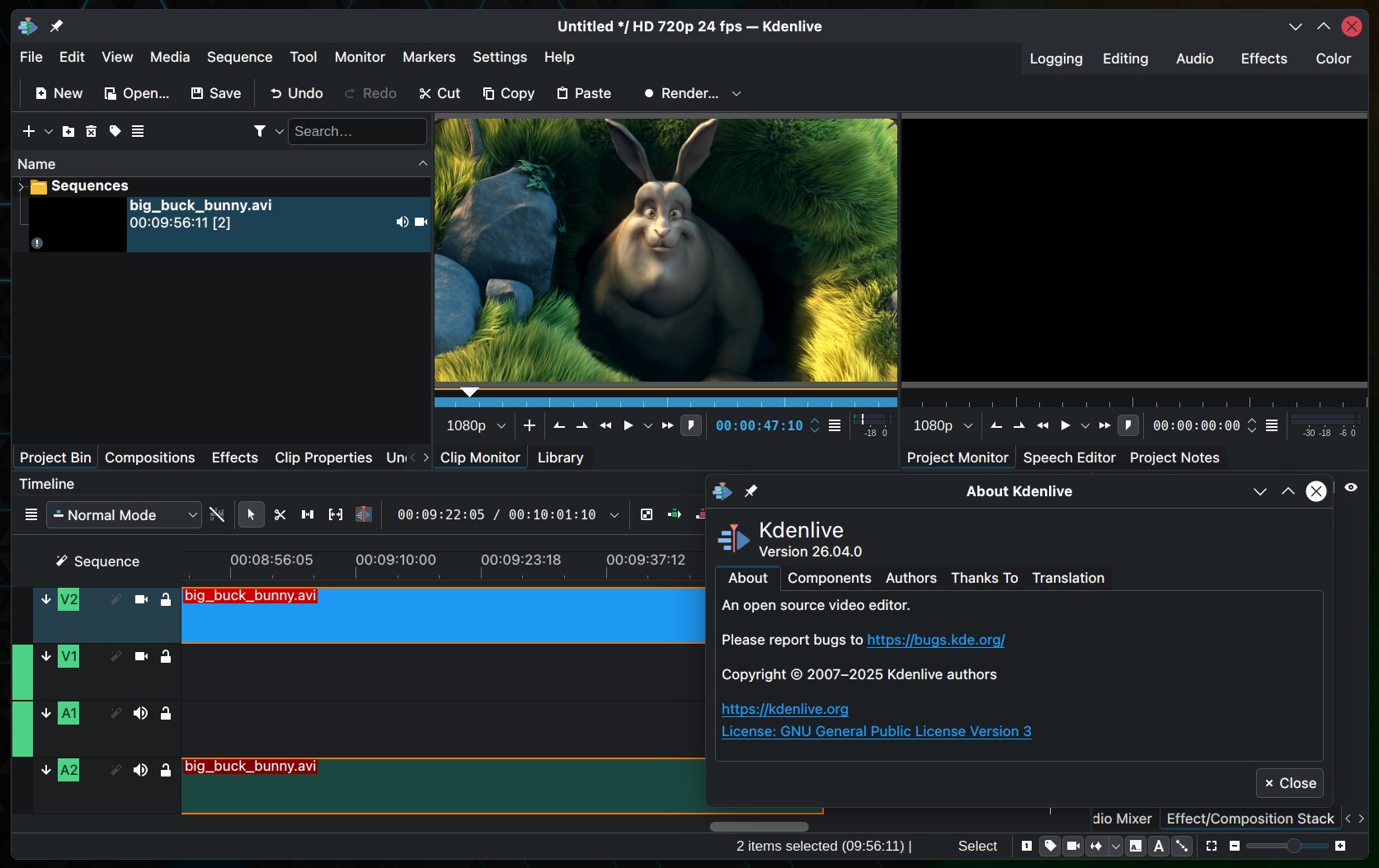
Moreover, Kdenlive 26.04 introduces continuous panning with the middle mouse button, enabling users to move across the timeline beyond screen edges. A new fixed playhead option keeps the playhead centered during playback, scrubbing, or seeking. Users can also switch timeline zoom behavior between the mouse cursor and playhead position.
Multi-clip speed adjustments are now supported. Users can change the playback speed of multiple selected clips simultaneously using Ctrl-drag on the timeline or the Clip Speed tool. The timeline menu now includes a Disable Timeline Effects function. Clips can be imported and added directly from the timeline context menu with smart length detection, and sequences now display audio thumbnails.
Audio capture for external recording devices has been enhanced: Kdenlive now displays only supported channel counts and sample rates for the selected hardware, offers additional sample format options (8-bit, 16-bit, 32-bit, and float), and provides a button to use the hardware’s default recording settings.
Additional features include a Clear Undo History option in the Edit menu, HD-ready 1366×768 project profiles, the ability to add rendered files directly to the Project Bin from the Render Widget, and support for editing video clips with external programs.
Kdenlive 26.04 also hides the mouse cursor over the monitor in fullscreen mode after two seconds of inactivity, groups marker menu items, adds a Delete All Timeline Markers action, allows clips to be added directly to folders from the Project Bin context menu, and introduces an AMF encoding profile for Windows.
For more details, see the release announcement. You can get the source code and pre-built packages from the official Kdenlive website.



Nice :))