Ghostty, a GPU-accelerated terminal emulator, just rolled out v1.3, one of its most feature-rich updates so far.
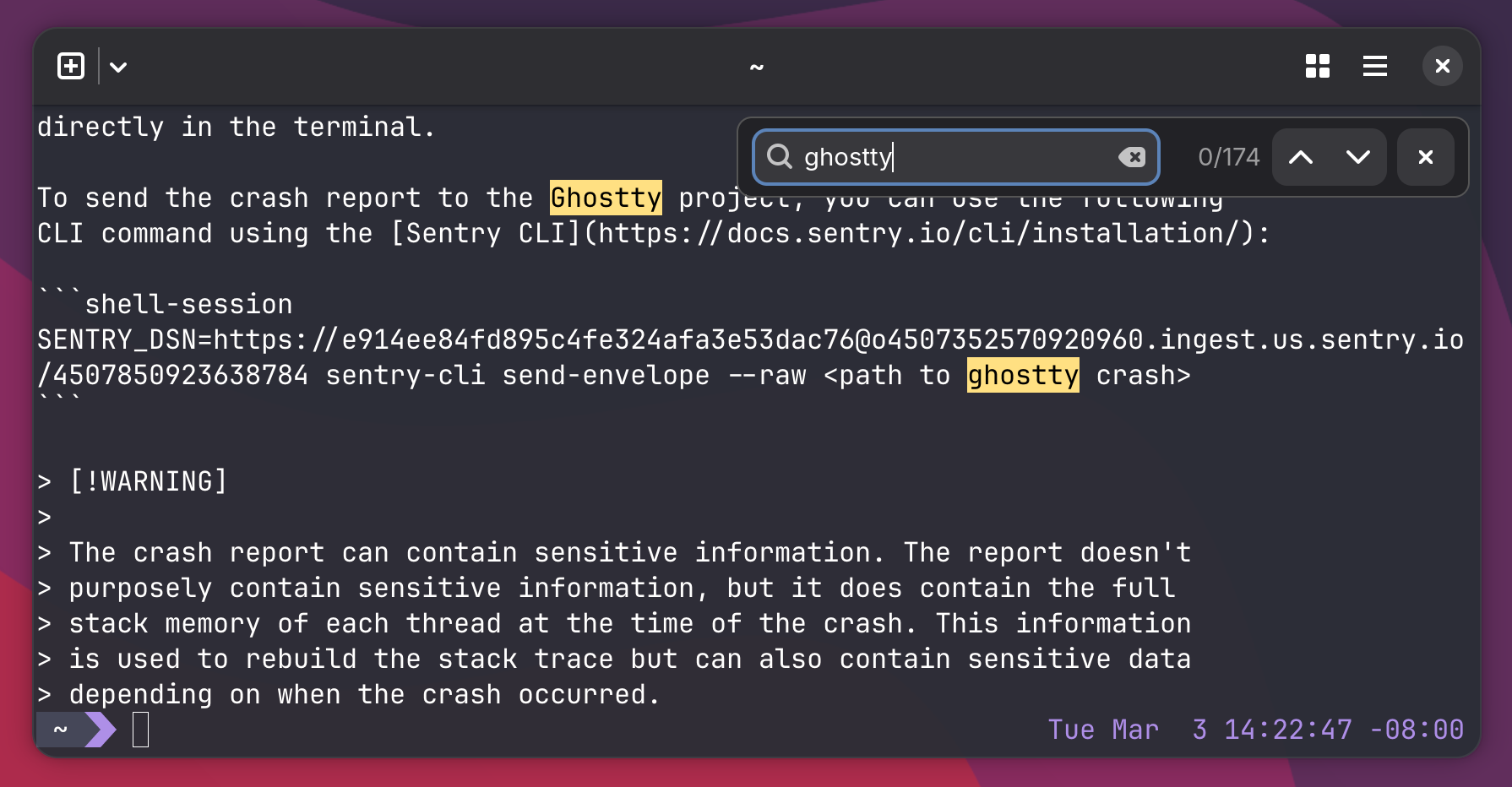
One of the biggest additions is the new scrollback search. Users can now search through terminal history using Ctrl+Shift+F on GTK systems or Cmd+F on macOS. Matches are highlighted in the terminal viewport, and navigation between results is supported via keyboard shortcuts or the search interface.
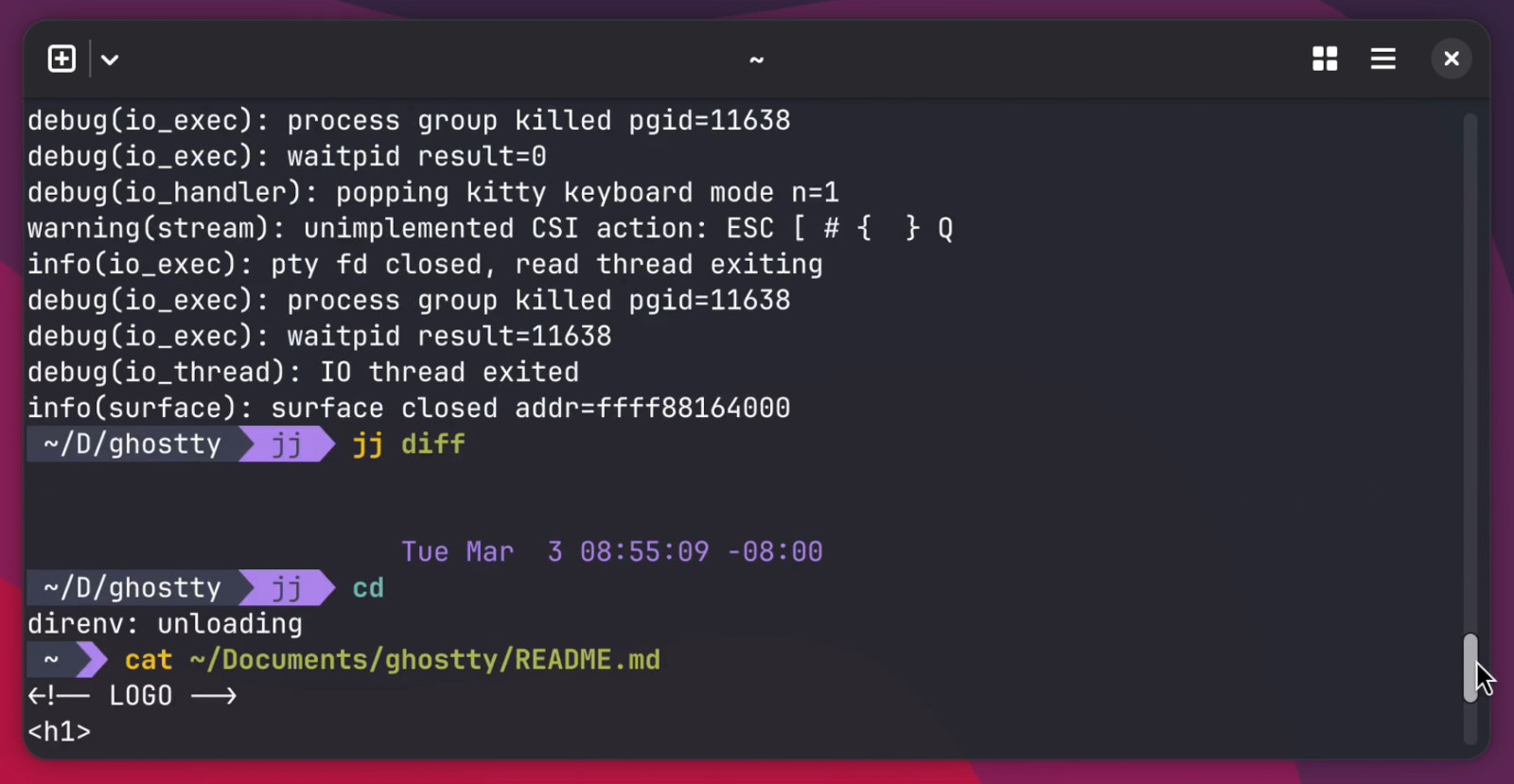
Another major addition in Ghostty 1.3 is native scrollbars. These use system widgets and styling on both macOS and GTK, supporting standard interactions like dragging the scrollbar thumb or clicking the track.
Moreover, there is an added support for click-to-move-cursor in shell prompts. This feature uses the OSC 133 Semantic Prompts specification and lets users click within an active prompt to reposition the cursor, similar to editing text in a standard input field.
The release also introduces command completion notifications. Ghostty can now alert users when long-running commands finish. The feature is configurable and can trigger desktop notifications, terminal bells, or both, based on user preferences. Notifications can also be limited to when the terminal window is unfocused.
Power users gain several improvements to the keybinding system. Ghostty 1.3 adds key tables for modal keybinding workflows similar to tmux, chained keybindings for multiple actions from a single shortcut, and a catch_all key option that captures unbound inputs within keybinding sequences.
Clipboard handling has been enhanced with rich copy support. When copying text from the terminal, Ghostty now places multiple formats on the clipboard, including plain text and HTML, enabling formatted pasting into rich text editors while preserving color and styling.
On the performance side, using about 4 GB of real-world terminal recordings from asciinema, developers improved Ghostty’s I/O processing and renderer efficiency. These changes significantly reduce replay times and lower the time the renderer holds the terminal lock.
Regarding bug fixes, developers fixed a long-standing memory leak dating back to Ghostty 1.0 and improved robustness by extensively fuzz-testing the terminal escape sequence parser and VT stream processor.
On macOS, Ghostty 1.3 introduces AppleScript automation support. This allows external applications and scripts to control terminal windows, tabs, splits, and input actions. The feature is enabled by default but remains labeled as a preview while the API stabilizes.
Additional macOS improvements include drag-and-drop split rearrangement and less intrusive update notifications that appear as small indicators inside the terminal window instead of modal pop-ups.
For more details, see the release notes.
Image credits: Ghostty