
Alpine, a lightweight, musl-based and systemd-free (OpenRC is the default init system) Linux distribution, has just released version 3.23 as the distro moves to the brand-new Linux kernel 6.18, which was promoted to an LTS release today.
Core developer tools receive major upgrades, including GCC 15, LLVM 21, Go 1.25, Rust 1.91, PHP 8.5, and PostgreSQL 18. The release also updates a long list of user-facing components, including GNOME 49, KDE Plasma 6.5.3, LXQt 2.3, Sway 1.11, and Qt 6.10.
Another highlight is that this version introduces APK-Tools v3. The new package manager version is designed to be a seamless in-place upgrade for most users, retaining the v2 package format while preparing the system for future changes.
While apk v3 is expected to work as a drop-in replacement, users relying on libapk should check for potential breaking changes. The upgrade path remains unchanged, and administrators are encouraged to use the recommended apk upgrade --available procedure when moving between major versions.
On the kernel side, an important change is the replacement of linux-edge with linux-stable. The new linux-stable kernel variant follows upstream stable releases while keeping an identical configuration to Alpine’s linux-lts. Systems currently running linux-edge will automatically migrate to linux-stable during upgrade.
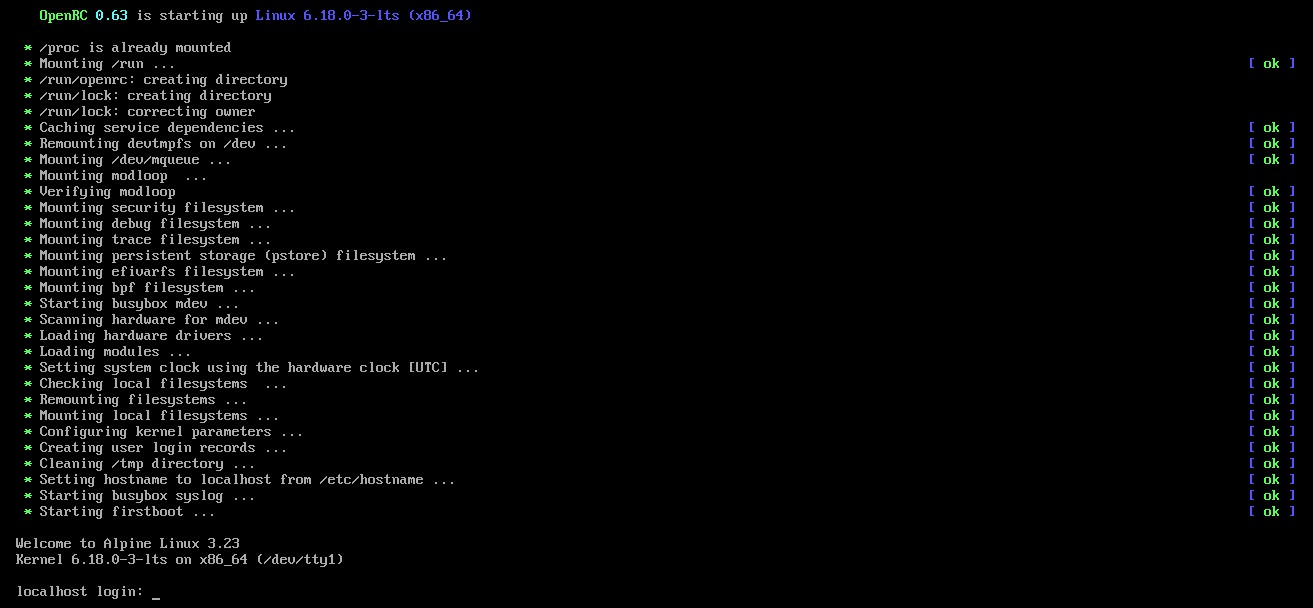
On top of that, the team had previously planned to introduce a full /usr-merge in Alpine 3.23, but this transition has been postponed due to technical complications. A new schedule will be provided later. Users whose systems have separate / and /usr partitions, an unsupported configuration, must continue to follow the documented precautions to avoid boot issues.
Lastly, Alpine Linux 3.23 also updates a broad range of development and infrastructure components. Notable versions include Node.js 24.11 (LTS), Valkey 9.0, Crystal 1.18, Docker 29, .NET 10.0, Perl 5.42, and OpenJDK 25. Storage and networking stacks see updates as well, with ZFS 2.4.0-rc4 and ISC Kea 3.0 included in this release.
For more information, see the announcement or visit the release notes. Downloads are available from the project’s website.
Finally, while Alpine is best known as a base for container images or for embedded systems and security-focused setups, it can also work very well as your daily driver desktop system. And if you’re unsure about the installation process, our guide “How to Install Alpine Linux and Set Up a Desktop Environment” walks you through it step by step.
Of course, don’t miss our “Alpine User’s Guide to APK: How to Manage Packages”, too, which will help you effortlessly manage packages with the distribution’s APK package manager.



I love this distro. Small, fast, configurable.. almost as nice as Arch, yet so simple.
Kudos to devs.