
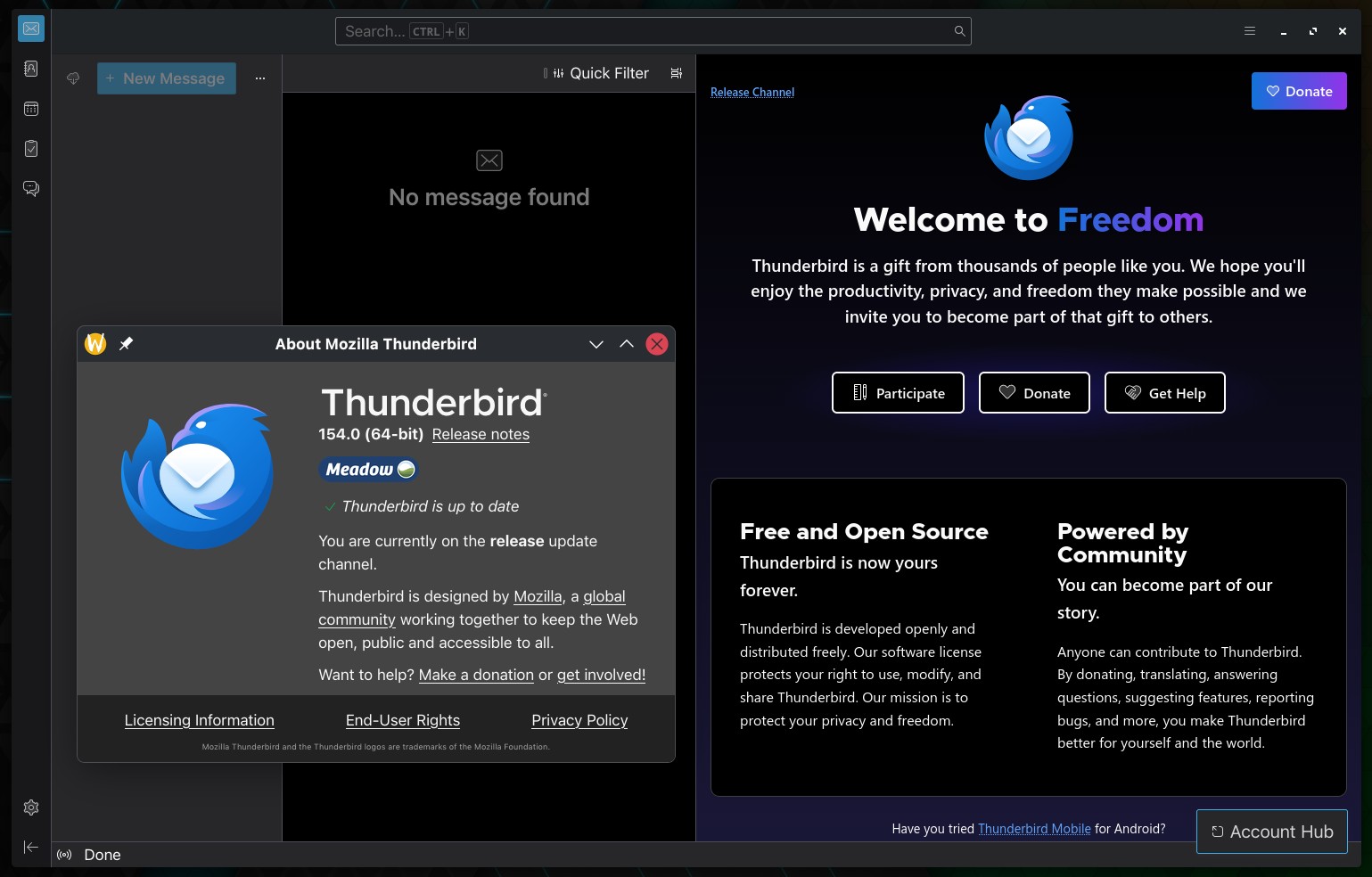
Mozilla Thunderbird 154 is now available as the latest stable release of the open-source email, calendar, contacts, and chat client. One of the most notable additions is Microsoft Graph support for Microsoft 365, which is now enabled in Thunderbird.
Desktop integration also improves with a new optional system tray mode. When enabled, Thunderbird stays running in the tray after the last window closes instead of fully exiting.
Global search gained a new setting that opens results in list view by default. Thunderbird 154 also improves handling of message/rfc822 attachments by adding a “Copy To” folder option to their context menu and allowing users to drag these attached messages directly into the folder tree.
On macOS, the release introduces attachment preview functionality. Plus, the app can also now correctly decrypt CMS messages using AuthEnvelopedData, improving compatibility with encrypted messages using that format.
Beyond the new features, Thunderbird 154 includes many reliability fixes. One important fix addresses an issue where moving IMAP folders to Local Folders could delete messages if the copy operation failed. Another fix addresses IMAP attachments that appeared empty after filters moved messages.
Several crash scenarios have also been eliminated. Thunderbird could previously crash when opening drafts or templates containing invalid quoted-printable data, inserting a message header into the database cache, going offline with an active IMAP IDLE connection, or performing an online mail search. Dragging EWS search folders to Trash could also trigger a crash.
Microsoft account handling receives additional fixes beyond the newly enabled Graph support. Exchange accounts could incorrectly report repeated login failures during authentication, while custom OAuth settings for an EWS account could overwrite the original account’s settings. Both are now addressed.
There are several smaller mail-related corrections. Thunderbird no longer repeatedly notifies users about IMAP messages already marked as read on another device. Copying a message subject no longer includes the “Subject:” label. Remote-content warnings no longer appear when the sender is covered by an applicable exception.
Calendar sort order is now preserved across restarts, and dismissed CalDAV reminders no longer permanently stop future event notifications. Thunderbird also fixes CalDAV synchronization failures when servers return UTF-16 encoded responses and prevents the “All calendars are disabled” banner from reappearing after you enable a calendar.
CardDAV handling has been corrected too, with read-only resources no longer incorrectly treated as writable. RSS users should also see more accurate dates for newly added subscriptions, which now use published dates instead of updated dates where appropriate.
For additional details, see the release notes.