


Wireshark 4.6.4 Packet Analyzer Fixes USB HID Memory Exhaustion
Wireshark 4.6.4 network protocol analyzer resolves three security vulnerabilities, including a USB HID memory exhaustion flaw.
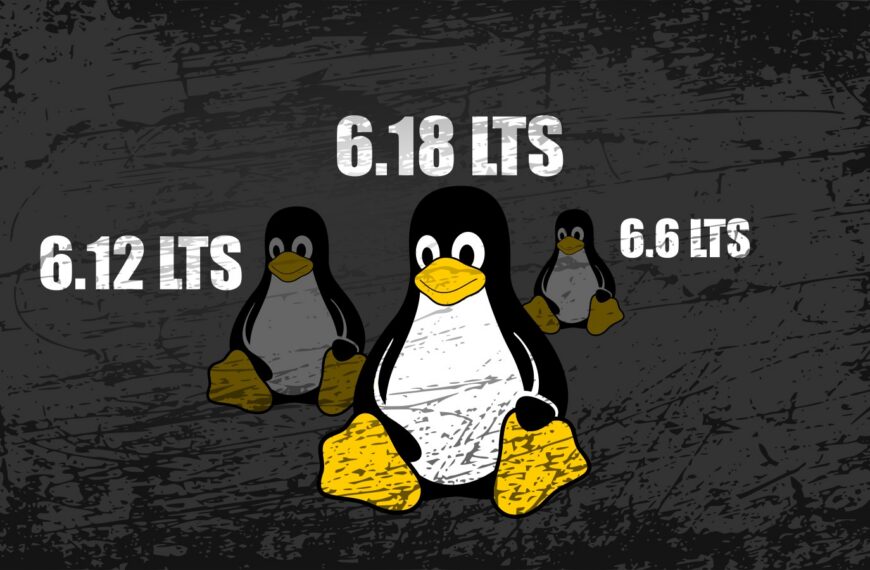
Linux Kernel LTS Support Extended for Multiple Releases
The Linux kernel project has extended support for several active LTS branches, with new projected end-of-life dates through 2027 and 2028.
Caddy 2.11.1 Web Server Released With Automatic ECH Key Rotation
Caddy 2.11.1 introduces six security patches, automatic ECH key rotation, enhanced reverse proxy behavior, and additional improvements.

React Moves to the Linux Foundation With Launch of the React Foundation
React and React Native will now operate under the newly formed React Foundation, hosted by the Linux Foundation and backed by major industry members.


Latest Tutorials

How to Install Docker on Debian 11 (Bullseye): The Easy Way
Learn how to easily install Docker on Debian 11 (Bullseye) with our detailed step-by-step guide, so get up and running in no time!

How to Install Dropbox on Arch Linux: A Step-by-Step Guide
This step-by-step guide explains how to install Dropbox on Arch Linux. Read on to keep your files in sync!

How to Install Google Chrome on Debian 11 (Bullseye)
This guide shows two ways to install the Google Chrome web browser on Debian 11 (Bullseye) in a few easy-to-follow steps.
How to Install VMware Workstation on Fedora Linux
Get the most out of your Fedora Linux virtualization capabilities by installing VMware Workstation. Learn how here!