Memos 0.26, a popular (56K GitHub stars) self-hosted, open-source note-taking app for quickly capturing and organizing notes and ideas, is now available. This release includes several improvements to security, performance, and usability.
One of the main changes is the addition of refresh token rotation with sliding window sessions. This makes authentication more secure by reducing the risk of stolen tokens being reused, while still keeping active sessions valid through controlled renewal.
The update also removes old session cookie authentication and outdated session and access token settings, simplifying the authentication process.
Media handling is better in Memos 0.26. The app now streams video and audio files, which helps prevent memory issues from loading large files all at once. It also supports HDR images and videos. When you upload images, the app now removes EXIF metadata, like location and camera details, to protect your privacy.
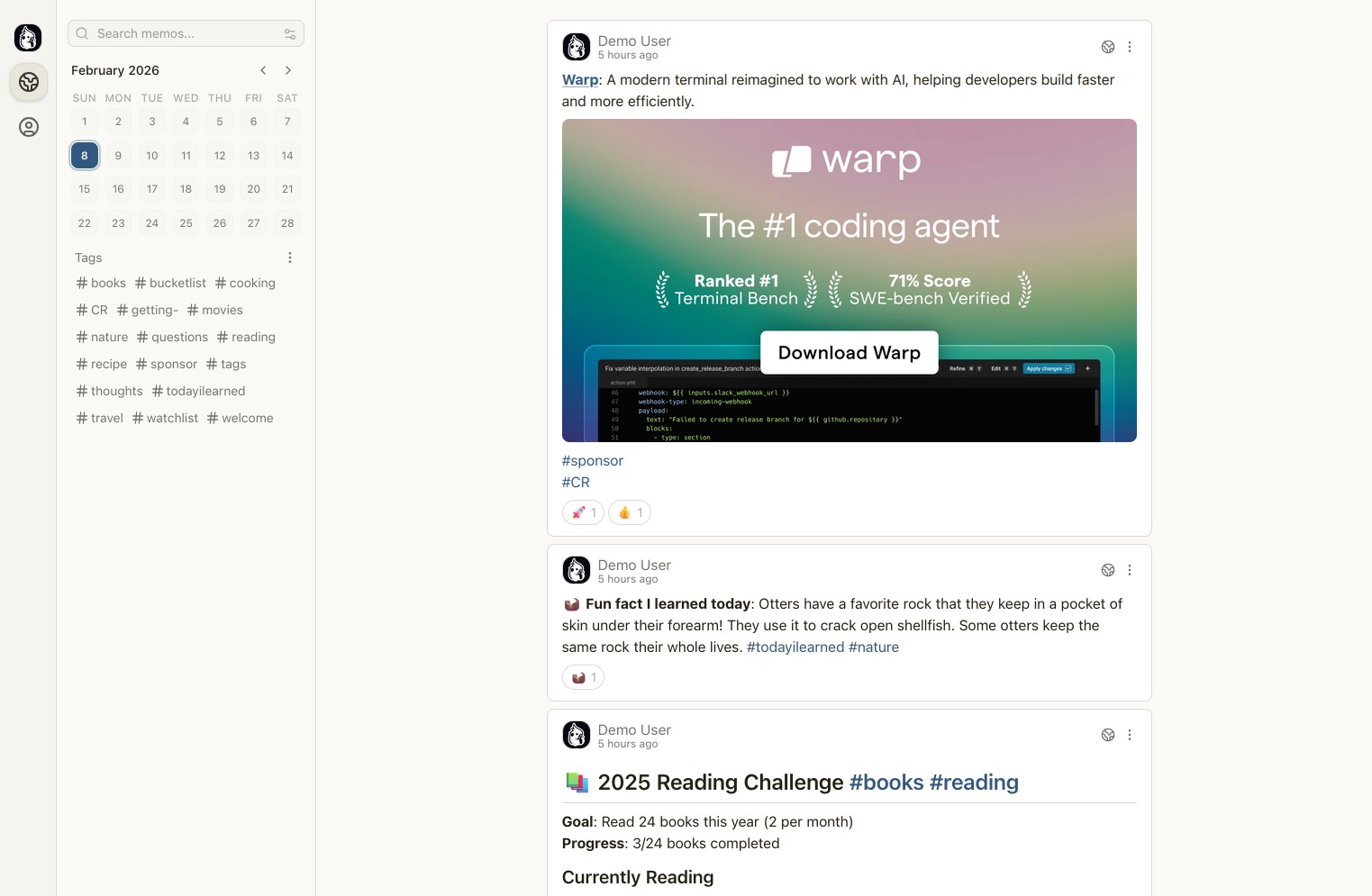
On the frontend, the project has completed the migration to React Query v5. Users can now choose a new Midnight theme for a darker look. The update also brings several UI improvements, such as better code block styling and improved attachment handling with MIME-type checks.
User profiles now have an optional memo map view that shows memo locations on Google Maps. Markdown content supports iframes for embedded videos. The update also improves how attachments and the editor work, thanks to component updates and performance tweaks.
This release also fixes many bugs in both the backend and UI. The fixes address access control for attachments and comments, issues with old data caused by browser caching, math rendering issues, editor scrolling, and various theme and localization inconsistencies. Public memos can now be viewed without logging in when appropriate.
Finally, the app improves support for multiple languages, including Galician, German, French, Italian, Polish, Korean, Chinese, and British English spelling.
For more information, see the changelog.
If you’d like to try the app, you can get started quickly and easily by following our guide, “How to Install the Memos Note-Taking App with Docker.”