Kdenlive 26.04.1 is the first maintenance update in the 26.04 series, introducing a key security fix and several stability and workflow enhancements for the open-source video editor.
The primary update resolves a serious vulnerability related to malicious .kdenlive project files. The issue, identified during a security audit, could allow remote code execution when opening a compromised project file.
Due to the severity of this issue, users are strongly encouraged to upgrade to version 26.04.1. If immediate updating is not possible, avoid opening project files you did not create.
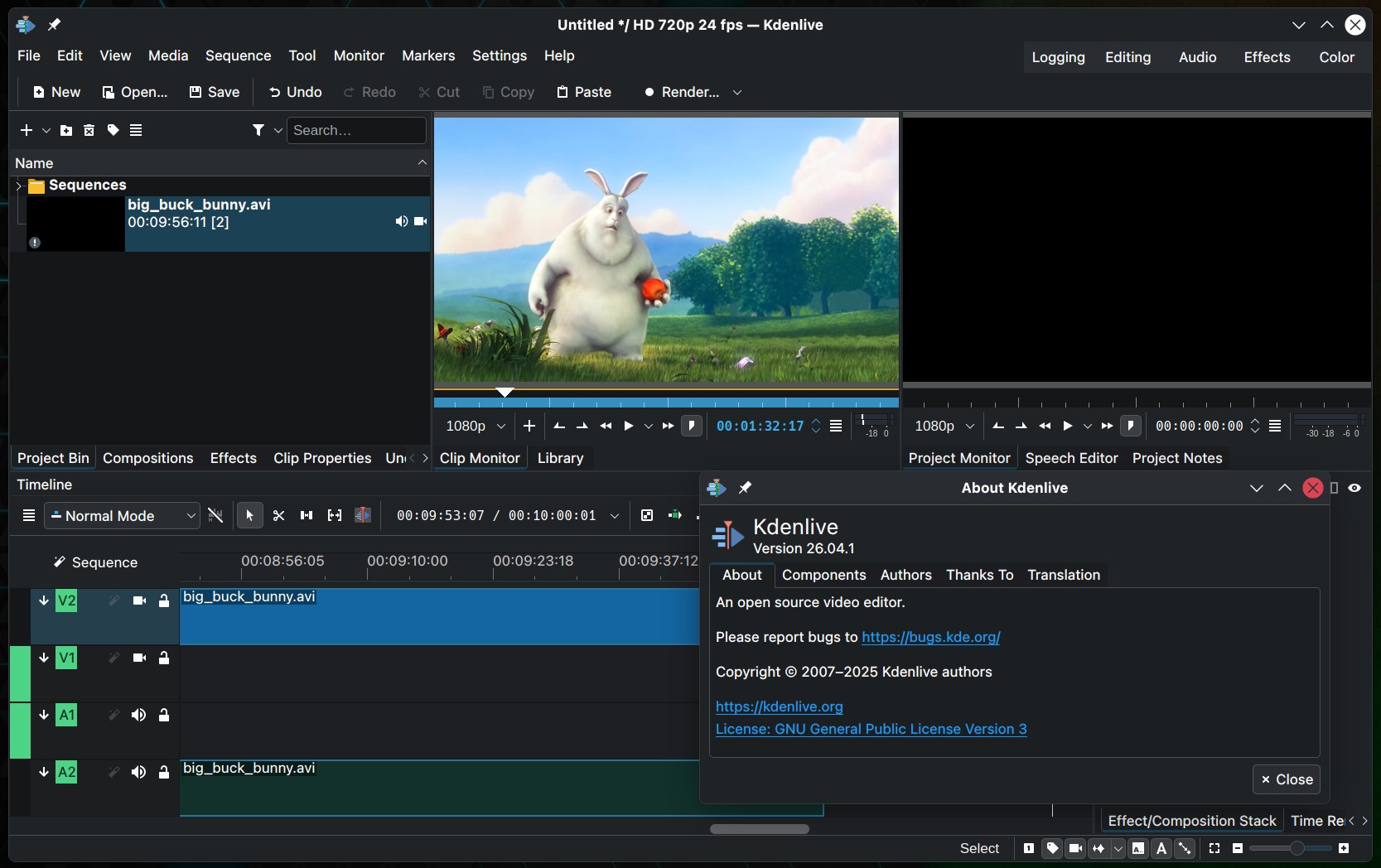
This release also introduces a security feature planned for Kdenlive 26.08, which will alert users if unexpected input is detected in a project file. While the vulnerability in 26.04.1 has been resolved, according to the devs, this upcoming check provides an additional layer of protection during project loading.
In addition to the security fix, Kdenlive 26.04.1 delivers several reliability enhancements. The update resolves issues where the editor could access uninitialized media recorders or audio devices before permissions were granted. On macOS, the release improves permissions handling, updates the minimum supported version in the Info.plist file, and explicitly requests microphone access.
The update resolves a clip monitor issue where the playhead could become stuck when switching between clips. Sequence handling is also improved, addressing repeated resize confirmation messages and issues with dropping sequences without audio into the timeline.
Subtitle handling is improved, too, with a fix for crashes when cutting subtitles on higher layers and a limit on the number of supported subtitle layers. Plus, the release corrects transition preview generation, prevents incorrect previews, and switches transition previews to GIF format since most Kdenlive binaries do not support WebP encoding.
The update also includes multiple crash fixes, addressing issues such as switching between icon and list views in the transitions list, opening documents with an uninitialized core profile, adding the first clip in certain audio-level scenarios, and closing the application via the welcome screen close button.
Additional changes address archiving title files with images, opening recent projects with the correct profile from the welcome screen, tab order in the color clip dialog, and bin icon mode behavior when working with folders, zones, sequences, and subclips.
For more details, see the release announcement. Kdenlive 26.04.1 is available from the project’s download page and through distribution package managers.