
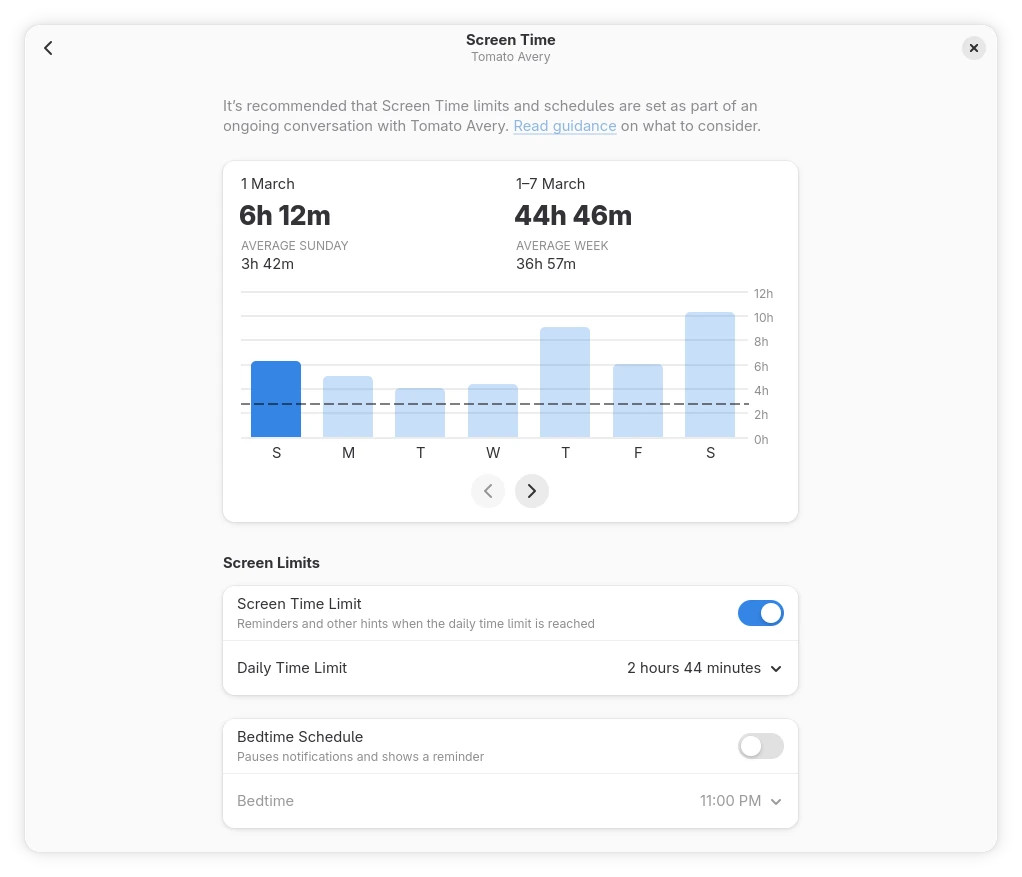
Six months after version 49, GNOME 50, codenamed “Tokyo,” is now officially available, with one of its key new features being expanded parental controls. GNOME 50 adds screen time monitoring and enforcement, including bedtime schedules. The system can automatically lock the screen when limits are reached, and administrators may extend usage as needed.
These controls are integrated into the Settings app and supported by a redesigned Parental Controls application. According to devs, backend updates also lay the groundwork for future web filtering.
On the accessibility side, the Orca screen reader now features a redesigned preferences interface, global settings support, automatic language switching, and enhanced Braille and document navigation. GNOME 50 also introduces a “Reduced Motion” option to limit interface animations and reduce visual discomfort.
Another core app, the Document Viewer, receives a major upgrade with a redesigned annotation system. Users can add text, highlights, and freeform lines directly from the main interface, with options for color selection, thickness adjustment, and erasing.
In GNOME’s Files app, thumbnail and icon loading are now faster, and memory usage is reduced. Interface enhancements include a better batch rename tool with visual highlighting, redesigned file properties windows, and improved search filtering with support for multiple file type filters. Plus, the path bar now supports case-insensitive completion.
Calendar updates enhance usability and navigation. A new attendee list displays participants and their status, and a redesigned quick-add interface streamlines event creation. In addition, users can export events as ICS files, and the month view offers a better layout and smoother navigation.
The app also now respects system settings for the first day of the week and provides improved keyboard and hardware navigation support.
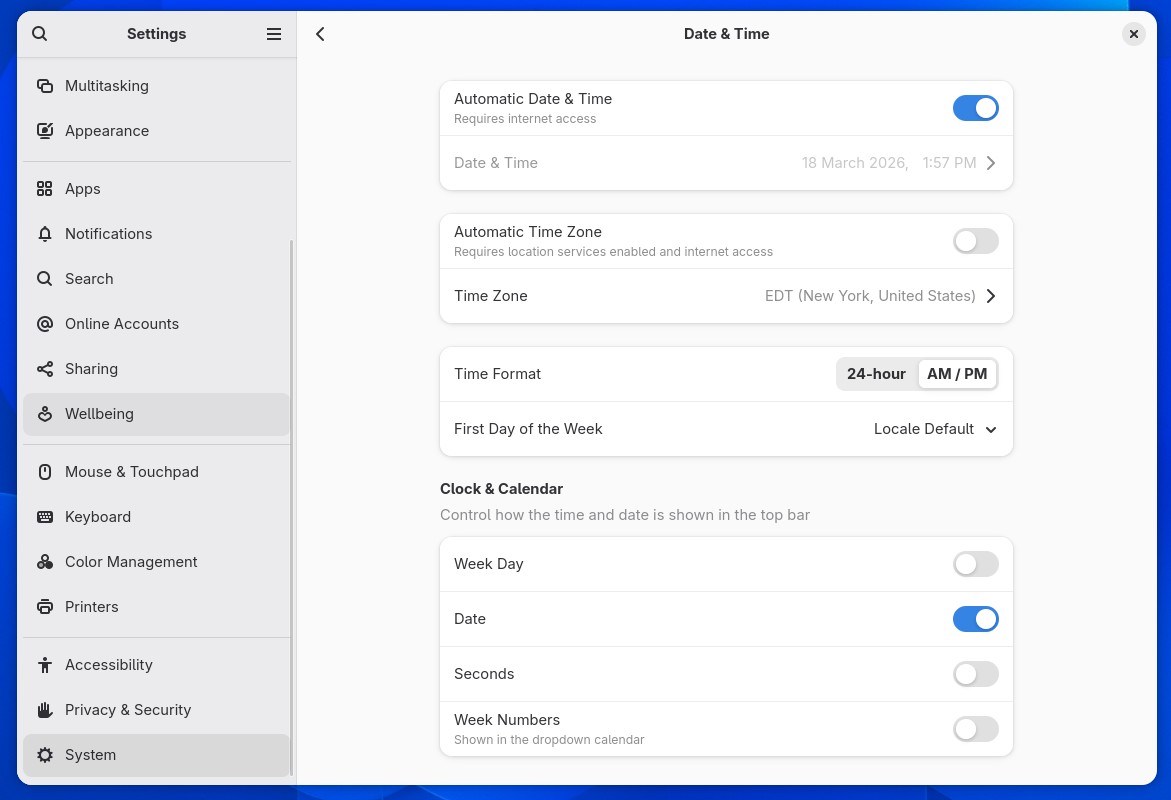
The Settings app includes clearer separation of input and output audio controls, a new option to set the first day of the week, and updated layouts with modern libadwaita components. Color management is improved with bug fixes and greater reliability.
GNOME 50’s remote desktop capabilities introduce hardware acceleration via Vulkan and VA-API to deliver smoother sessions, lower latency, and reduced power consumption. Additional features include HiDPI scaling, camera redirection, Kerberos authentication, and more reliable session handling through headless system services.
Additionally, the Variable Refresh Rate and fractional scaling are enhanced and enabled by default in more configurations. Cursor responsiveness under VRR is improved, and NVIDIA-specific optimizations reduce stuttering and improve frame pacing. GNOME 50 also adds support for version 2 of the Wayland color management protocol and introduces HDR screen sharing to maintain color accuracy during streaming and recording.
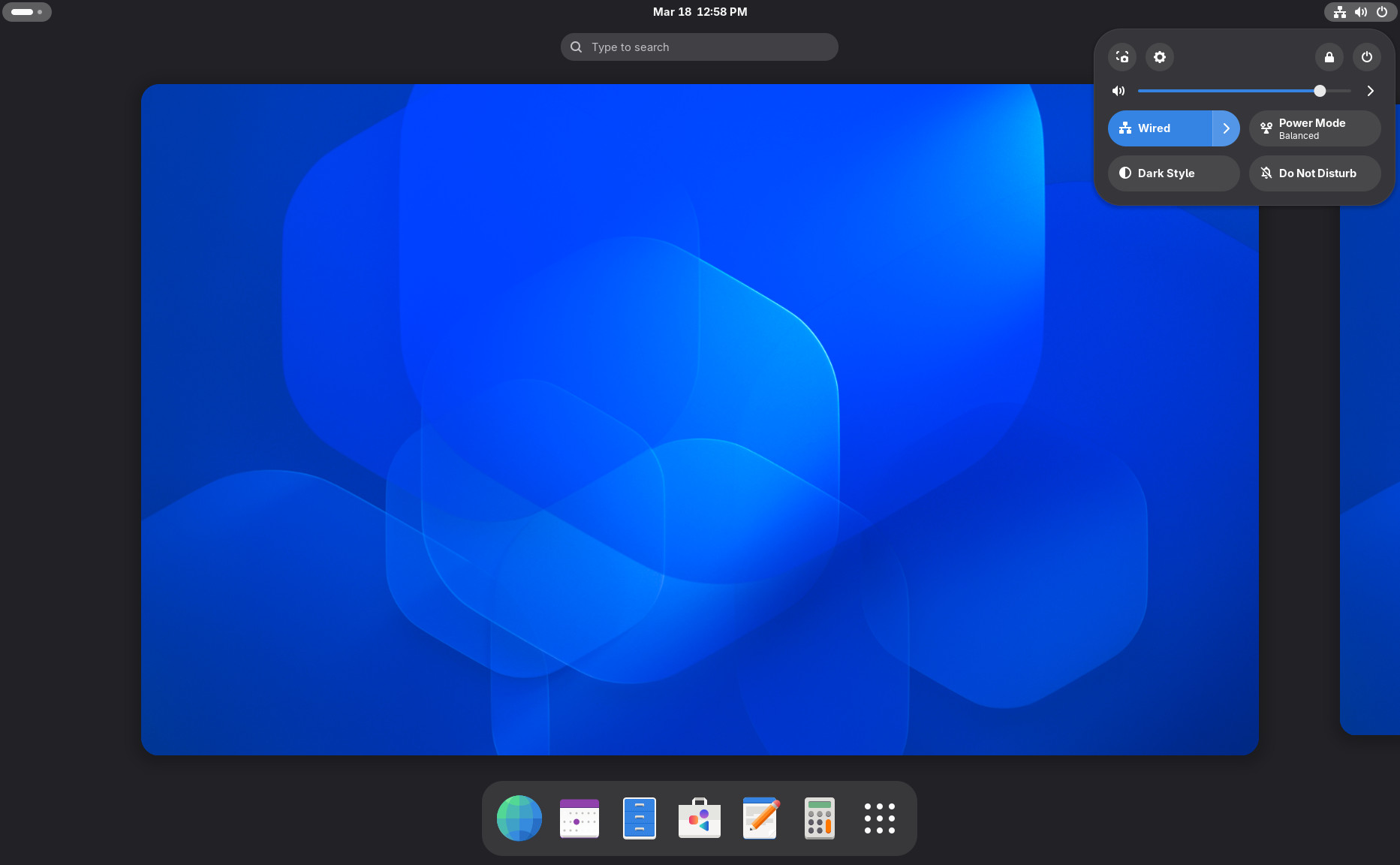
Last but not least, GNOME 50 includes a refreshed set of wallpapers, updated Adwaita designs, and new visual themes. The release also expands the GNOME Circle ecosystem with new applications: Gradia for screenshot annotation, Constrict for video compression, Sudoku for puzzles, and Sessions for Pomodoro-based time management.
For more information on all the changes, refer to the announcement.
If you’re eager to try the new GNOME 50, you can download and install the GNOME OS through the Flathub Boxes app. Remember that this ISO image is not a complete Linux distro but only contains the GNOME desktop skeleton with a minimal installation UI.
Regular users should wait for GNOME 50 to arrive in their Linux distributions’ software repositories. As expected, rolling-release ones like Arch, openSUSE Tumbleweed, Void, etc., are expected to get it first.
GNOME 50 will also be included in the upcoming Fedora 44 and Ubuntu 26.04 LTS “Resolute Raccoon” releases. For those who can’t wait, Fedora 44 Beta has just dropped, so you can grab it now to test the new features for yourself.


GNOME OS is indeed a complete distribution, but it’s entirely different from traditional Linux systems.
1. It’s 100% immutable, based on sealed /usr images. It’s not BTRFS snapshots or rpm-ostree; it uses pure, pre-built images located on dedicated disk partitions.
2. 100% compatibility with the entire systemd ecosystem (https://0pointer.net/blog/fitting-everything-together.html).
3. System updates are performed via systemd-sysupdate or GNOME Software.
4. Distrobox and Toolbox are available for creating containers for package management and installing command-line applications (htop, btop, fastfetch, etc.) based on your preferred distribution, which you’ve previously created as a container.
5. Graphical applications are only available through Flatpak.
6. Early access to new GNOME desktop features. In case of failure, restart and select the previous system image.