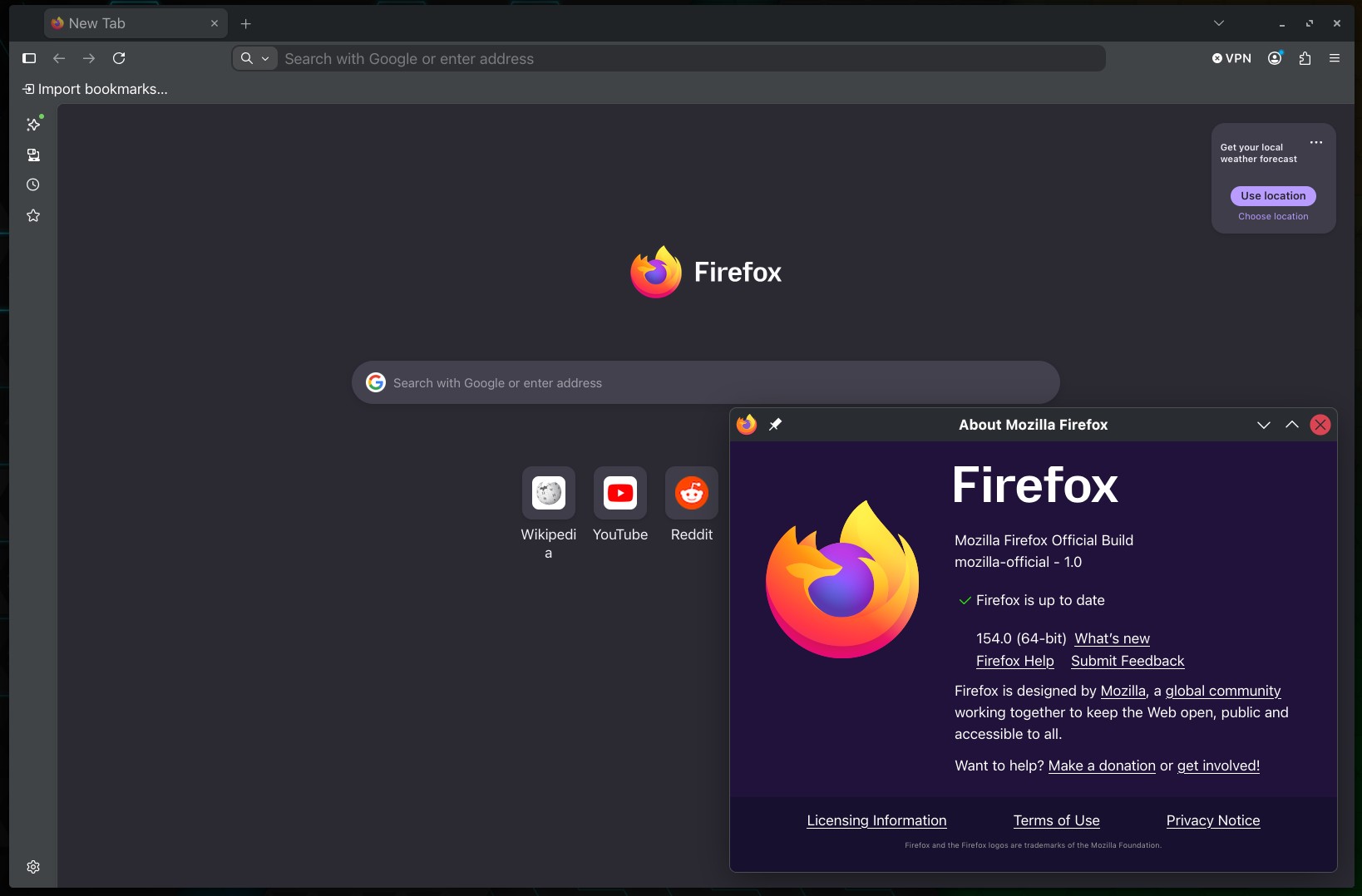
Mozilla has released Firefox 154, the latest update to its popular open-source web browser, with one of the most notable changes being expanded Local Network Access protections.
Starting with this release, those protections also cover WebSocket connections. This means if a website tries to establish a WebSocket connection to a device or service on your local network, Firefox will first ask for permission instead of allowing the connection silently.
Firefox 154 also introduces a privacy change to cookie handling. Users can now create exceptions for websites whose cookies and site data should not be deleted when Firefox closes without exempting those sites from Tracking Protection or other cookie restrictions.
Another visible addition is a new “Manage AI” quick action in the address bar. Selecting it takes users directly to the AI section of Firefox Settings, making the browser’s AI-related options easier to find and manage.
Mozilla has also expanded Firefox’s profile backup functionality. On macOS, users can now create a local backup of their Firefox profile and restore it across Windows, macOS, and Linux. This makes moving a Firefox setup between computers or operating systems easier.
Windows users get another customization option in Firefox 154: the ability to change the browser’s default icon directly from Settings. The feature does not currently work with MSIX installations. Mozilla says support for MSIX packages, macOS, and Linux is planned for a future release.
Another small improvement is that when performing a hard reload by holding Shift while clicking the Refresh button, it now clears and refreshes cached favicons along with other page resources.
For new profiles and existing profiles where Firefox View has not been used recently, the feature will no longer appear in the toolbar by default. It remains available through “List all tabs > View all tabs,” and users who want it permanently visible can restore it via the Customize Toolbar interface.
Regarding PDF handling, selected text in PDF documents is now highlighted more clearly, like text selected on regular web pages, while the selection color follows operating system accessibility settings such as high-contrast mode. Plus, Mozilla has also fixed incorrect PDF scaling in print preview when using the “Fit to Page Width” option.
Vertical Tabs users will notice improved full-screen behavior. When Firefox enters full-screen mode, the sidebar disappears with the rest of the browser toolbars and returns when the pointer moves to the edge of the screen.
On macOS, Mozilla says video seeking is now faster, resulting in more responsive scrubbing and jumping between points in a video. The release also fixes a macOS issue where closing a Firefox window could occasionally leave an invisible window behind that continued intercepting mouse clicks.
Firefox for Android gets several improvements. Automatic translations now behave more reliably on devices with multiple system languages configured. Bookmark searches can return up to 75 results per query. The download interface now allows users to change both a file’s name and destination before saving.
Mozilla is additionally rolling out automatic tab organization in Smart Window. Firefox can suggest groups based on related open tabs and automatically propose names for those groups. The company notes that the feature is being introduced progressively, so it will not necessarily appear for every user immediately.
Finally, Firefox 154 adds support for the No-Vary-Search HTTP response header in its disk cache. Servers can use the header to indicate that certain URL query parameters do not affect the returned resource, allowing Firefox to reuse cached responses across otherwise different URLs and potentially improve cache hit rates.
Those eager to download this update immediately can do so directly from Mozilla’s servers. Windows and macOS users will get an over-the-air update in the next few days. Linux users should see Firefox 154 in their distro repositories soon, too.