

Almost a year after the previous 5.0 release, BleachBit 6.0 has been rolled out as the project’s biggest update in years for this free and open-source system cleaner and privacy tool. It removes unnecessary files such as browser cache, cookies, temporary files, logs, crash reports, and other application leftovers, freeing disk space and reducing locally stored traces of user activity.
The main addition in this release is the new cookie manager, giving users more control over browser cleanup. Instead of deleting all cookies during a cleaning run, users can keep selected cookies for Chromium- and Firefox-based browsers while removing the rest.
For Chromium-based browsers, BleachBit now handles more data types, including component cache, extension cache, shader cache, crash reports, IndexedDB, network state, and search suggestions.
At the same time, Firefox-based cleaning has been extended to cover additional storage and privacy-related data, including site permissions, bounce-tracking protection data, site security state, favicons, and session backups.
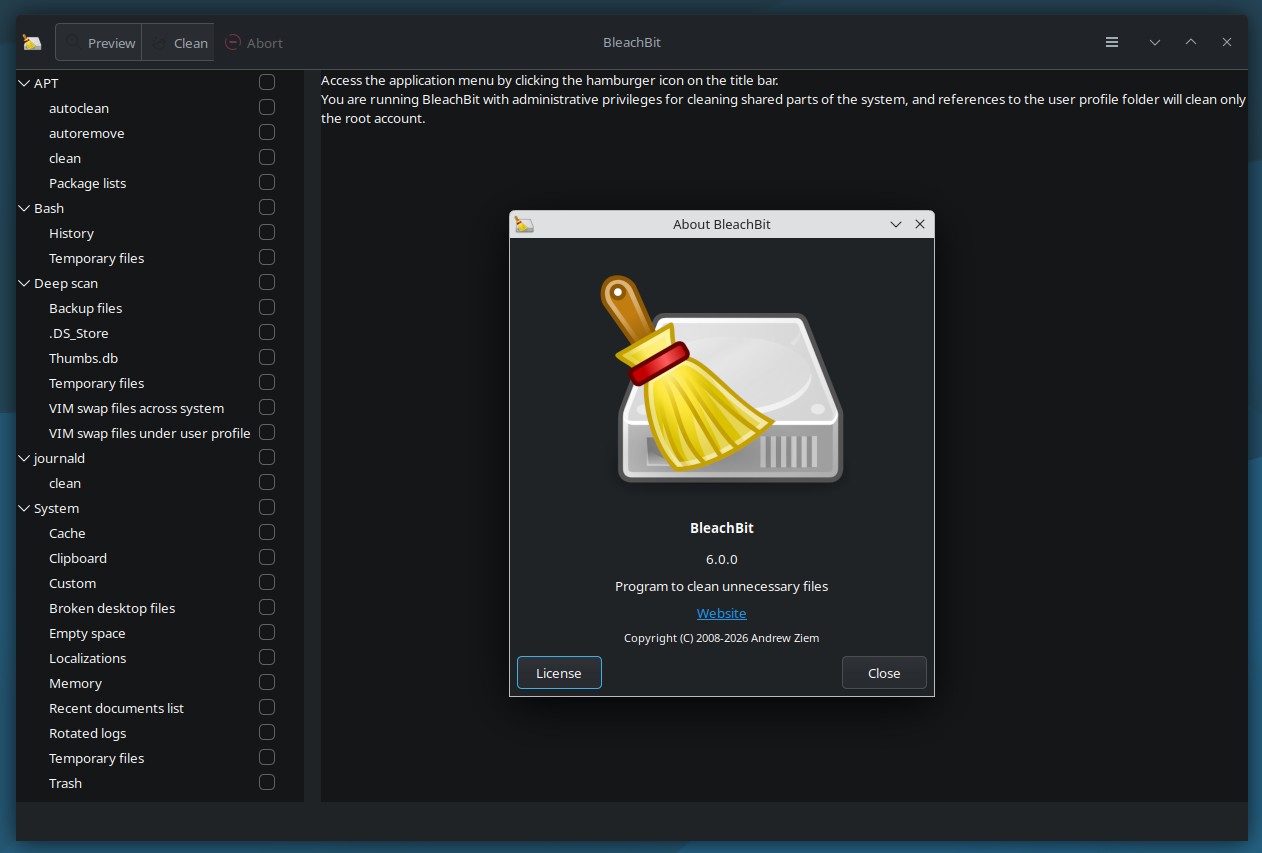
BleachBit 6.0 also adds dedicated cleaners for Vivaldi and Zen Browser, extending support to more browsers used on Linux desktops. In addition, the release improves cleaning for LibreWolf and Waterfox, both Firefox-based browsers.
On Linux, the update includes several platform-specific improvements. BleachBit can now clean Flatpak-installed Chromium and ungoogled Chromium, remove LibreOffice recent-document entries, and use fstrim when available during SSD partition wiping. It also adds packages for Ubuntu 25.10, Ubuntu 26.04 LTS, and Linux Mint 22.3.
Package signing has also changed. The project now signs DEB and RPM packages directly with the maintainer’s key, replacing the older approach that relied on detached signatures or signed checksum files.
Finally, the interface has received multiple usability improvements, including clearer messages, better handling of long operations, and refinements across the application.
For more details, see the announcement. The installation packages for Linux users are here.



“From what I’ve read online”
Ah, yes, online, the kingdoms of truth.
” people are saying this program and other junk cleaners are largely pointless to have on Linux as Linux does it’s own cleaning when it’s needed.”
What people, where? You would be surprised how much gets cleaned up by BB with the right settings, even on Linux!
From what I’ve read online, people are saying this program and other junk cleaners are largely pointless to have on Linux as Linux does it’s own cleaning when it’s needed. It’s not a fundamentally flawed OS like Windows that only gets more bloated and slower as time goes on.
Linux on it’s own, pretty much doesn’t… but apps are a totally different beast.
I just found Steam left out a whole lot of orphaned files from games I don’t play anymore (especially the ones which run through Proton, which are majority) I ended up freeing 100+ GB…