
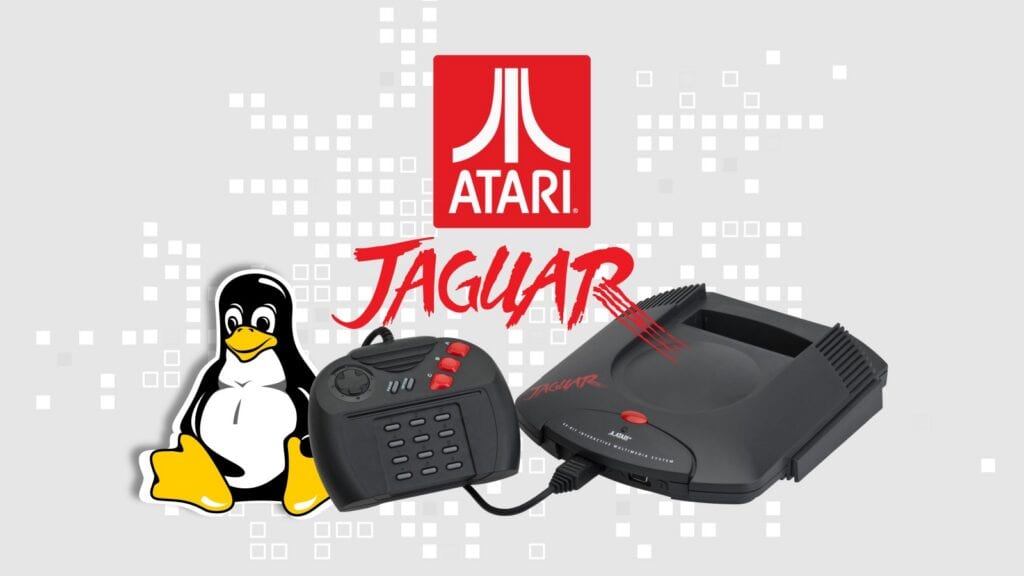
Linux has now been booted on Atari’s 1993 Jaguar game console, and yes, this is one of those “because we can” Linux stories. Developer Joel Bueno shared a detailed write-up showing Linux kernel 7.2.0-rc1 running on the Atari Jaguar, using a small BusyBox-based userspace.
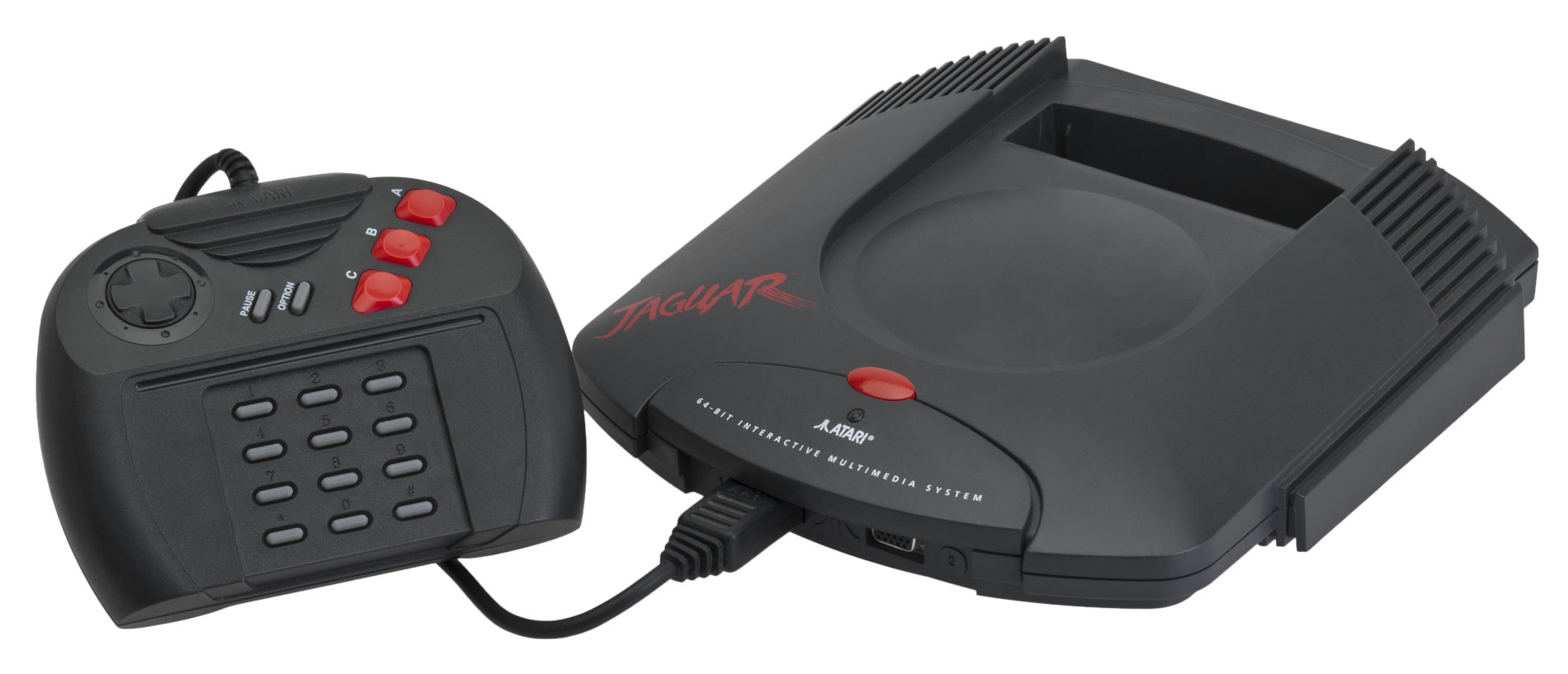
A quick trip back in time: the Atari Jaguar came out in North America in November 1993 and was advertised for its much-debated “64-bit” power. Inside, it has a Motorola 68000 CPU, 2 MB of RAM, cartridge ROM at 0x80000, and two custom chips called Tom and Jerry. Tom handles graphics, while Jerry takes care of DSP tasks like timers and serial pins.
According to the dev, the biggest challenge was that the Motorola 68000 lacks a Memory Management Unit. So, a standard Linux setup with virtual memory would not work. Luckily, Linux still supports m68k systems without an MMU by using the uClinux/NOMMU option and a flat memory model.
Fitting the kernel was another issue. With just 2 MB of RAM, loading everything into memory was not possible. The answer was to use XIP (execute-in-place), which keeps the read-only parts of the kernel, like code and constants, on the cartridge ROM, while the writable parts go into RAM.
In practice, this splits the kernel into two memory areas. Sections like .text and .rodata stay on the cartridge, while .data and .bss are put in RAM. Linux can manage the needed relocation once it knows where RAM and ROM are.
The Jaguar also lacks the type of timer Linux usually expects from a regular computer. To fix this, the port uses timers from the Jerry DSP, which were meant for sound tasks. These timers now generate the interrupts Linux needs for its scheduler.
For early kernel output, the dev wrote a small console driver that uses the Jerry DSP’s TXD and RXD pins to print boot messages. Later, a simple console driver for Tom was added so the setup could be tested on real hardware.
Once the kernel got far enough to look for userspace, the next problem was memory again. The setup uses Buildroot and BusyBox, with FLAT binaries instead of ELF because of the NOMMU environment. Even then, normal BusyBox applet setup was too heavy, so the init script simply launches /bin/busybox sh directly.
The C library also needed to be slimmed down. Plus, there is no U-Boot or full bootloader here. The setup is kept very simple: after preparing the image, control goes straight to the kernel by jumping to the cartridge-mapped address. On real hardware, the final binary also has to include the Jaguar cartridge header and fixed ROM offsets.
So what, actually, does the end user get? Well, just… a shell. A very small one. But that is enough to show that Linux can boot even on a device like the Atari Jaguar, with only 2 MB of RAM, no MMU, cartridge ROM, a minimal BusyBox userspace, and lots of platform-specific fixes.
Of course, for most people, this does not change anything. No one is going to turn an Atari Jaguar into a useful Linux computer. But as a way to show how flexible Linux is, and how far developers can push old hardware, it is a great retro-computing achievement.
More details, including configuration notes and the modified Linux tree, are available in Bueno’s original write-up.





this seems like a lot of wasted time for something of no use. If your going to do something at least make it useful.
Sounds like a description of your comment.
Seriously, there’s a tremendous amount of learning, applying problem solving skills, coming up with imaginative solutions, etc.
If you think that’s wasted time then I’m sorry for you.
It’s called “practice.” Do you learn to ride a motorcycle or a bicycle first? Do you swear off bicycles, once you have an engine on the wheels?
And, it helps to have a sense of humour as well.