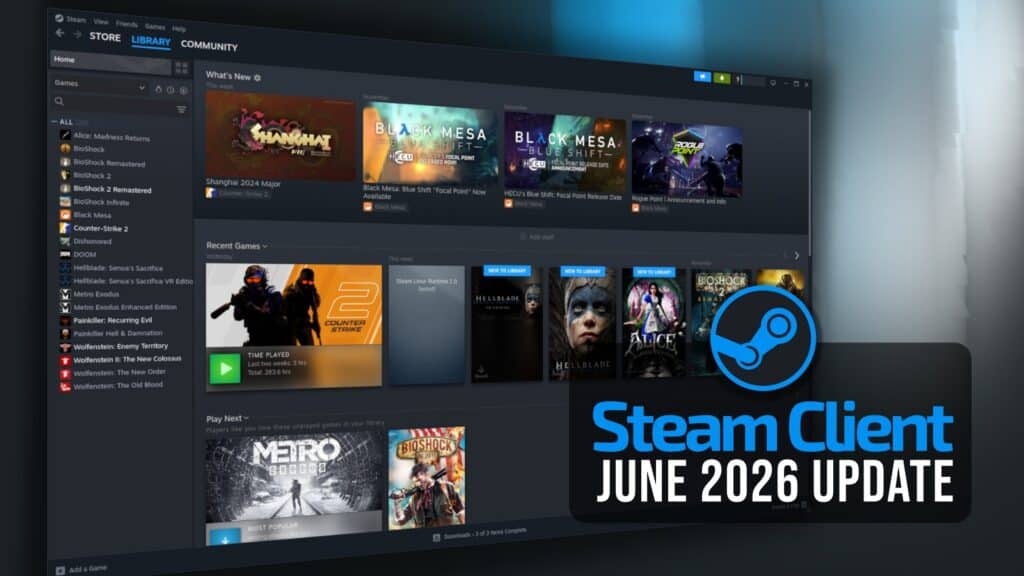
Valve has released its second Steam Client update for June, bringing another round of Steam Deck, Remote Play, and Steam Input fixes.
On the general side, Valve added support for the Malay language and updated the controller pairing interface. The update also fixes an issue where Scaling, Filtering, and Sharpening options did not appear in the Steam Deck performance menu.
Other general fixes address video autoplay not working in some cases and webusb notifications appearing for some devices when connected. In Friends & Chat, Valve fixed a bug that could cause gamepad navigation to become unresponsive after selecting “Ignore All” on the friend invite list.
Remote Play receives one of the more notable parts of this update. Valve added a new 100 Mbit/s bandwidth option, and the “Unlimited” bandwidth setting now allows dynamic bitrate up to 250 Mbit/s when connecting to the latest Steam beta.
According to Valve, the enhanced streaming presets now use the “Unlimited” setting, so they can scale adaptively up to 250 Mbit/s. The update also fixes PipeWire capture on Wayland desktop when running the SteamOS beta.
Steam Input also gets several fixes. Valve added support for GameCube rumble when the adapter is in PC mode and fixed an issue where the selected action set in the configurator could reset while edits were being made.
The update also fixes virtual menus assigned to a mode shift that could not add bindings when accessed from the source page link. Newly exported templates should now appear in the controller configurator without requiring a Steam client restart.
Finally, Valve fixed autosave issues with multiple Xbox controllers of the same type connected, a case where deleting an action set could cause a configuration to fail to load, and a blank-entry issue in the Add Action Set dialog.
For additional details, see the release notes. As usual, the Steam Client update will be downloaded automatically.