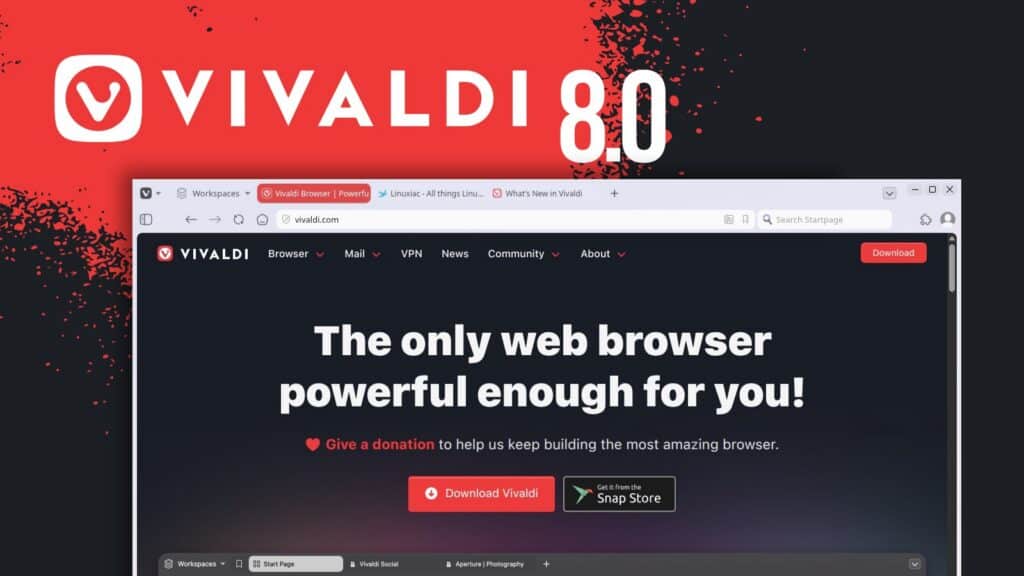
Vivaldi Technologies has released Vivaldi 8.0 for desktop, introducing the browser’s largest visual redesign in years.
The new design changes how the browser’s main interface elements are presented. Instead of treating tabs, toolbars, panels, and the page content area as separate layers, Vivaldi 8.0 places the browser controls inside a single continuous frame around the window.
As a result, toolbars now sit on one shared visual surface, while themes extend more consistently across the browser interface. This includes the tab bar, panels, window edges, and other browser chrome, giving the whole window a more uniform appearance.
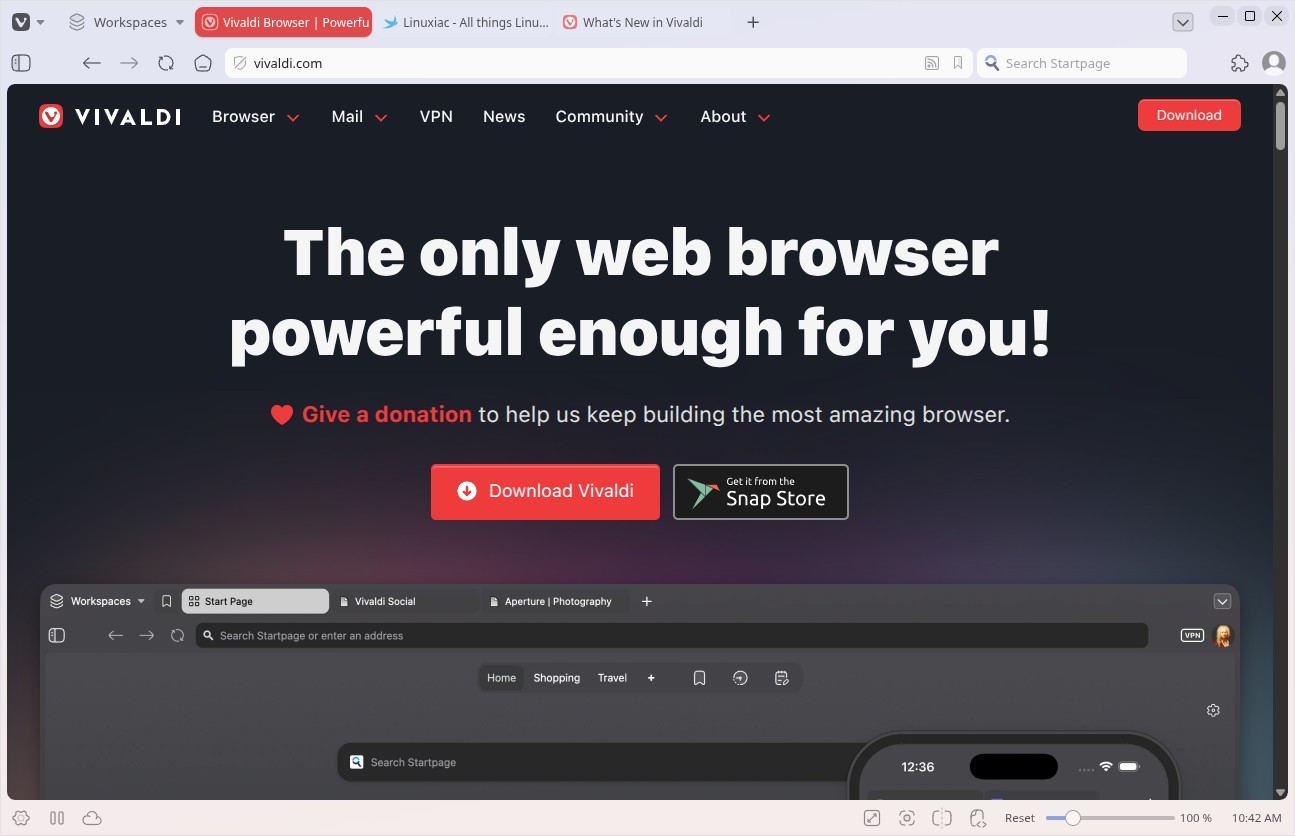
The update also changes how themes behave. Backgrounds can now extend across the browser window instead of being limited to specific interface areas. Vivaldi says this works with wallpapers, translucency, and blur effects, while reducing the number of separate visual layers used by the interface.
Vivaldi 8.0 also ships with new default themes, including Zen, Soria Moria, Sunset Forest, and Kawaii Clouds, as well as updated light and dark themes. Existing custom themes remain supported, and users can choose whether to use the new look or keep their current coloring mode from the theme editor.
Another major addition in this release is a new set of preset layouts. These are available during onboarding and later in Settings under Appearance, giving users faster starting points for configuring the browser.
The six layouts are Simple, Classic, Vertical Right, Vertical Left, Auto Hide, and Bottom. Simple keeps the traditional tabs-on-top layout with a cleaner setup. Classic preserves the familiar Vivaldi arrangement with toolbar and panels in their usual places.
Vertical Right places tabs on the right side of the browser window, with the address field at the top and panels on the left. Vertical Left moves the tab bar and address field to the left side, while panels appear from the opposite side on hover.
The Auto Hide layout is designed for users who want the web page to fill most of the screen. In this mode, the toolbar, tab bar, panel, and address bar stay hidden until the cursor reaches the window edge.
The Bottom layout moves the tab bar and address bar to the lower part of the window, matching a browsing style Vivaldi has long supported through customization options.
Beyond the visible redesign, Vivaldi 8.0 includes several functional changes. These include a combined site preferences and tracker blocker dialog in the address field, a combined Add Web Panel and Customize dialog in the panel editor, a refreshed quick settings view on the Start Page, and an improved look for the translation dialog.
The release also brings a rewrite of the tab management backend, a new related-tabs sort view in the Windows Panel, refactored permission handling, and support for spoofing the current stable Chromium version in cases where websites block Vivaldi as an unsupported browser.
Several fixes are included across Auto Hide, Mail, tabs, settings, the Start Page, Workspaces, and platform-specific behavior. Vivaldi 8.0 also updates the browser’s Chromium base to version 148.0.7778.183.
For additional details, refer to the release announcement. Vivaldi 8.0 is available now for download from the project’s website.