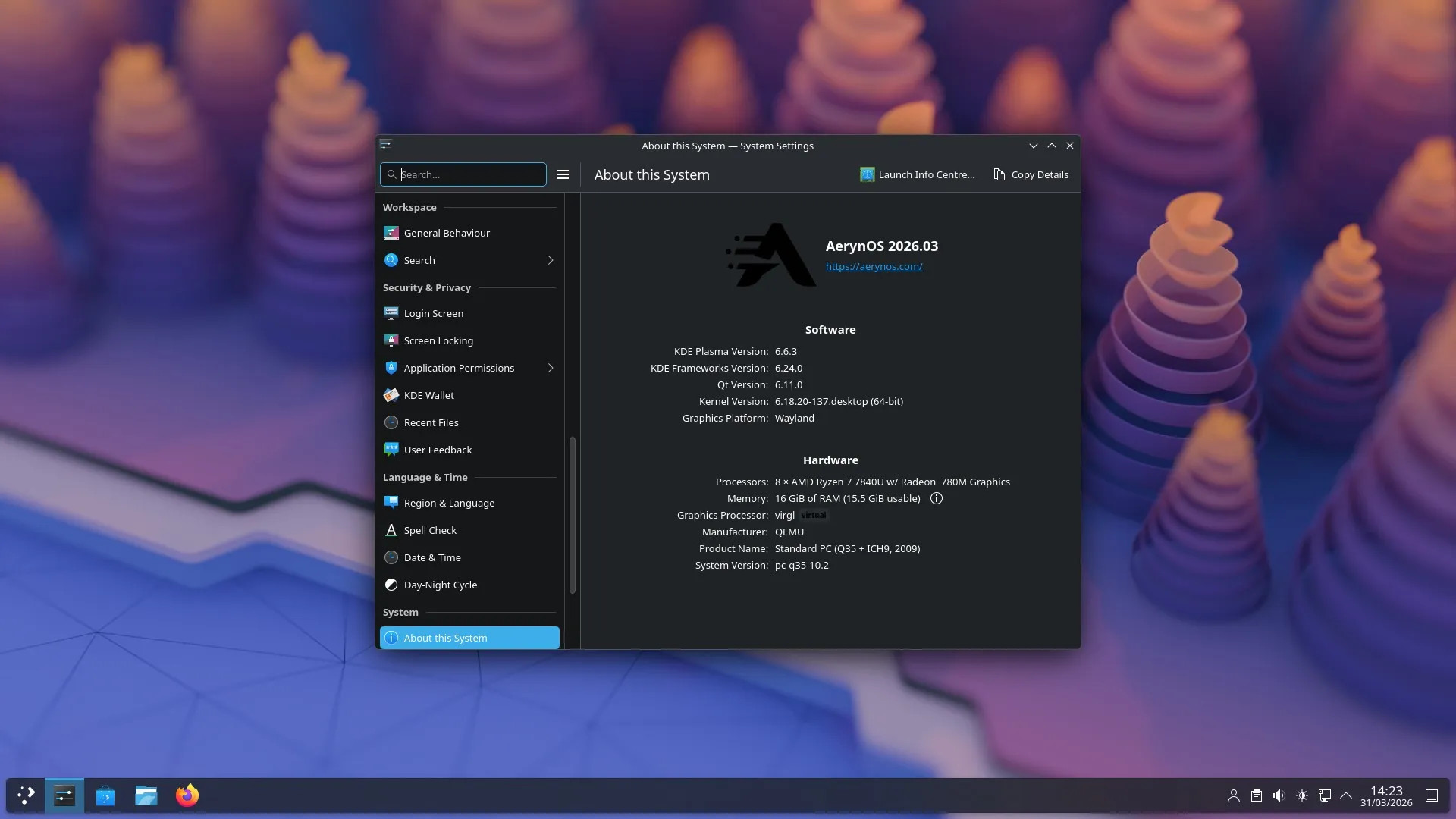
AerynOS, an atomic-update-based still-in-development Linux distro currently in alpha, has published its March 2026 project update alongside a new Alpha ISO, AerynOS 2026.03, which ships with Linux kernel 6.18 LTS.
Although this month seemed quieter on the outside, the team focused on improving tools and infrastructure and getting ready for bigger changes. The distribution now includes updated core components, including GNOME 50, KDE Plasma 6.6.3, LLVM 22.1.1, Wayland 1.25, Qt 6.11, FFmpeg 8.1, and Mesa 26.
According to devs, the project is still under a soft repository freeze. This limits new package recipes but allows some additions that do not require major rebuilds.
For desktop users, GNOME 50 now offers better parental controls, stable variable refresh rate, and fractional scaling turned on by default. It also uses a Wayland-only session. KDE has been updated, too. Plasma 6.6.3 brings more reliable screencasting with PipeWire, uses fewer resources for fullscreen tasks, and improves support for high-resolution scroll devices.
Regarding Wayland compositor environments, the default terminal for Sway has changed from Alacritty to Foot, following the upstream choice.
On top of that, the moss package manager now lets users search by binary provider, so you can find out which package provides a specific executable. It also allows you to remove several system states at once, making it easier to manage systems with many stored states.
For building, Boulder now supports control files that make it easier to handle big stack changes. These files let packagers skip or modify build steps, such as test runs, without editing each recipe. Further plans include upgrading its Python stack and rebuilding the entire repository, which includes about 1,500 recipes.
For more details, see the announcement. The AerynOS 2026.03 Alpha ISO is available on the project’s download page for testing and evaluation, not for production use.
If you want to try the distro, keep in mind that AerynOS doesn’t include a graphical installer. Instead, the ISO works as a GNOME live environment, with installation taking place entirely in the terminal using the in-house Rust-written Lichen installer. However, before using it, you must manually create the appropriate partitions.
Image credits: AerynOS