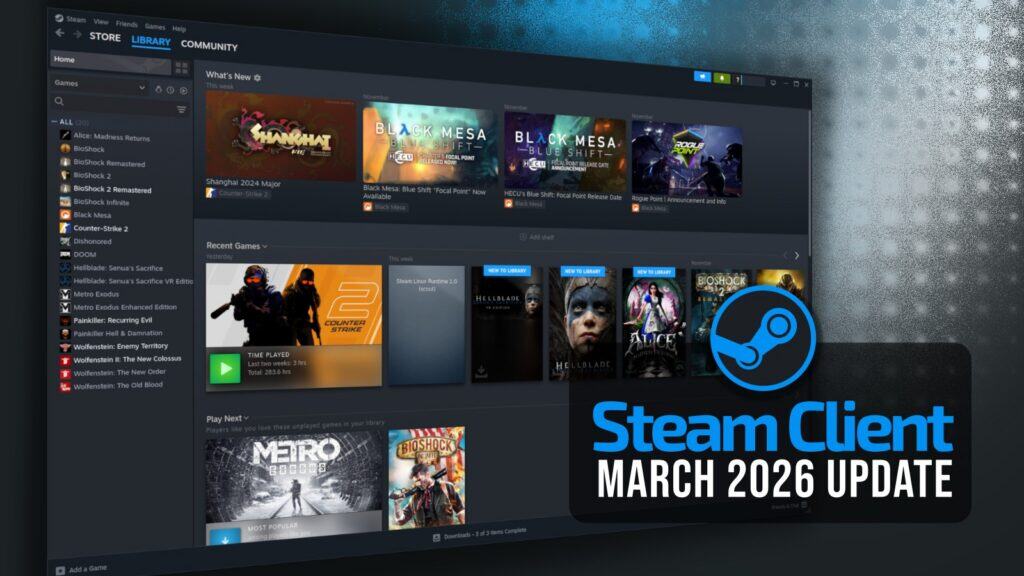
Valve released a new Steam client update on March 9. Notably, users can now attach hardware specifications when writing or editing reviews on a game’s store page. The client can also optionally collect anonymized gameplay framerate data.
When enabled, Steam records framerate information based on hardware type, without linking it to specific accounts. Valve states this data will improve compatibility insights across systems. The feature is currently in beta and initially targets SteamOS devices.
The update adds new achievement notification settings, letting users choose whether a toast notification or a sound plays when an achievement unlocks. Tools in the game list now display a dedicated icon with a tooltip, and first-time users of the “Tools” filter will see a dialog explaining these items in their library.
The update also introduces several library changes. Installed demos that are no longer playable now display “Uninstall” instead of “Play,” and newly added demos and free-to-play titles appear at the top of the recent games list.
Game recording improvements resolve an issue where exporting clips could fail if a game name contained characters invalid in Windows file names, such as question marks. The chat system’s /store command now uses the new store trailer player.
Remote Play has been refined with improved hover behavior when using a tablet stylus, while Steam Families receives layout and navigation improvements across desktop, Steam Deck, and mobile interfaces. Accessibility also sees fixes related to high-contrast mode.
Linux users benefit from fixes related to Proton compatibility. A bug causing Proton games to appear as “Not valid on current platform” in large libraries or when running the client offline has been resolved.
Steam Input receives several updates. New button options, including Left Stick Touch and Right Stick Touch, have been added to the Mode Shift Button menu. The Button Chord Activator list is now a multi-button selector, enabling proper access for controllers with additional grip buttons.
Additional fixes improve gyro behavior when configuring minimum deflection and joystick output, making it easier for players to adjust controller settings to a game’s internal joystick dead zone.
As with previous updates, this release includes various minor fixes and improvements throughout the client. For more information on all changes, see Valve’s announcement.