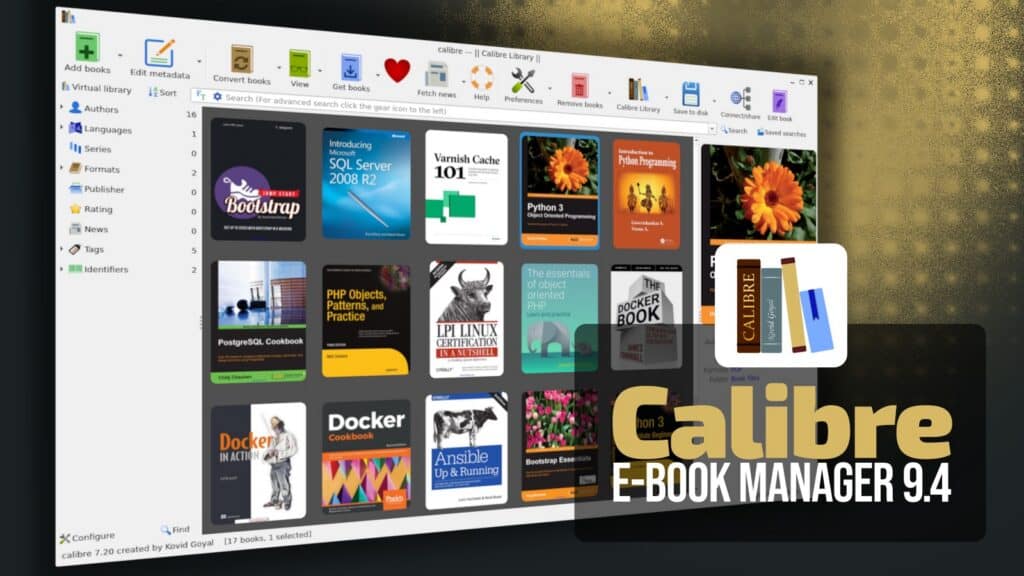
The open-source e-book management tool Calibre has released version 9.4, the fourth maintenance update in the 9.x series. The main new feature is the “reading stats” tool in the built-in e-book viewer, which gives users insights into their reading progress right inside the viewer.
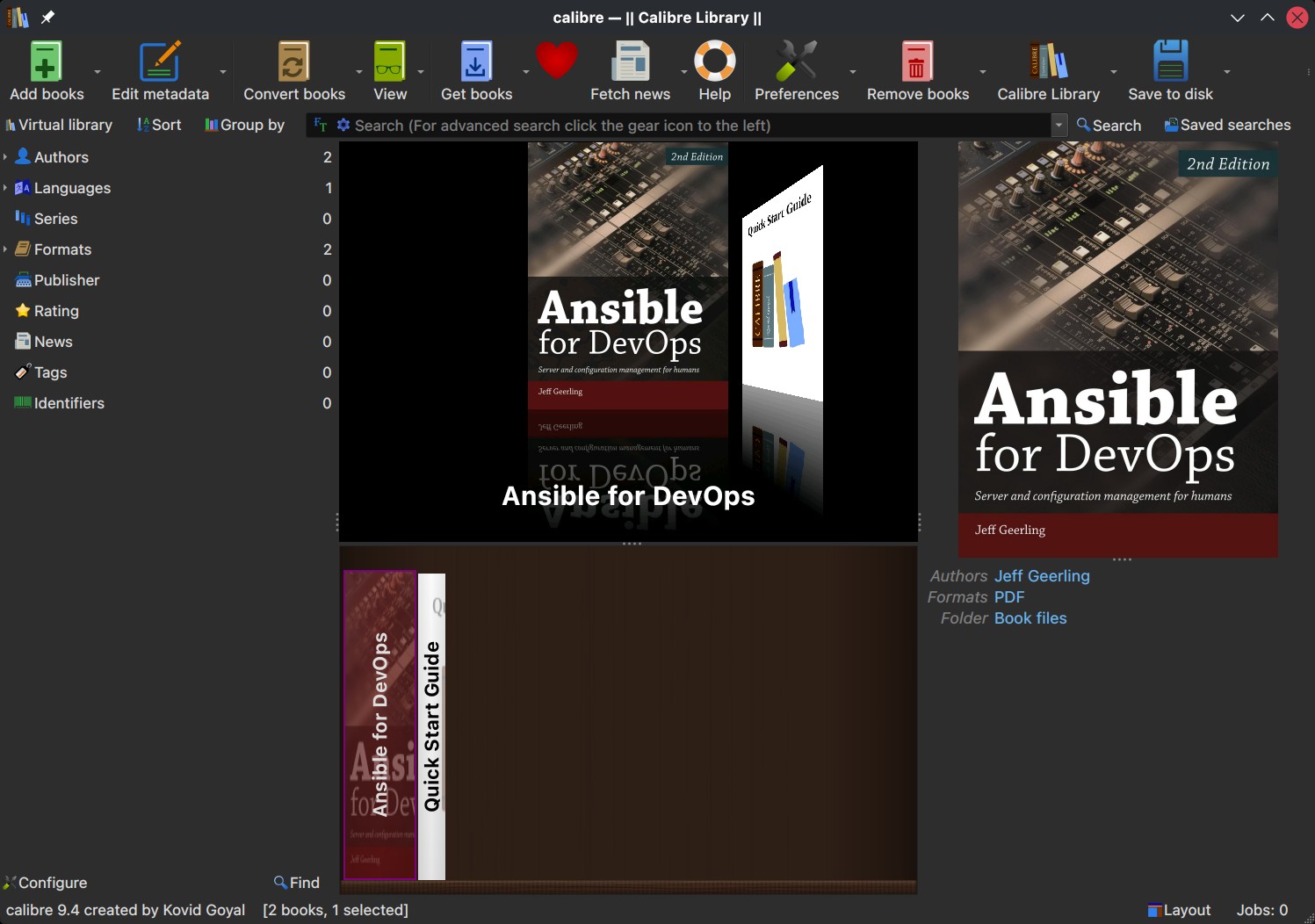
There are also updates to the UI. The Edit Book tool now has a better interface for changing entries in the insert tag menu. In the Cover Grid settings, users can now add emblems on top of book covers by going to Preferences, then Look & Feel, Cover Grid, and Emblems. Another new option lets you show text right at the bottom of the book cover.
Calibre 9.4 also fixes several document-conversion issues. DOCX files made with LibreOffice now have correct paragraph and list margins, even if Word 2007 compatibility mode is off. An issue with ODT files that affected image conversion in the last release has also been fixed.
The content server part of Calibre has new security updates. Now, when IP banning is enabled for repeated login attempts, Calibre uses only the client’s IP address and ignores HTTP headers. Also, content disposition values from query parameters are now cleaned up to reduce security risks.
Finally, this release also updates the built-in news sources, with improvements to the WIRED Daily and TOI Print Edition feeds.
For more details and the full list of new features in Calibre 9.4, see the changelog. The update is already available for Windows, macOS, and Linux.