
Omarchy, a preconfigured Arch Linux setup packaged as a distro that ships with a Hyprland tiling window manager and a curated set of defaults and developer tools, has announced the release of version 3.4. Here are the highlights.
Tmux is now installed by default and accessible via a simple t alias in any terminal. New helper commands such as tdl, tdlm, and tsl introduce predefined layouts for agent-assisted and multi-pane development. Claude Code (an AI-powered agentic coding tool) is included by default, with a cx alias to launch it in accept-all mode.
Regarding power management, hibernation is enabled by default on new installations and can be disabled through system sleep settings if unsupported by specific hardware. Automatic power profile switching now adjusts system behavior when plugging in or unplugging a power source, and suspend is restored to the system menu, with opt-out controls, on systems where it fails.
Gaming support expands with a built-in installer for NVIDIA GeForce NOW, accessible through the Install menu. Window rules are provided for smoother integration. Several Steam and video PWA opacity issues have been resolved.
The desktop experience receives multiple updates. The screenshot workflow has been redesigned: pressing Print Screen now immediately saves the image to both the file and the clipboard, with an optional edit action via a notification. A visual background picker replaces sequential wallpaper cycling. Waybar gains idle-lock and notification-silencing indicators, improved glyph spacing, and a headset icon for audio status.
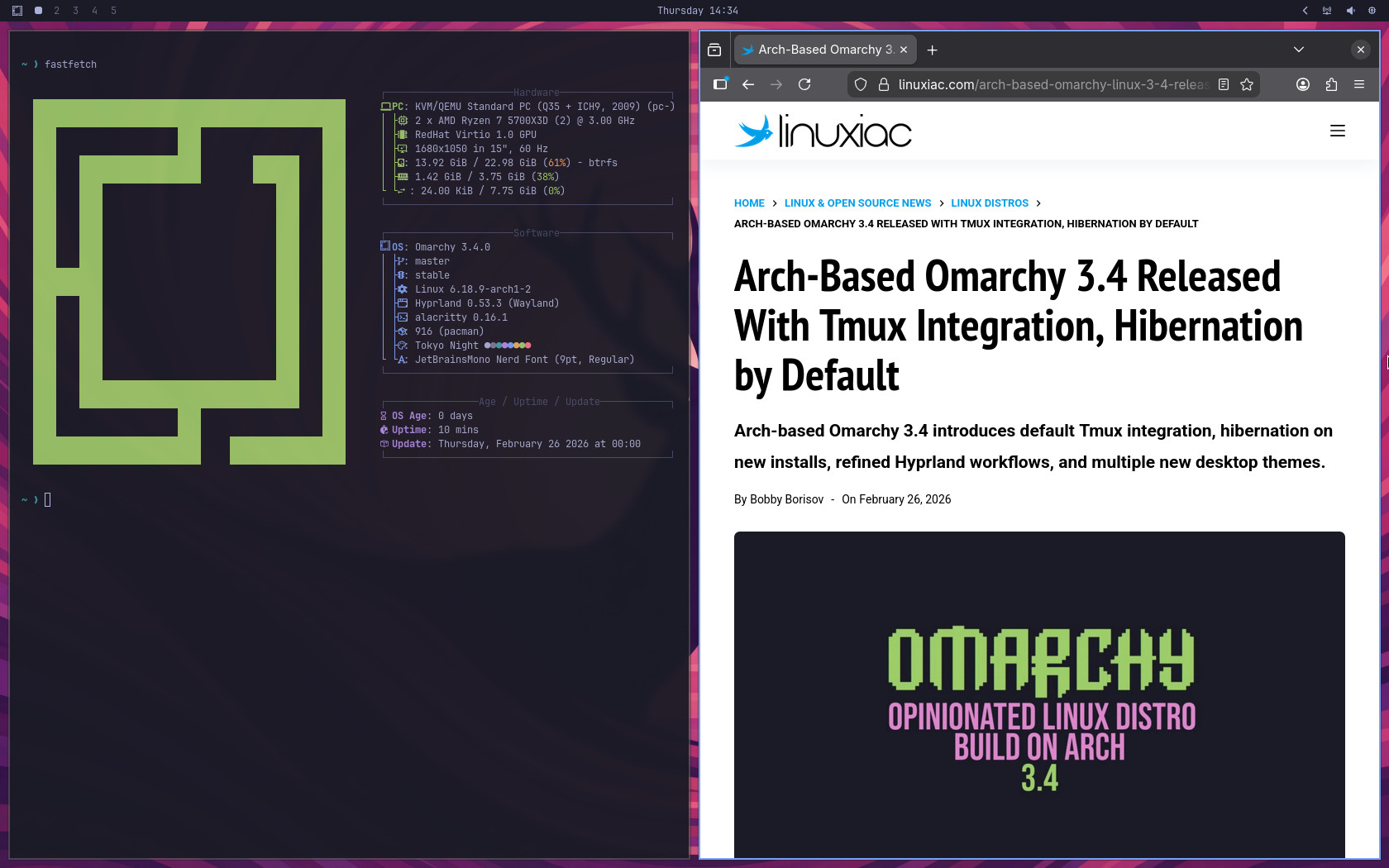
On the aesthetic side, theme support expands with the addition of Miasma, Vantablack, and White themes, along with a refreshed Tokyo Night default wallpaper. Plus, users can now override built-in themes with custom themes of the same name by selectively replacing files.
Apart from that, a new “Remove Preinstalls” option lets users uninstall all bundled web and desktop applications in a single action. An audio soft mixer toggle has been added for hardware that requires it. Logout is now in the system menu alongside a styled SDDM login experience, and drive selection now displays partition and vendor information.
Development and command-line enhancements include SSH port-forwarding helpers (fip, dip, lip), fuzzy finder integration via the eff command, tab-cycle completion for Bash expansions, Scala as an optional install component, and Docker configured for on-demand socket activation to reduce idle memory usage.
Finally, the release includes an extensive list of bug fixes. These address kernel module detection after upgrades, AUR update ordering and sudo session timeouts, fingerprint authentication in hyprlock, Windows VM clipboard and boot detection issues, Bluetooth device naming, emoji rendering in Alacritty, Wayland color manager flags in Chromium, GPU UUID detection, and many more.
For more information, see the changelog.
Omarchy 3.4 is available as both an ISO image for new installations and an in-place upgrade via the built-in update mechanism. Users upgrading from versions earlier than 3.3 may encounter temporary Hyprland configuration errors during the migration, particularly if custom window or layer rules were added using the previous syntax.


My enchantment with HYPRLAND was short lived. Not so interested in editing configuration files. I wonder if I’m the only one?