Kdenlive 25.12.1 has been released as part of the wider KDE Gear 25.12 application bundle as the first maintenance update in the 25.12 series for this open-source video editor.
The new version introduces a welcome screen that received several fixes to prevent crashes, incorrect project loading, and cases where the main window failed to appear after a previous crash.
The update also resolves issues where Kdenlive could load in the background unnecessarily, leading to a busy cursor or a greyed-out interface, particularly on Wayland systems. Plus, project layouts opened from the welcome screen are now restored correctly.
Editing stability has been improved, too, with the release fixing crashes related to copy-and-paste operations, audio monitor toggling, and starting older Kdenlive versions. Keyframe handling has also been refined, resolving problems where keyframe types were reset or could not be changed across multiple keyframes.
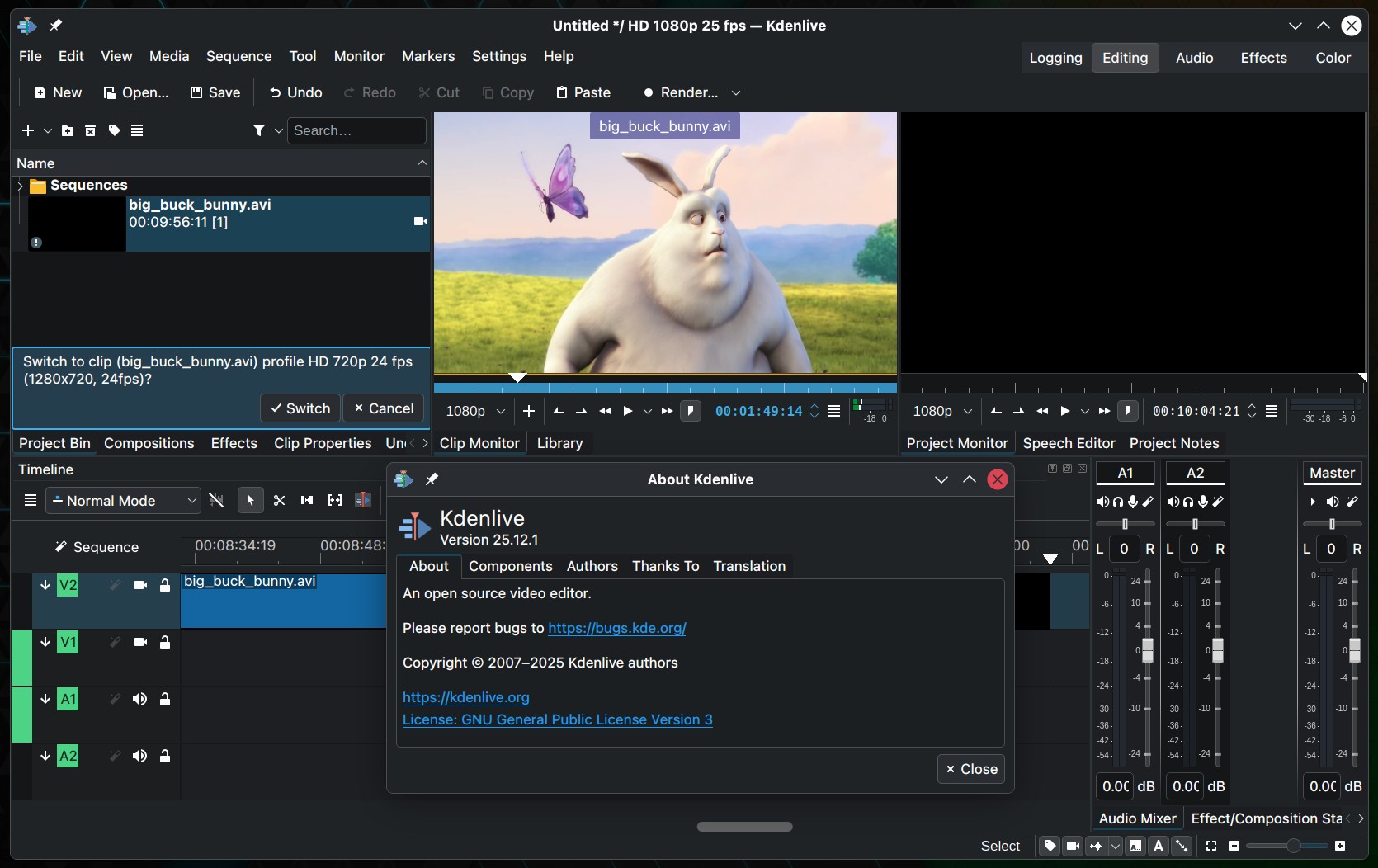
Additional fixes address opacity loss when editing transforms directly in the monitor and ensure ranged marker duration information is preserved when markers are moved.
Apart from that, several cleanups improve compatibility with microphone channel counts and sample rates, while the audio level meter now uses Qt’s native methods for more reliable readings. Crashes related to audio monitoring have been resolved, and misleading warnings about hidden monitors are no longer shown.
Further fixes improve general workflow consistency, including correct restoration of horizontal editing layouts, faster project opening when launched via file managers, proper handling of interpolation changes in the monitor, and safer handling of custom effects to prevent naming conflicts. On macOS, storage checks were adjusted to avoid incorrect read-only detection.
Finally, on the platform side, Kdenlive 25.12.1 adds an AMF encoding profile for Windows users.
For more information, refer to the release announcement. Source code and pre-built packages are available from the official Kdenlive site.