
Agama, the next-generation Linux installer from SUSE’s YaST team, released version 19, which developers describe as a “new beginning” for the project.
Agama 19 features a redesigned architecture with a clean, consistent API layer. Earlier versions had limitations that hindered the development of a stable programming interface. The new design removes these barriers, enabling external tools and integrations to interact directly with the installer, independent of its UI or CLI.
Despite the internal changes, backward compatibility has been preserved. Existing JSON and Jsonnet configuration profiles continue to work unchanged, ensuring that automated and unattended installation workflows remain intact.
The improved API supports a redesigned web interface. The updated UI offers more structured navigation, an enhanced overview page, and a clearer confirmation process. The network configuration section now responds dynamically to hardware changes and allows multiple Ethernet configurations for complex deployments.
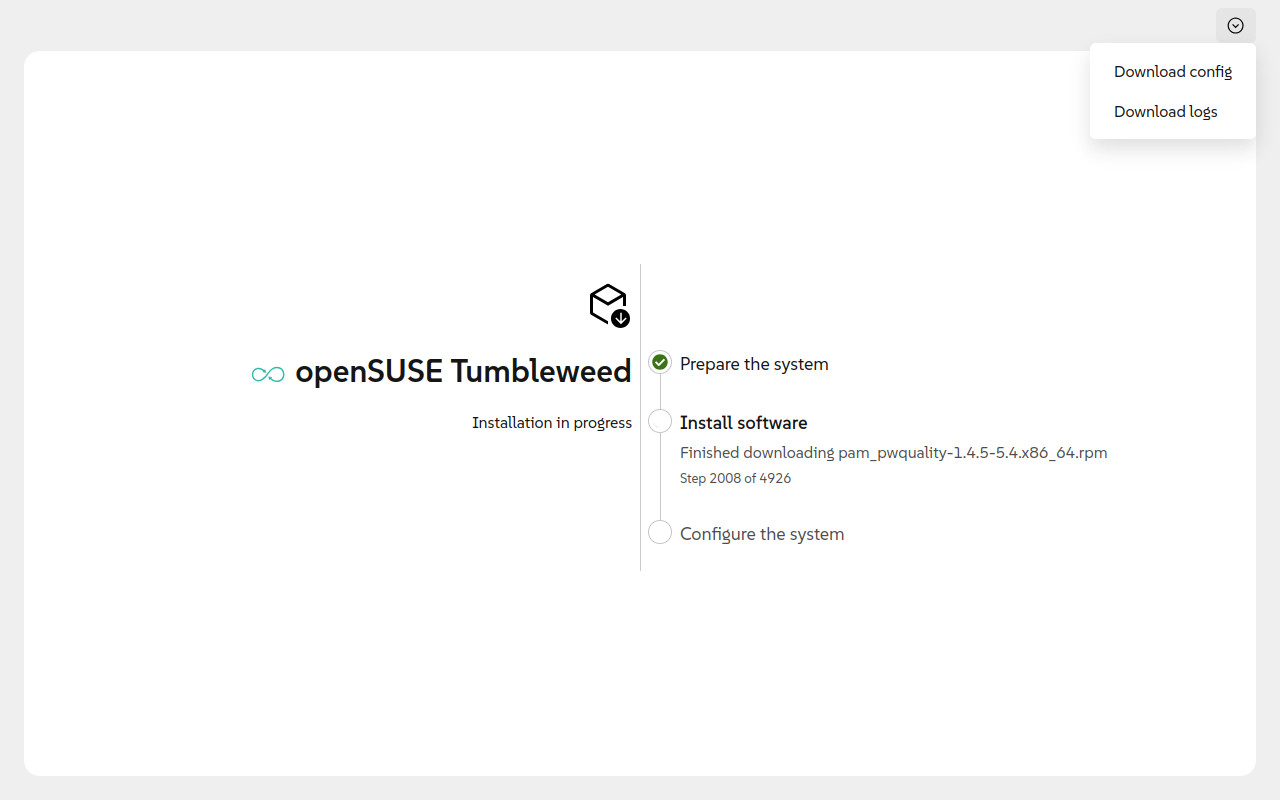
Agama 19 also replaces some legacy components from YaST. While YaST still manages parts of the installer, modules for user and software management now use simpler, purpose-built implementations.
On top of that, Agama 19 introduces new functionality, including support for installation modes. When installing experimental builds of SUSE Linux Enterprise Server 16.1 or its SAP variant, users can select either a standard or an immutable setup.
Advanced configuration options have been expanded, too. The installer now supports deployment into existing LVM volume groups, including resizing or reusing logical volumes and adding new physical storage. Additional features include more control over bootloader behavior, such as disabling NVRAM updates, and expanded SSH key configuration for both root and regular users.
Finally, the live installation media have been updated with a refined boot menu, improved serial console support, unified kernel and initramfs handling across architectures, and a new boot parameter to launch an interactive network configuration tool before installation.
For more details, see the announcement. Those curious about trying the new openSUSE installer can download ISO files here.
Keep in mind that since version 19 establishes a new foundation for Agama, it is not yet a finished product. Due to the scale of the changes, some issues may arise. In light of this, developers encourage testing and feedback.