
After being promoted to stable status with its 5.0 release a week ago, Noctalia, a desktop shell for Wayland environments that provides many of the components expected in a modern desktop workflow, has now rolled out version 5.1.
This update introduces a screenshot region editor that lets users annotate captured areas directly with a brush, shapes, text, blur, and other tools. The annotation toolbar can be moved around the screen, includes size presets, and has a dedicated screenshot settings section.
The overall capture workflow has been refined as well. Users can close the screenshot interface after copying an image, immediately start another region capture, and use more consistent pointer controls.
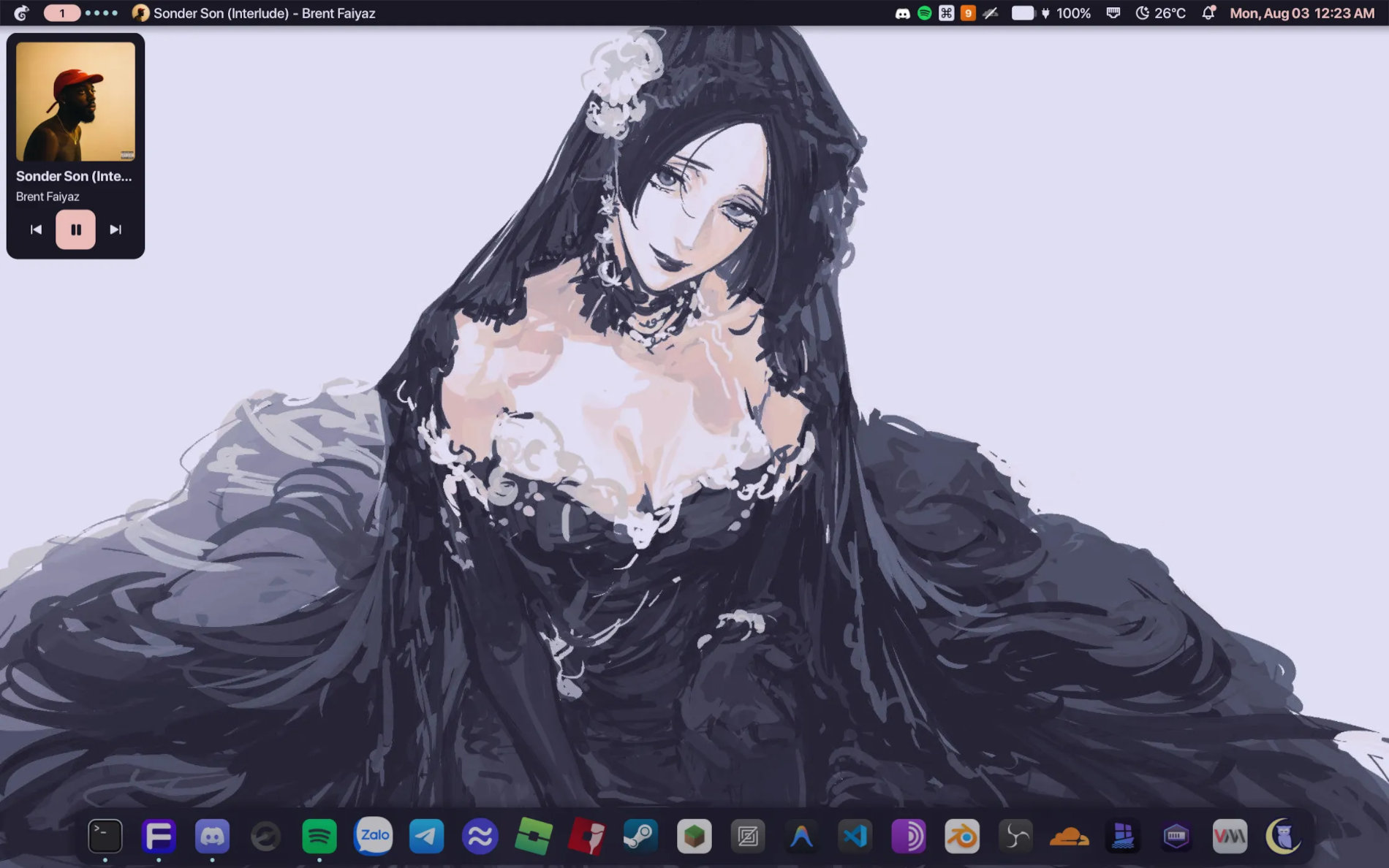
On the networking side, Noctalia 5.1 adds cellular connectivity through ModemManager, including a mobile data toggle and signal-strength display. WPA2/WPA3 Enterprise Wi-Fi, or 802.1X, can now be configured from Control Center using a dedicated credentials form.
Control Center gains a manual rescan option for monitors connected through DDC/DisplayPort using ddcutil. Notification handling also receives a new setting that allows dismissed notification pop-ups to be removed from history instead of being retained.
Moreover, the launcher can match emoji searches against keyword aliases, while the settings interface gains collapsible group cards with jump rows for easier navigation. The greeter also receives constrained passwordless appearance synchronization.
Regarding bug fixes, one visible fix addresses a problem where the lock screen could remain stuck on “Authenticating” during PAM-based unlocking. Hyprland users should see more reliable workspace behavior thanks to the workspace widget using stable workspace identities.
Fractional scaling receives attention, with segmented controls scaling correctly at non-integer UI scale factors. Power settings improve handling of MacBook charge-limit quirks, and the external IP widget no longer breaks when the bar is reloaded.
Finally, CLI startup should be quicker because Noctalia delays scanning the icon theme until the relevant Control Center tabs need it. Additionally, fixes have landed for Ghostty template reloading and several issues in the Umbriel template, including parsing and missing color keys.
For additional details, see the changelog.
Image credits: Noctalia


Fantastic shell. It does everything I could ever dream of. My only wish now is for them to not break it 😛