Myrlyn, the Qt-based graphical package manager for openSUSE using the same libzypp backend as Zypper, has released version 1.1. Following January’s 1.0 release, which focused on transaction history and search improvements, this update targets repository management and usability.
The most notable addition is the ability to protect all installed packages associated with a specific repository using new “Protect All” and “Un-Protect All” buttons in the Repositories view.
This is useful when working with third-party repositories such as Packman, VideoLAN, or NVIDIA, which may occasionally have dependency inconsistencies. By temporarily protecting their packages, users can exclude them from updates or distribution upgrades, reducing dependency conflicts.
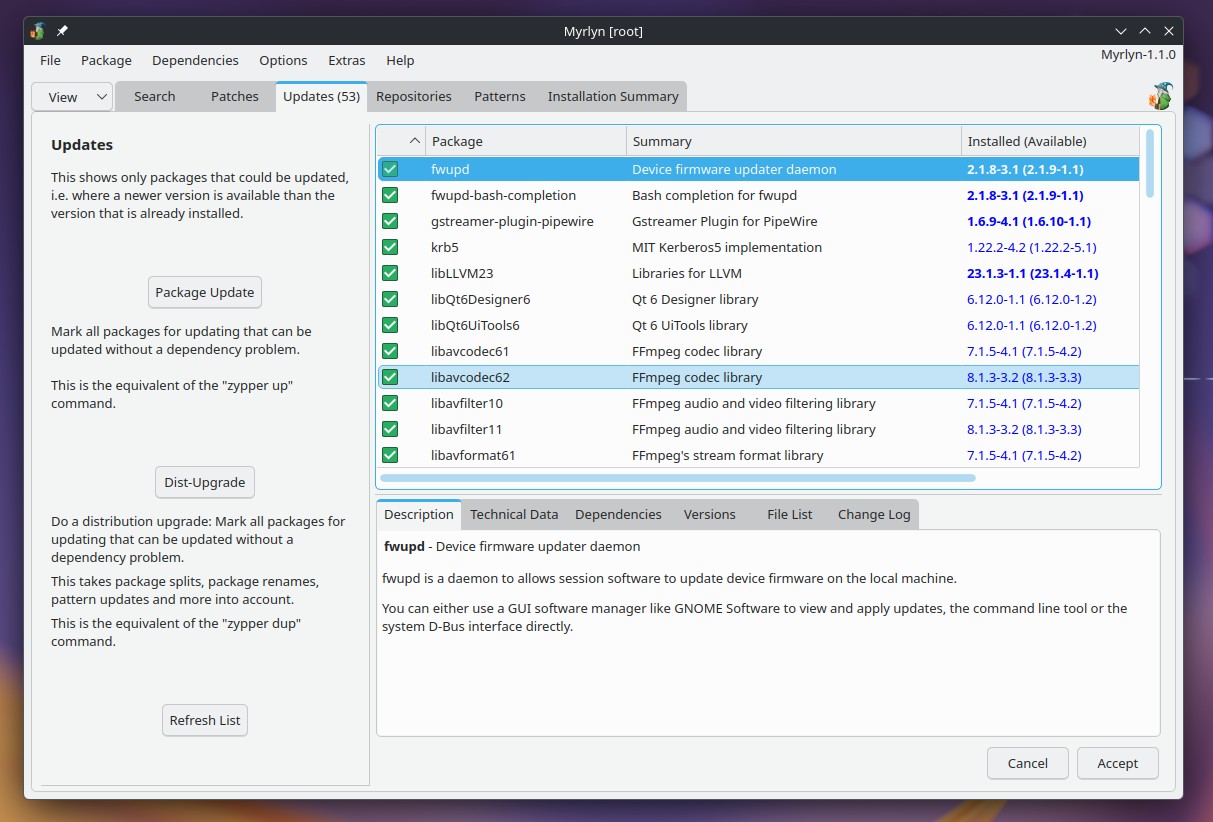
Another improvement concerns reboot notifications. Myrlyn now displays a reminder on its summary page whenever the system indicates that a restart is required through the /run/reboot-needed file.
The notification appears even if no packages were modified during the current Myrlyn session. Users will also be reminded about pending reboots from earlier updates via Zypper or previous Myrlyn sessions. The reminder stays visible on subsequent launches until the system restarts.
Users who prefer not to see these notifications can disable them through the checkRebootNeeded setting in /root/.config/openSUSE/Myrlyn.conf.
Moreover, the Repositories view gains two filters for displaying installed and non-installed packages separately. The existing “Installation Summary” filter has been renamed “Status.”
Package version information has been improved as well. The Versions details panel now uses a structured table instead of plain text, with newer available versions highlighted in blue.
On top of that, the new layout simplifies comparisons between package versions and vendors, especially when checking if installed packages come from the intended repository.
On the visual side, Myrlyn 1.1 introduces a new SVG logo that scales cleanly across different display sizes. Dark-theme support has also been improved through dedicated icons, while the Patterns view now displays larger icons.
For more information, see the changelog.