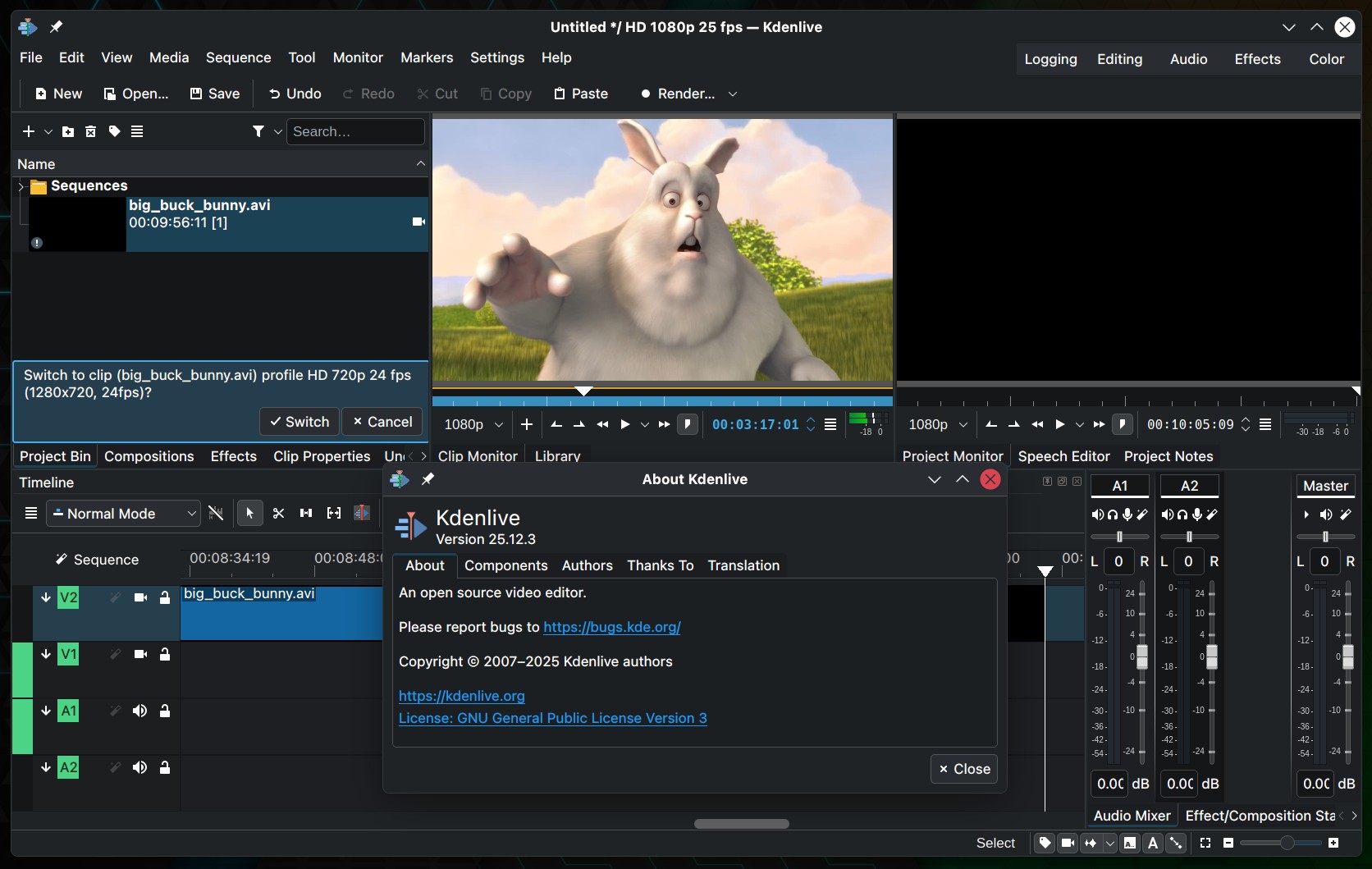
The Kdenlive team has released version 25.12.3 of its open-source non-linear video editor, delivering the final maintenance update in the 25.12 series.
Several usability improvements are included. Dock widgets now behave more predictably when hidden, so freed interface space is reused correctly. Fullscreen shortcut handling is improved, especially for combinations with the Shift modifier.
In addition, marker-related menu entries have been reorganized for clearer grouping, and a new option allows users to disable timeline effects directly from the timeline hamburger menu.
The update also addresses issues affecting editing workflows. Ripple editing behavior is improved, with fixes for playhead movement and clip resizing when ripple mode is enabled. Handling of clips with multiple video streams has been corrected, resolving issues during import and timeline insertion.
Regarding stability, the release resolves a crash in the curve editor and fixes a small memory leak in the render widget. Several timeline-related issues have also been corrected, including incorrect audio track counts when timeline preview is enabled and problems with preview invalidation after clip changes.
Additional fixes target audio handling and monitoring. The update ensures audio frames do not remain queued when switching clips in the clip monitor and resolves issues with audio scrubbing when “Pause on Seek” is disabled. The Whisper plugin installation has also been fixed for Python 3.14 environments.
Other improvements include fixes for dragging audio clips from the clip monitor, resolving shortcut conflicts with the extract action, improvements to rotoscoping interactions, and adjustments to track audio level processing order.
To learn more, check the release announcement. You can get the source code and pre-built packages from the official Kdenlive website.
The macOS builds of Kdenlive 25.12.3 will be released later due to packaging issues encountered during the build process.