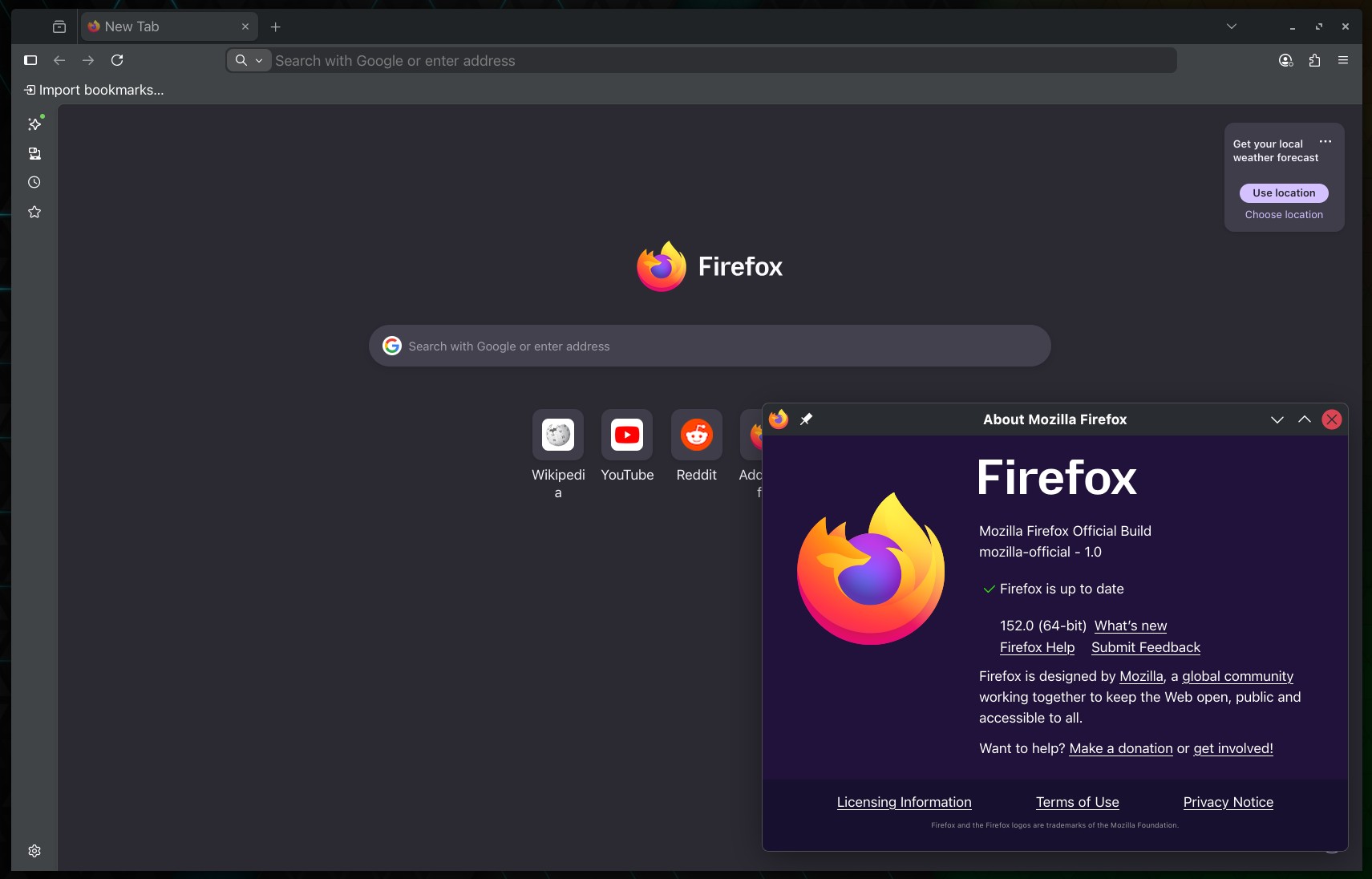
Mozilla has released Firefox 152, the latest update to its popular open-source web browser, with updated settings, improved media controls, experimental JPEG XL support, and various platform-specific fixes for desktop and Android.
A key update is the redesigned Settings page, which now features clearer groupings, improved navigation, and a more streamlined structure for easier customization. The release also expands built-in spellchecker support, adding dictionaries for Croatian, English (UK), Georgian, Persian, Slovenian, Tajik, Tamil, Tibetan, Turkish, Welsh, and Xhosa.
Media handling has improved too, which now provides video controls: play, pause, fullscreen, mute, and loop, in the right-click menu. These controls are available even on sites like Instagram and TikTok, where custom players previously blocked browser-level options.
Additionally, a new quick action allows users to mute all tabs playing audio across all Firefox windows by typing “mute,” “shush,” or “sssh” directly in the address bar.
On Linux and Windows, Firefox 152 includes a tab context menu option to copy links. Users can right-click a tab and select Share > Copy Link without switching tabs. When multiple tabs are selected, all links can be copied at once. Windows users retain access to Microsoft’s sharing options in the same menu.
A new “Send tab” toolbar button is now available via More Tools > Customize Toolbar. The Tabs from Other Devices sidebar panel also includes context menu options to open synced tabs in a new tab or a new container tab.
Moreover, Private Browsing now offers improved compatibility. If a site breaks due to tracker blocking, Firefox displays an infobar after reload. Selecting Reload in the infobar disables tracker blocking for that tab and site only, while other protections remain active.
Importantly, Firefox now offers experimental support for JPEG XL, an image format with improved compression over WebP, JPEG, PNG, and GIF. Users can enable JPEG XL in the Firefox Labs panel within Settings. Plus, zooming now supports more increments, including smaller steps, allowing users to fine-tune page scaling via keyboard or mouse.
PDF handling is improved as well: when a PDF or similar file finishes downloading, Firefox opens it in a background tab if the user has switched tabs or closed the original page. On Android, sharing a remote PDF now sends the file itself, though the URL remains available from the address bar.
Firefox 152 addresses several desktop issues. Mozilla resolved a problem where the Paste option was missing from context menus on sites like Squarespace, LinkedIn, and eBay. Additionally, the About Firefox window now reliably opens on the display with the most recently used Firefox window in multi-monitor setups.
On macOS, this release enhances support for advanced cursor movement commands, including paragraph-boundary navigation. It also fixes text-editing commands with arrow keys in right-to-left languages, improves image saving reliability when dragging images to the desktop or Finder, and ensures images are placed where dropped.
Linux users receive a GTK-specific fix for word-based selection in right-to-left text fields. On Android, Firefox 152 improves pinch-zoom performance on web pages, particularly on lower-spec devices.
Firefox 152 also adds support for action buttons in Web Notifications via the actions option. These buttons can appear below notification text or within an options list on macOS.
Those eager to download this update immediately can do so directly from Mozilla’s servers.
Windows and macOS users will get an over-the-air update in the next few days. Linux users should see Firefox 152 in their distro repositories soon, too.